What to Do When Mac Mouse Disappears: How to Find & Fix
By Leanne Hays
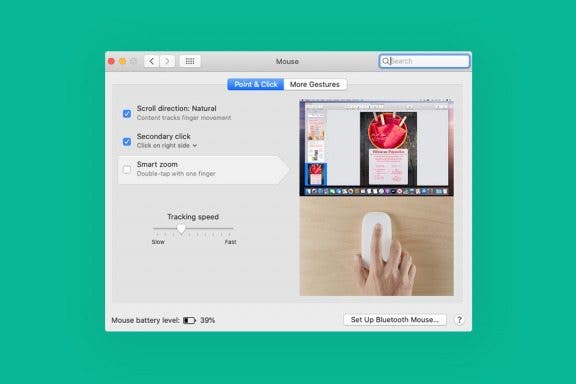
My mouse disappeared! If your Mac has a disappearing cursor, we have the fix. Here are 12 ways to get your mouse pointer back.
By Leanne Hays
My mouse disappeared! If your Mac has a disappearing cursor, we have the fix. Here are 12 ways to get your mouse pointer back.
By Leanne Hays
If you plan on making the same kind of edits to several photos or videos, you can copy the adjustments you’ve made and paste them onto other images. Here's how to copy and paste edits on a Mac.
By Rachel Needell
Although Apple device owners have been able to access their stored iCloud data via the iCloud website for years, previous iterations have been bare-bones. Apple recently redesigned the iCloud website, and the result is a simple and engaging design, complete with a host of personalization options. Now you can choose app widgets to display and organize the layout. Let's check it out!
By Leanne Hays
By Rachel Needell
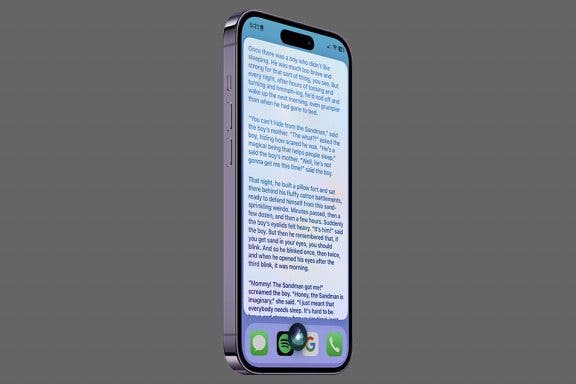
With the popularity of AI chat interfaces like ChatGPT, you may have forgotten that Siri has the ability to do some storytelling of her own! There are a few things you can ask Siri that will prompt some entertaining responses, but asking her to tell you a story is probably my favorite. Here's how it works!
By Rachel Needell
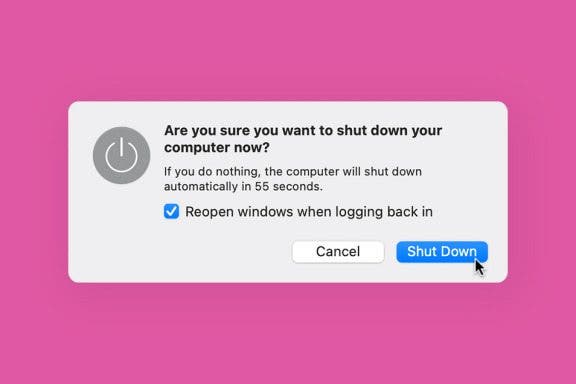
Like modern Shakespeare: to sleep or not to sleep? That is the question. Well, we've finally got an answer for this age-old dilemma about whether it is better to shut down your Mac or put it to sleep before bed every night. And the answer might surprise you. We'll talk about how to shut down your Mac, what shutting down your Mac does, and how often you should shut it down.
By Emma Chase
Why would you want to delete messages on iPhone? If you’ve ever gone back through your messages and cringed about a meme you sent or wondered how to keep the details of a surprise party an actual surprise a nosy recipient, you’ll understand. We’ve laid out the step-by-step instructions for how to delete texts on iPhone.
By Leanne Hays
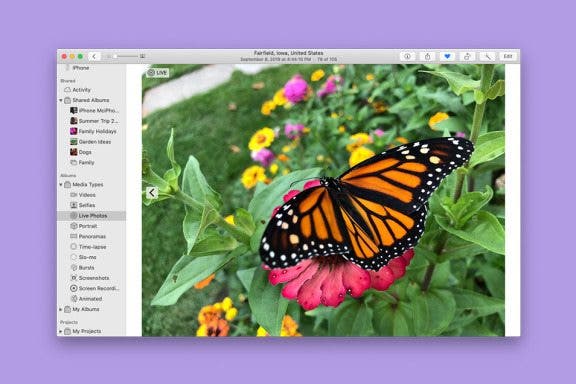
This Mac Photos app tip will allow you to make a duplicate of a photo or video so you can work on the copy and leave the original untouched. Here’s how to make a copy of a picture or video on a Mac.
By Rachel Needell
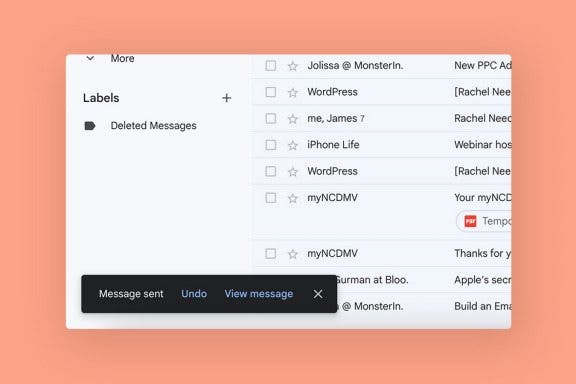
We've all made the mistake of sending an email too quickly and forgetting the attachment, or leaving in embarrassing typos. Luckily, if you use Gmail, you have the ability to unsend an email for up to thirty seconds after you sent it! We'll walk through how to unsend emails in Gmail, whether you're using the app or the web version.
By Devala Rees
It's scary when your Mac won't turn on, but the underlying solution is often very simple. Hidden charging issues, accessory malfunctions, and faulty screens are common (and often overlooked) culprits. Below, we'll walk through how to test or fix these common solutions to see if you can resolve the issue on your own.
By Leanne Hays
Regardless of which photo editing techniques you use on your Mac, zooming in and out of a picture allows you to get a closer look at areas you may want to retouch or adjust. Here's how to zoom in and out of a picture in the Photos app on your Mac.
By Devala Rees
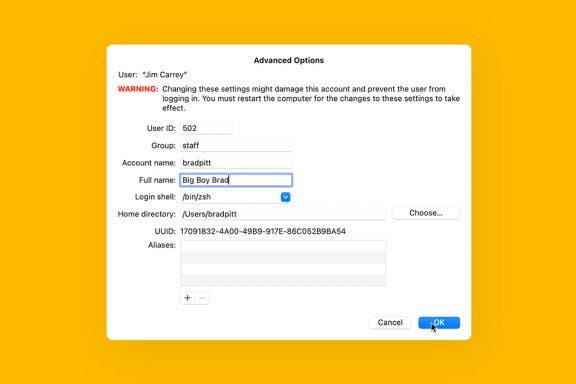
While you can have multiple users and logins on a Mac, there may come a time when you need to know how to change Mac usernames. However, doing so incorrectly can lead to potential damage to your account that will prevent you from logging in. Below, we'll cover how to change the local account administrator name safely and without any trouble.
By Devala Rees
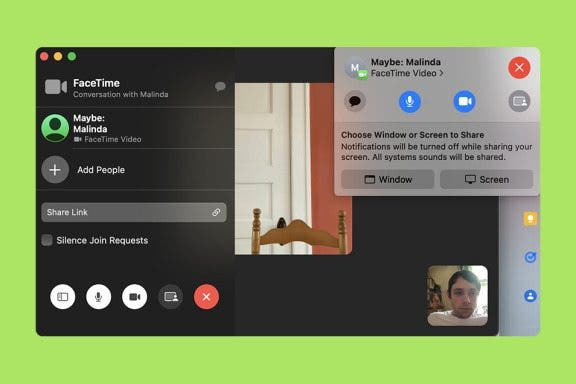
Learning how to screen share on a Mac FaceTime call is useful in all kinds of situations, whether you want to walk someone through how to interpret a spreadsheet or just informally show a family member some fun digital art. Let's cover how to share your screen on a FaceTime call on your Mac.
By Devala Rees
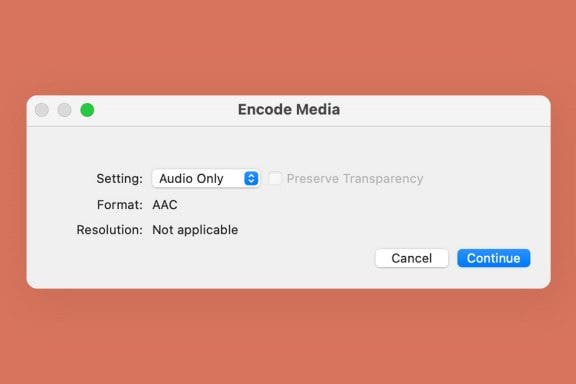
If you want to extract the soundtrack from a video file, there are several ways to do this. My favorite method is to use my Mac, and the process is as simple as resaving the video file as an audio-only file type. Pretty easy! If you want to use your iPhone, we recommend downloading a third-party app. Below, we'll cover how to convert videos to audio-only files on your iPhone and Mac.
By Devala Rees
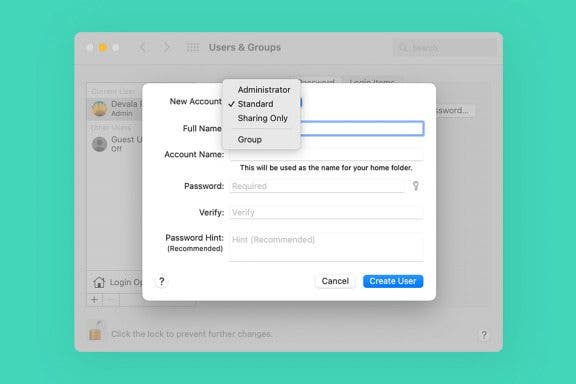
Adding a new user account to your Mac is a surprisingly simple process! You can easily create a new user account in System Preferences and set the permissions you would like to give the new user. Let's cover how to create a new user account on your Mac.
By Amy Spitzfaden Both
If you're looking for how to disconnect your iPhone from your Macbook or Mac, there are several options for how to proceed. We'll go over how to truly unlink your iPhone from your Macbook, as well as some middle ground options, in case there are just certain features you would like on only one device.
By Olena Kagui
The Messages app is great for sending text messages, voice messages, and, of course, photos and videos! When someone sends you photos, you can easily download them. Fortunately, the sender does not get a notification when or if you choose to download the photos they shared.
By Leanne Hays
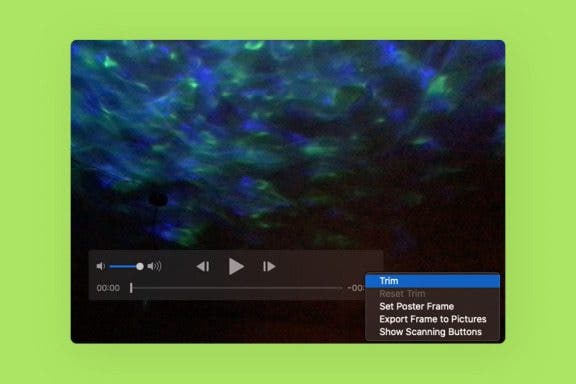
I take tons of videos of my kids and pets, but I edit my videos down to the highlights for friends and family. If you’d like to know how to shorten videos on your Mac, here’s how. We'll also go over how to reverse the changes and go back to the original video.
By Rachel Needell
I can’t be the only one who has accidentally purchased an app from the App Store, purchased the wrong app, or spent money unnecessarily on apps. Don’t panic! It happens to everyone, and if you follow a few simple steps you can receive a refund on an App Store purchase. We’ll walk you through how to do this on your Apple devices.
By Devala Rees
The Chrome ad blocker settings default to blocking ads on sites that Google Chrome's algorithms determine show "intrusive or misleading" ads. But you may disagree with the algorithm's determination, or wish to change the ad blocker Chrome settings for other reasons. We'll cover how to turn off the ad blocker on Google Chrome!
NULL