Home
chevron-right icon
How-To
chevron-right icon
All Articles
how-to icon
How-To
Become an Apple device expert
Daily one-minute tips sent straight to your inbox.
Subscribe For Free
All Articles
Apps
5 Handy Apple Maps Tips for Easy Travel
Amy Spitzfaden Both
•
May 27, 2021
Photo & Video
How to Look Good on Zoom & Video Calls
Olena Kagui
•
May 27, 2021
How-To
How to Cancel Apple Fitness Plus
Olena Kagui
•
May 27, 2021
Apps
How to View All the App Store Purchases You've Ever Made
Hallei Halter
•
May 27, 2021
Apps
Podcast App Basics: How to Unsubscribe from a Podcast
Olena Kagui
•
May 27, 2021
Privacy & Security
Change the Email Associated with Sign in with Apple
August Garry
•
May 27, 2021
How-To
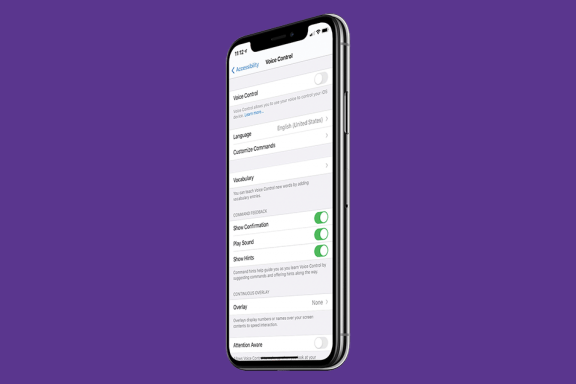
How to Turn Off Voice Control on Any iPhone
Leanne Hays
•
May 27, 2021
How-To
How to Turn Off Your iPhone without Using Buttons
Conner Carey
•
May 27, 2021
Headphones
How to Rename Your AirPods on Your iPhone
Hallei Halter
•
May 27, 2021
Privacy & Security
What is Voice Dial + How to Turn It Off on iPhone
Conner Carey
•
May 27, 2021
Advertisement
How-To
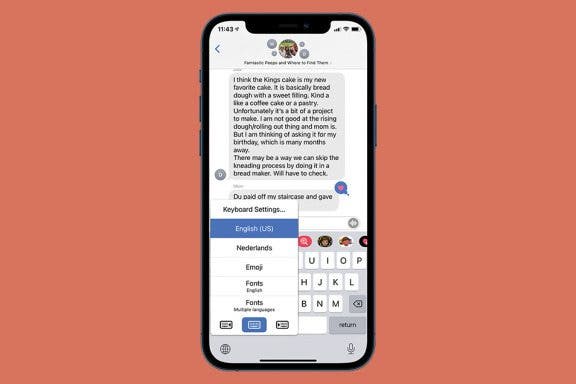
How to Find & Use the Emoji Keyboard on an iPhone & iPad
Leanne Hays
•
May 27, 2021
Apps
5 Customized iOS 12 Shortcuts to Try at Home
Jim Meeker
•
May 27, 2021
Apps
Express Your Selfie: Your Guide to Selfie Basics
Tamlin Day
•
May 27, 2021
Smart Home
How to Set Up and Use Your Smart Home with HomeKit Devices
Jim Karpen
•
May 27, 2021
Apps
How to Automate a Smart Home Accessory Schedule from iPhone
Hallei Halter
•
May 27, 2021
Apps
What Does It Mean When Safari Labels a Website “Not Secure?”
August Garry
•
May 27, 2021
How-To
How to Fix an Apple ID Disabled Error Message
Erin MacPherson
•
May 27, 2021
Apps
How to Use Picture in Picture with the Podcasts App
August Garry
•
May 27, 2021
Apps
How to Share a Guide from the Apple Maps App on Your iPhone
Leanne Hays
•
May 27, 2021
How-To
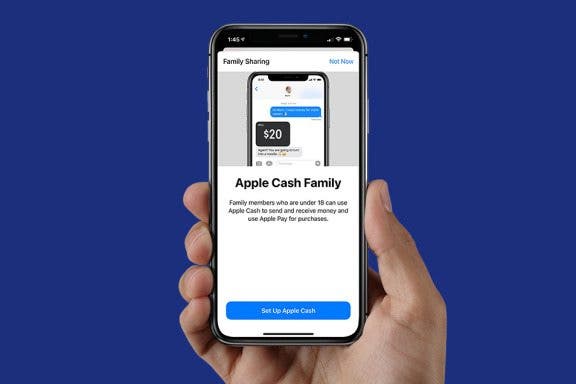
How to Set Up Apple Family Sharing
Becca Ludlum
•
May 27, 2021
arrow-left icon
1
164
arrow-right icon