how-to icon

How-To

Decorative Circle Decorative Circle
Become an Apple device expert
Daily one-minute tips sent straight to your inbox.

All Articles
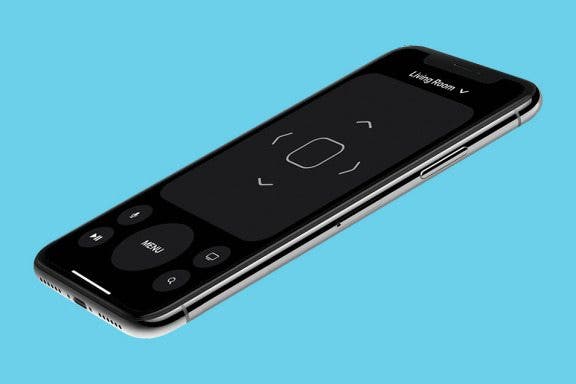
  • Image for article: How to Get Directional Buttons for the iPhone Apple TV Remote App
    Apple TV

    How to Get Directional Buttons for the iPhone Apple TV Remote App

    Tamlin Day
    • May 27, 2021
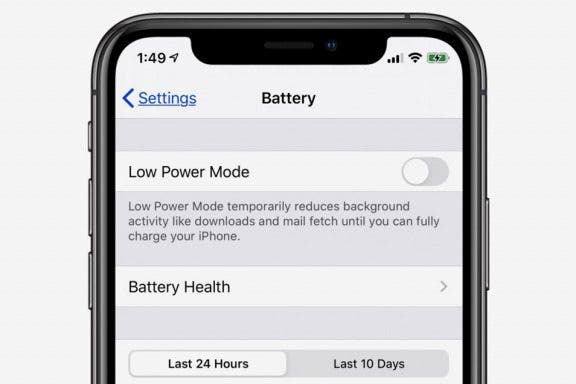
  • Image for article: iPhone Battery Yellow? How to Turn Low Power Mode Off & On
    How-To

    iPhone Battery Yellow? How to Turn Low Power Mode Off & On

    Leanne Hays
    • May 27, 2021
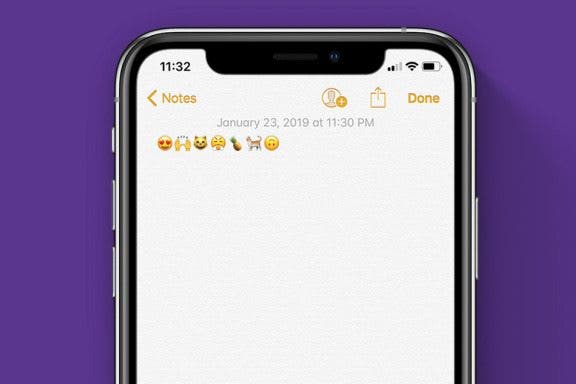
  • Image for article: How to Find Out What Those Emojis Are Called
    How-To

    How to Find Out What Those Emojis Are Called

    Sarah Kingsbury
    • May 27, 2021
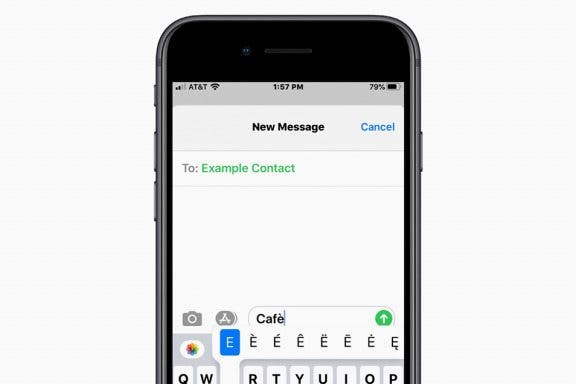
  • Image for article: How to Type É & Other Accent Marks on the iPhone Keyboard
    How-To

    How to Type É & Other Accent Marks on the iPhone Keyboard

    Sarah Kingsbury
    • May 27, 2021
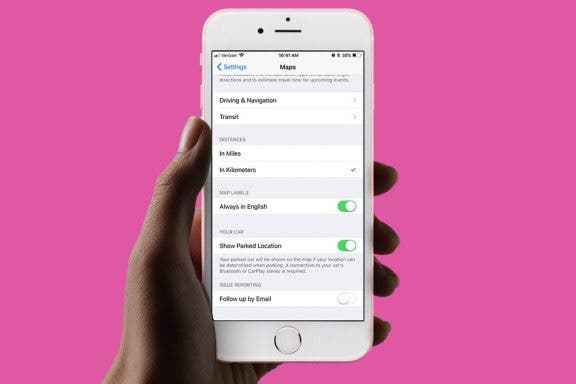
  • Image for article: How to Change Miles to Kilometers in Maps on iPhone
    How-To

    How to Change Miles to Kilometers in Maps on iPhone

    Abbey Dufoe
    • May 27, 2021
  • Image for article: How to Add a Free Thesaurus to Look Up on Your iPhone & iPad
    Apps

    How to Add a Free Thesaurus to Look Up on Your iPhone & iPad

    Leanne Hays
    • May 27, 2021
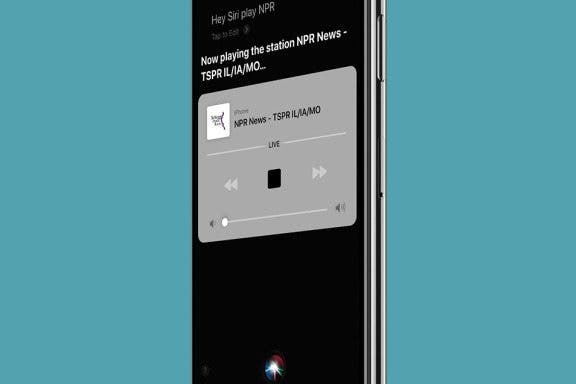
  • Image for article: How to Play Your Favorite Radio Stations with Siri
    Apps

    How to Play Your Favorite Radio Stations with Siri

    Tamlin Day
    • May 27, 2021
  • Image for article: Disney Plus: How to Watch Disney, Marvel & More on an iPhone or iPad
    How-To

    Disney Plus: How to Watch Disney, Marvel & More on an iPhone or iPad

    Cullen Thomas
    • May 27, 2021
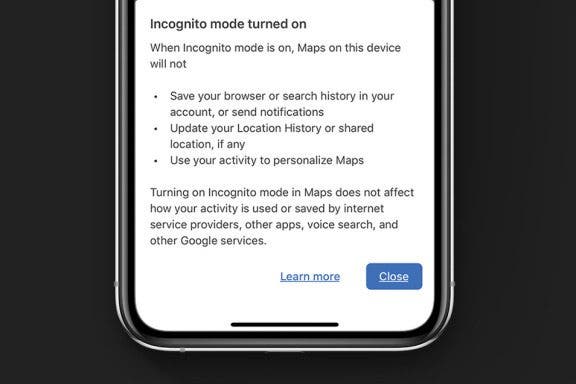
  • Image for article: How to Hide Your Location History in Google Maps Using Incognito Mode
    Apps

    How to Hide Your Location History in Google Maps Using Incognito Mode

    Leanne Hays
    • May 27, 2021
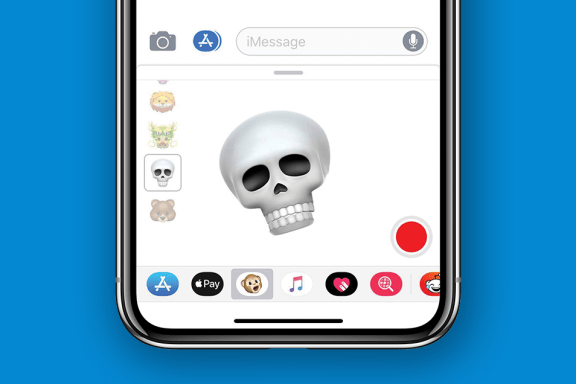
  • Image for article: How to Send an Animoji Sticker in Messages on Your iPhone
    How-To

    How to Send an Animoji Sticker in Messages on Your iPhone

    Leanne Hays
    • May 27, 2021
  • Advertisement
  • Image for article: How to Use the New 3-Finger Gestures to Undo & Redo Typing on Your iPhone
    How-To

    How to Use the New 3-Finger Gestures to Undo & Redo Typing on Your iPhone

    Leanne Hays
    • May 27, 2021
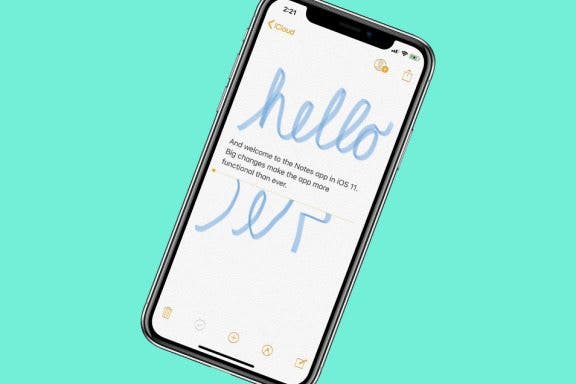
  • Image for article: How to Draw & Sketch in the Notes App on Your iPhone or iPad
    Apps

    How to Draw & Sketch in the Notes App on Your iPhone or iPad

    Conner Carey
    • May 27, 2021
  • Image for article: How to Sync Your Podcasts between iPhone & iPad
    Apps

    How to Sync Your Podcasts between iPhone & iPad

    Leanne Hays
    • May 27, 2021
  • Image for article: How to Quickly Create a New Checklist in Notes with 3D Touch
    How-To

    How to Quickly Create a New Checklist in Notes with 3D Touch

    Conner Carey
    • May 27, 2021
  • Image for article: How to Move Multiple Apps at Once on the iPhone Home Screen
    Apps

    How to Move Multiple Apps at Once on the iPhone Home Screen

    Leanne Hays
    • May 27, 2021
  • Image for article: How to Use Zoom on the iPhone 11 Pro & the iPhone 11 Pro Max
    Apps

    How to Use Zoom on the iPhone 11 Pro & the iPhone 11 Pro Max

    Leanne Hays
    • May 27, 2021
  • Image for article: How to Get Notified When a New Podcast Episode Comes Out
    Apps

    How to Get Notified When a New Podcast Episode Comes Out

    Leanne Hays
    • May 27, 2021
  • Image for article: How to Track Your Period with Cycle Tracking in the iPhone Health App
    Apps

    How to Track Your Period with Cycle Tracking in the iPhone Health App

    Leanne Hays
    • May 27, 2021
  • Image for article: How to Use High-Key Light Mono on the iPhone 11 & 11 Pro
    Apps

    How to Use High-Key Light Mono on the iPhone 11 & 11 Pro

    Tamlin Day
    • May 27, 2021
  • Image for article: How to Use Memoji & Animoji Stickers on Your iPhone & iPad
    Apps

    How to Use Memoji & Animoji Stickers on Your iPhone & iPad

    Leanne Hays
    • May 27, 2021