how-to icon

How-To

Decorative Circle Decorative Circle
Become an Apple device expert
Daily one-minute tips sent straight to your inbox.

All Articles
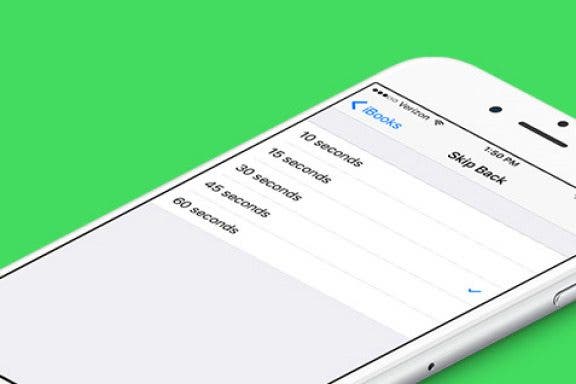
  • Image for article: How to Change How Far You Skip Backward and Forward in Audio Books in iBooks
    Apps

    How to Change How Far You Skip Backward and Forward in Audio Books in iBooks

    Conner Carey
    May 27, 2021
  • Image for article: How to Find the Top Free Apps
    Apps

    How to Find the Top Free Apps

    Conner Carey
    May 27, 2021
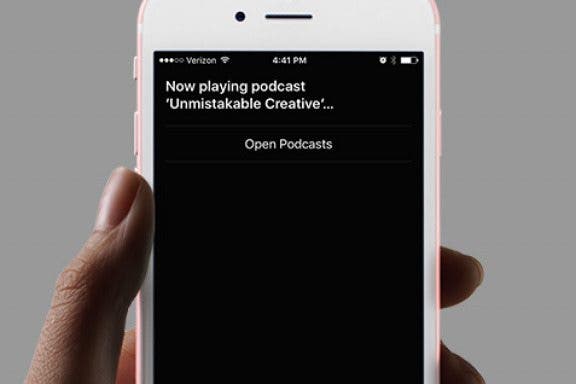
  • Image for article: How to Use Hey Siri to Start Playing a Podcast
    Apps

    How to Use Hey Siri to Start Playing a Podcast

    Conner Carey
    May 27, 2021
  • Image for article: How to Delete Multiple Contacts on iPhone
    How-To

    How to Delete Multiple Contacts on iPhone

    Sarah Kingsbury
    May 27, 2021
  • Image for article: How to Use Your Apple EarPods to Do a Lot More Than Turn the Volume up or Down
    How-To

    How to Use Your Apple EarPods to Do a Lot More Than Turn the Volume up or Down

    Sarah Kingsbury
    May 27, 2021
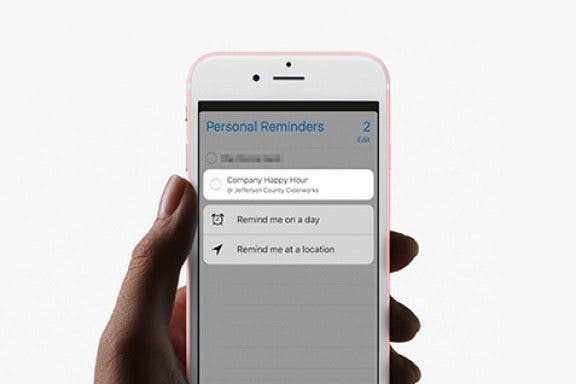
  • Image for article: How to Edit Reminders with 3D Touch
    Apps

    How to Edit Reminders with 3D Touch

    Conner Carey
    May 27, 2021
  • Image for article: How to Make the Language for Dates, Times, and Numbers Different Than Primary Language on iPhone
    How-To

    How to Make the Language for Dates, Times, and Numbers Different Than Primary Language on iPhone

    Conner Carey
    May 27, 2021
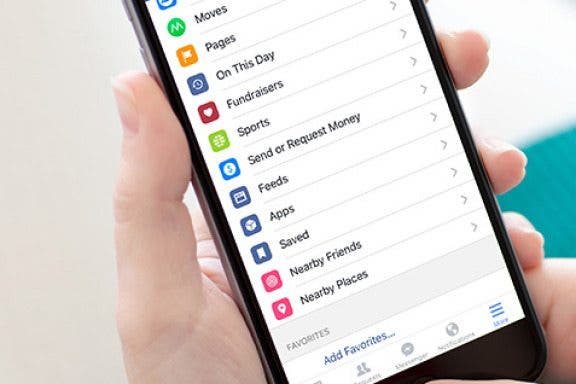
  • Image for article: How to Get Facebook to Stop Showing You Sports Scores
    Social Networking

    How to Get Facebook to Stop Showing You Sports Scores

    Conner Carey
    May 27, 2021
  • Image for article: How to Choose Which Reminders to Sync
    Apps

    How to Choose Which Reminders to Sync

    Conner Carey
    May 27, 2021
  • Image for article:  How to Move & Organize Your Apps on Apple TV
    Apple TV

    How to Move & Organize Your Apps on Apple TV

    Conner Carey
    May 27, 2021
  • Advertisement
  • Image for article: How to Quickly Invert Colors for iPhone Use in Low-Light Situations
    How-To

    How to Quickly Invert Colors for iPhone Use in Low-Light Situations

    Sarah Kingsbury
    May 27, 2021
  • Image for article:  How to Get Your iPhone Ready for Service (& Protect Your Information)
    How-To

    How to Get Your iPhone Ready for Service (& Protect Your Information)

    Conner Carey
    May 27, 2021
  • Image for article: How to Type Currency Symbols on Your iPhone
    How-To

    How to Type Currency Symbols on Your iPhone

    Conner Carey
    May 27, 2021
  • Image for article: How Can I Save Photos I Received in a Text on My iPhone?
    Apps

    How Can I Save Photos I Received in a Text on My iPhone?

    Sarah Kingsbury
    May 27, 2021
  • Image for article: How to Pause Spoken Audio During Navigation Prompts in Apple Maps
    Apps

    How to Pause Spoken Audio During Navigation Prompts in Apple Maps

    Conner Carey
    May 27, 2021
  • Image for article: How to Start an Email on Your iPhone and Finish It on Your Mac or iPad
    Apps

    How to Start an Email on Your iPhone and Finish It on Your Mac or iPad

    Abbey Dufoe
    May 27, 2021
  • Image for article: How to Take iPhone Photos With Your Apple Watch
    Apps

    How to Take iPhone Photos With Your Apple Watch

    Conner Carey
    May 27, 2021
  • Image for article: How to Delete a Contact on the iPhone
    How-To

    How to Delete a Contact on the iPhone

    Conner Carey
    May 27, 2021
  • Image for article: How to View Alternate Characters on the iPhone Keyboard
    How-To

    How to View Alternate Characters on the iPhone Keyboard

    Conner Carey
    May 27, 2021
  • Image for article: How to Share a Quote from Safari, Notes, iBooks, and More on Your iPhone
    Apps

    How to Share a Quote from Safari, Notes, iBooks, and More on Your iPhone

    Conner Carey
    May 27, 2021