Home
chevron-right icon
How-To
chevron-right icon
All Articles
how-to icon
How-To
Become an Apple device expert
Daily one-minute tips sent straight to your inbox.
Subscribe For Free
All Articles
Apps
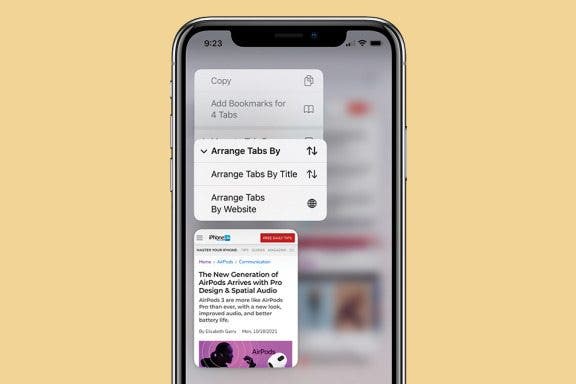
How to Rearrange Tabs in Safari on iPhone
Hallei Halter
•
Jan 16, 2024
Electric Vehicle
How to Unlock the Hidden Apple Maps EV Route Planner
Olena Kagui
•
Jan 16, 2024
Mac
What Does CC Mean in Email? Quick Email Terminology Guide
Olena Kagui
•
Jan 16, 2024
Apps
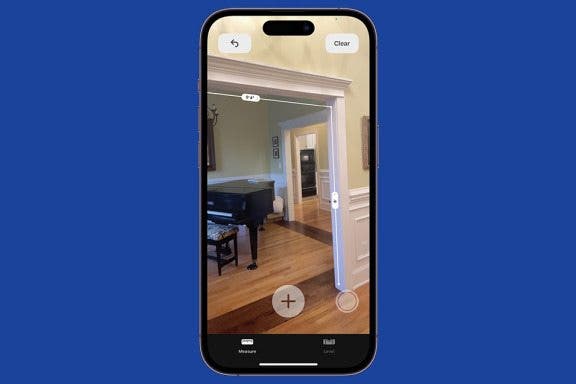
How to Use the iPhone Measure App
Leanne Hays
•
Jan 16, 2024
Apps
How to Zoom in on iPhone While You're Shooting Video
Sarah Kingsbury
•
Jan 16, 2024
Mac
How to Buy Extra Audible Credits on Your iPhone
Leanne Hays
•
Jan 16, 2024
Apps
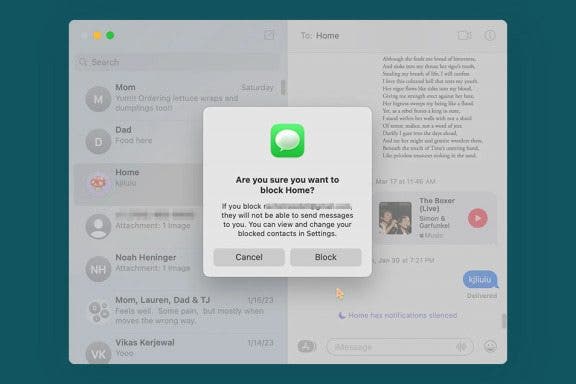
How to Block Someone on a Mac
Rachel Needell
•
Jan 16, 2024
Mac
Apple Magic Mouse Gestures
Leanne Hays
•
Jan 16, 2024
Animojis
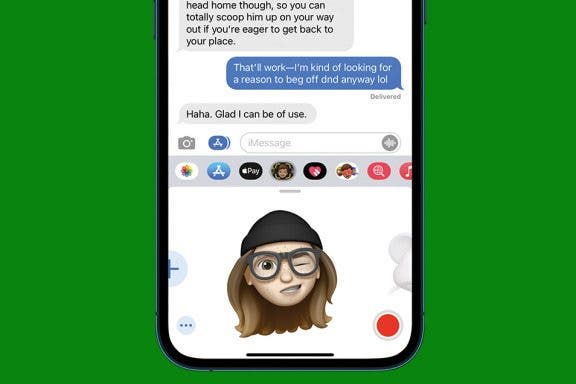
How to Record & Send an Animated Memoji
Leanne Hays
•
Jan 16, 2024
Apps
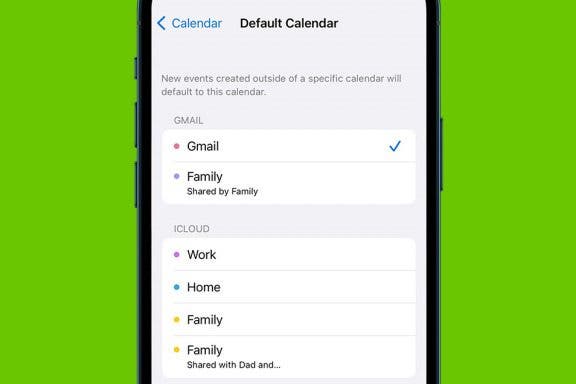
Set a Default Calendar on iPhone & iPad
Amy Spitzfaden Both
•
Jan 16, 2024
Advertisement
Battery
What Is Optimized Battery Charging for AirPods?
Rhett Intriago
•
Jan 16, 2024
Apps
How to Add a Name to the People Album in Photos on iPhone
Conner Carey
•
Jan 16, 2024
Apps
How to Add AirPods to Find My iPhone Easily
Rhett Intriago
•
Jan 16, 2024
Mac
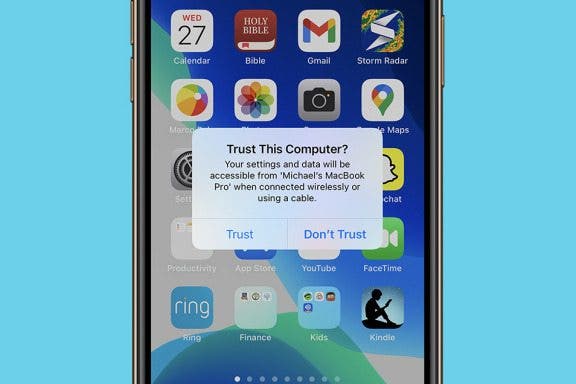
How to Sync iPhone to Mac
Emma Chase
•
Jan 16, 2024
Apple Apps
How to Share Photo Memories with Music on iPhone
Erin MacPherson
•
Jan 16, 2024
Speakers
How to Update HomePod to the Latest Version of iOS
Leanne Hays
•
Jan 16, 2024
iPod
The Apple Recycling Program: It’s Easy Being Green
Leanne Hays
•
Jan 16, 2024
Mac
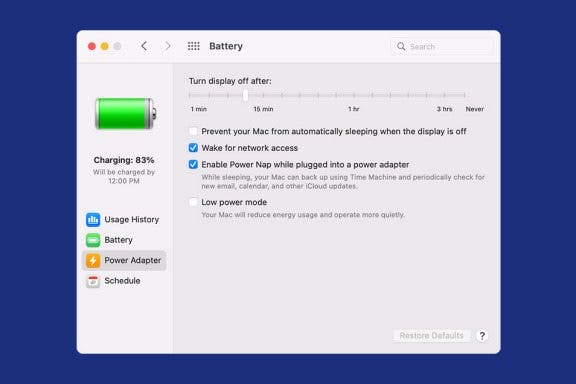
How to Change the Sleep Time on Mac
Devala Rees
•
Jan 16, 2024
iPod
How to Make Your Own Emoji on iPhone with the Emoji Me App
Leanne Hays
•
Jan 16, 2024
Emojis
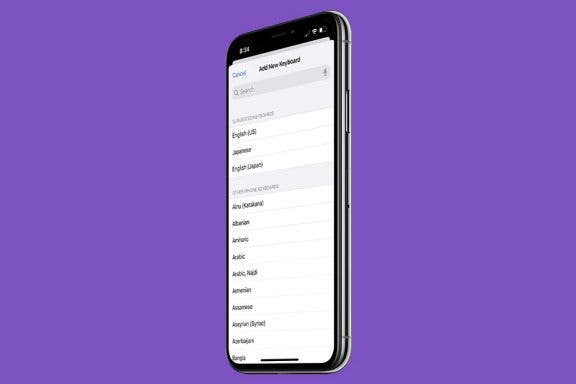
How to Change Keyboard on iPhone
Abbey Dufoe
•
Jan 16, 2024
arrow-left icon
1
...
79
80
81
82
83
84
85
...
164
arrow-right icon


 Hallei Halter
 Olena Kagui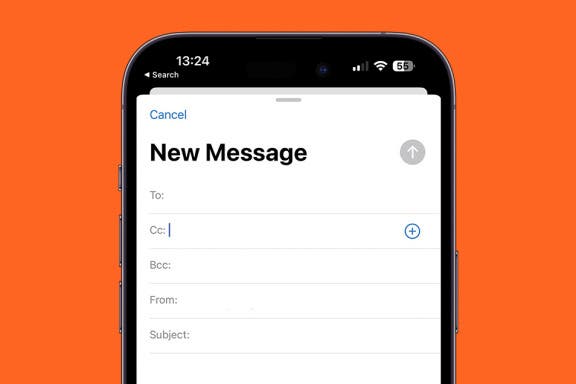
 Leanne Hays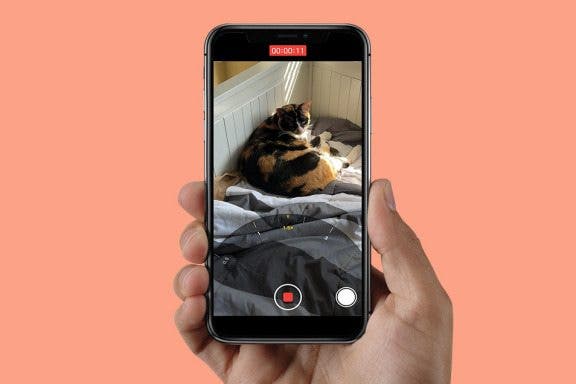
 Sarah Kingsbury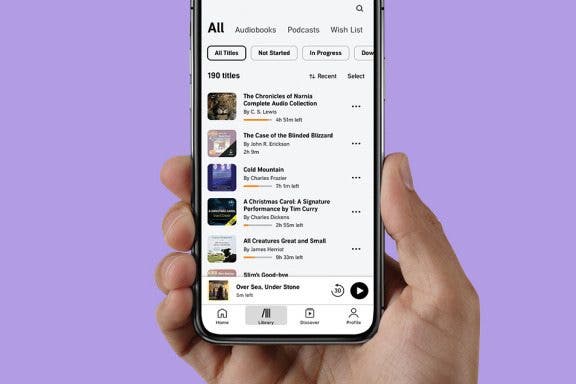
 Rachel Needell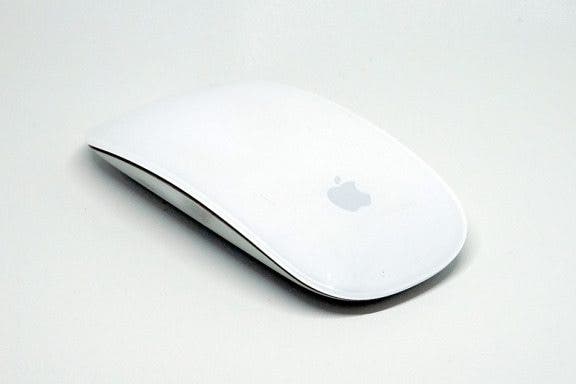
 Amy Spitzfaden Both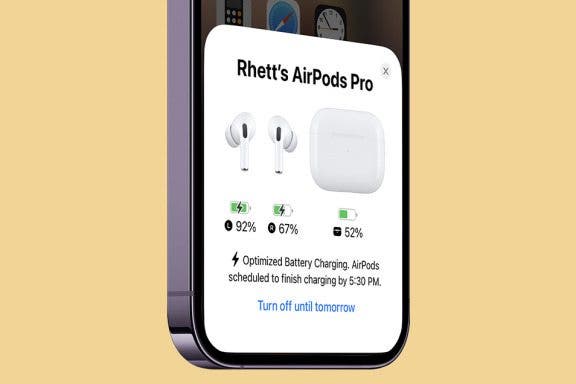
 Rhett Intriago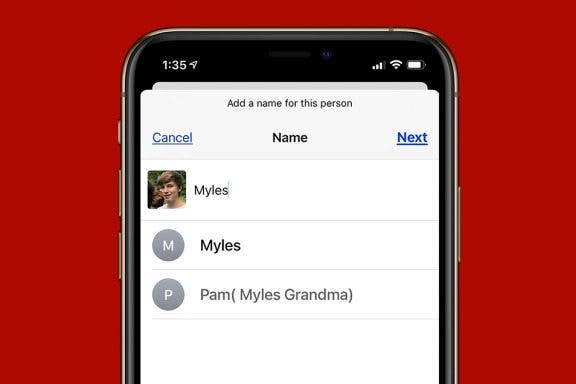
 Conner Carey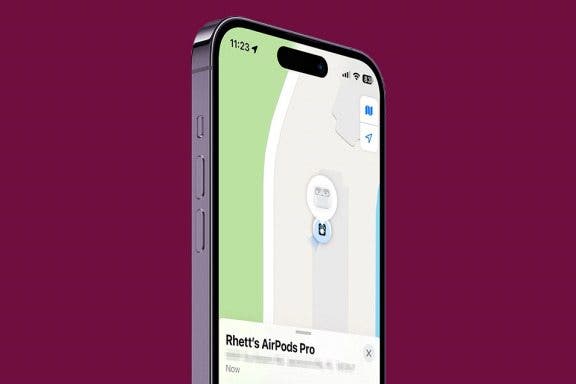
 Emma Chase
 Erin MacPherson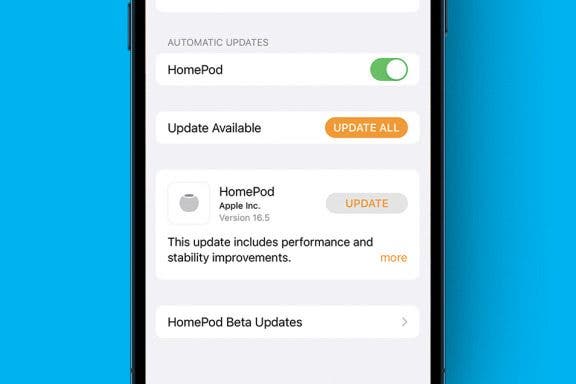

 Devala Rees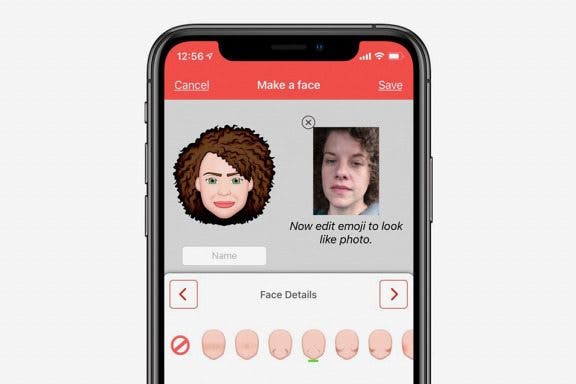
 Abbey Dufoe