Home
chevron-right icon
How-To
chevron-right icon
All Articles
how-to icon
How-To
Become an Apple device expert
Daily one-minute tips sent straight to your inbox.
Subscribe For Free
All Articles
Mac
How to Force Quit on a Mac
Rachel Needell
•
Mar 28, 2022
Apps
How to Play Apple Music on Alexa
Amy Spitzfaden Both
•
Mar 28, 2022
Apps
How to Edit Slow-Motion Video on iPhone
Leanne Hays
•
Mar 24, 2022
Apps
How to Add & Change Zoom Backgrounds (Photo & Video)
Leanne Hays
•
Mar 24, 2022
Apps
Troubleshooting Zoom Audio Issues on an iPhone, iPad, or Mac
Leanne Hays
•
Mar 24, 2022
Apps
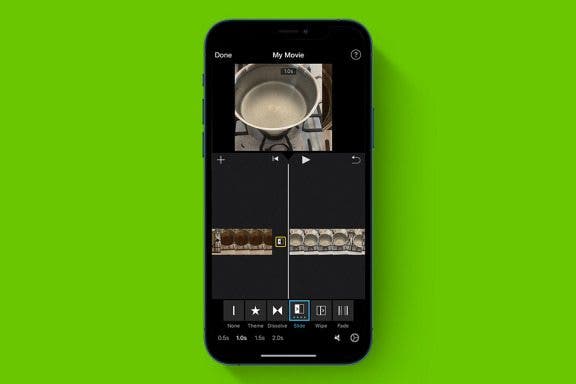
How to Combine 2 Videos on an iPhone
Devala Rees
•
Mar 23, 2022
Apps
How to Connect Apple Music to the TV App on iPhone
Conner Carey
•
Mar 22, 2022
Apps
How to Choose More Music You Like in Apple Music on iPhone
Jim Karpen
•
Mar 22, 2022
Apps
How to Use Effect Suggestions in the Photos App on iPhone
Hannah Nichols
•
Mar 21, 2022
Mac
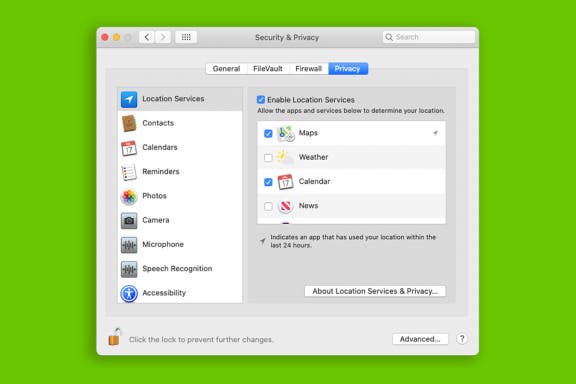
How to Change Wallpaper on Mac: 2 Easy Ways!
Jivan Hall
•
Mar 18, 2022
Advertisement
Mac
How to Tell Which Mac You Have by Model & Year
Rachel Needell
•
Mar 17, 2022
Mac
How to Set Up Universal Control & Use It to Control Devices
Olena Kagui
•
Mar 16, 2022
Mac
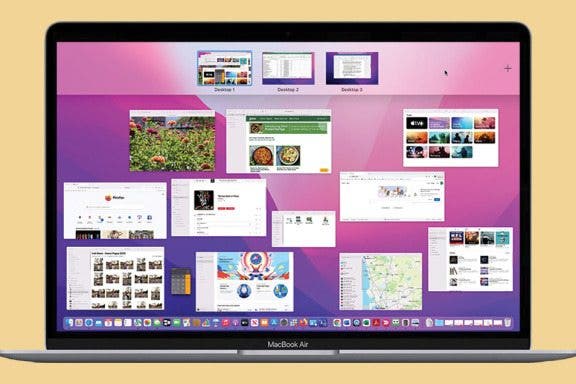
Organize Your Desktop with Mission Control & Spaces
Jivan Hall
•
Mar 16, 2022
Mac
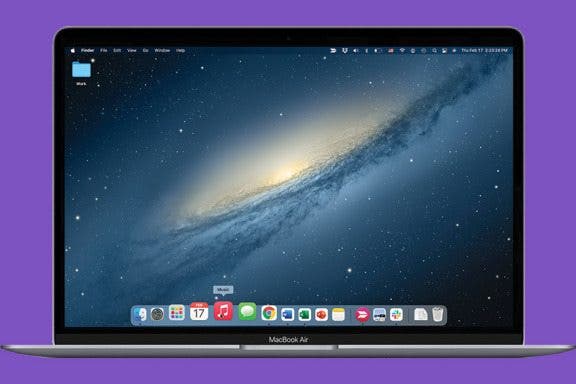
How to Make the Most of the Mac Dock
Rachel Needell
•
Mar 15, 2022
Mac
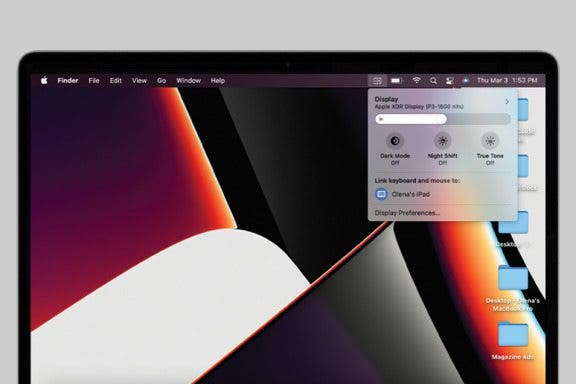
How to Customize Universal Control & Add It to Mac Menu Bar
Olena Kagui
•
Mar 15, 2022
Apple TV
How to Turn Off Apple TV
Jivan Hall
•
Mar 14, 2022
Mac
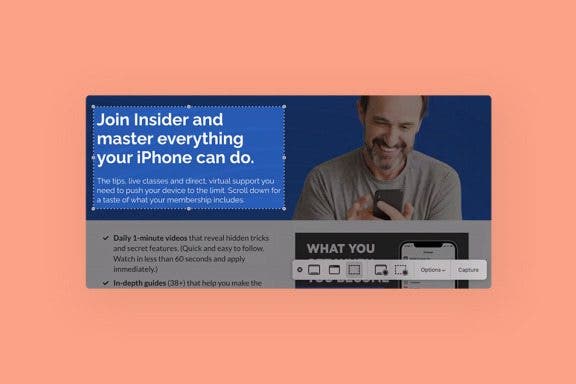
How to Take a Screenshot on Mac Using the Screenshot Menu
Jivan Hall
•
Mar 11, 2022
Apps
How to Crop Photos on Mac (Easiest Way!)
Jivan Hall
•
Mar 11, 2022
Apps
How to Change a Photos App Album Cover on iPhone
Devala Rees
•
Mar 08, 2022
Lock Screen
How to Customize Your iPhone Notification Center
Leanne Hays
•
Mar 08, 2022
arrow-left icon
1
...
102
103
104
105
106
107
108
...
162
arrow-right icon


 Rachel Needell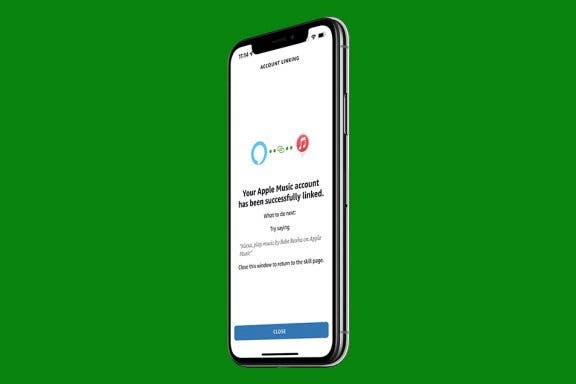
 Amy Spitzfaden Both
 Leanne Hays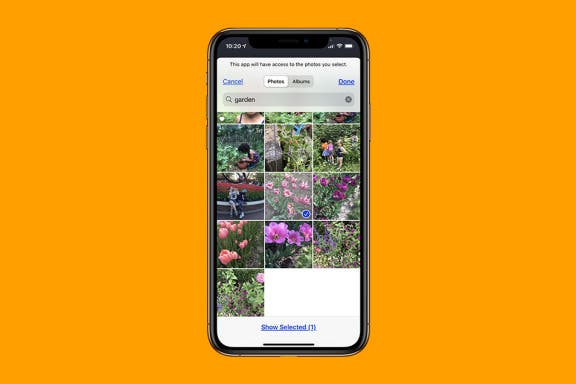
 Devala Rees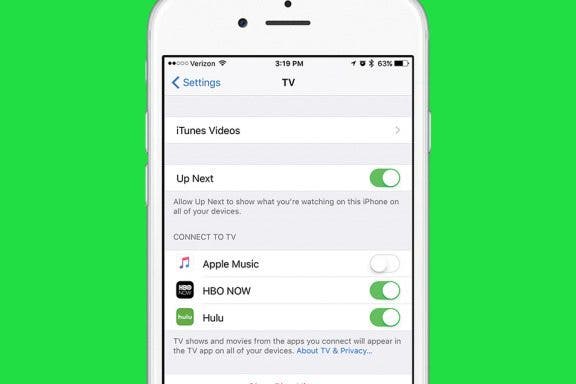
 Conner Carey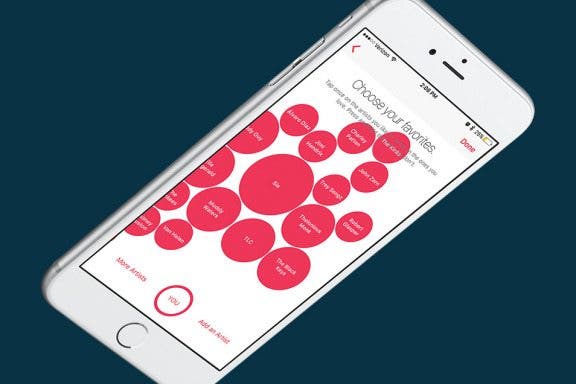
 Jim Karpen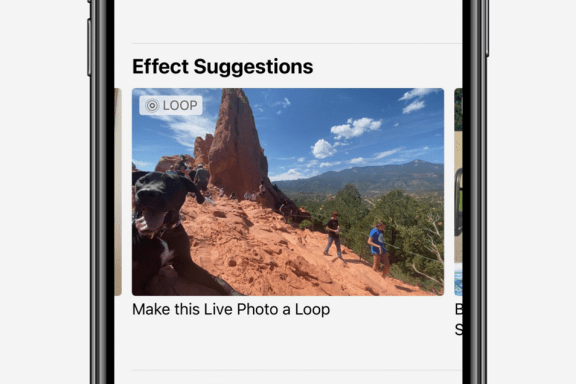
 Hannah Nichols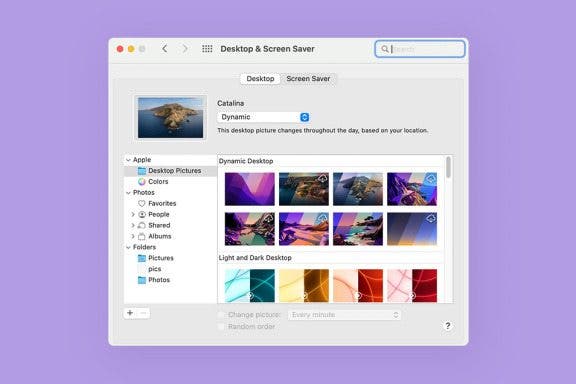
 Jivan Hall
 Olena Kagui