How to Reduce Apple Watch Notifications
By Amy Spitzfaden Both
While the Apple Watch has extensive capabilities, to many it is first and foremost a fitness tracker. But did you know it can do so much more than display a few stats for your lunchtime walk? Here are 10 of the best tips to help you get the most out of your Workout and Fitness apps.
By Olena Kagui
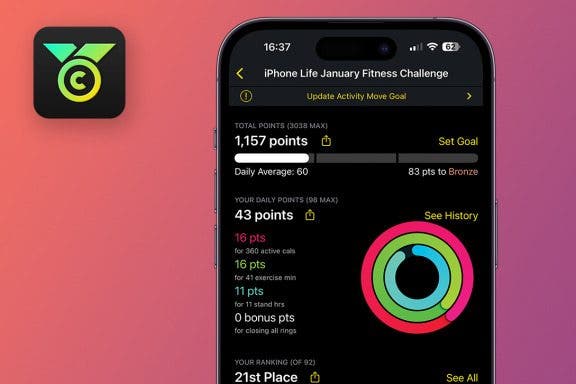
The Challenges app is a free platform for joining fitness challenges. It syncs with your Apple Watch and lets you join challenges, create your own, and invite iPhone and Android users to participate. iPhone Life has a monthly challenge for Apple Watch enthusiasts who subscribe to the bi-weekly On the Watch newsletter.
By Rhett Intriago
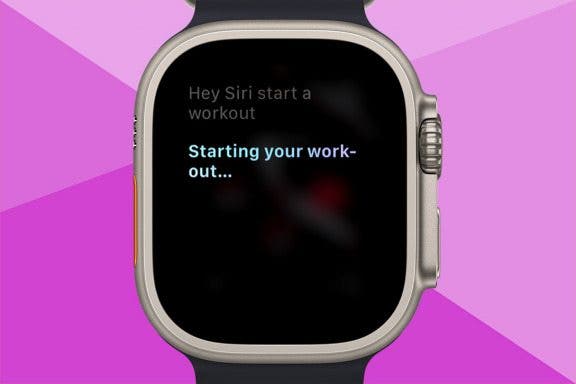
Starting a workout is easy on the Apple Watch. All you need to do is open the Workout app and choose the type of workout you’d like to do. But did you know there’s an even faster way? You can start workouts with just your voice. Here’s how.
By David Averbach
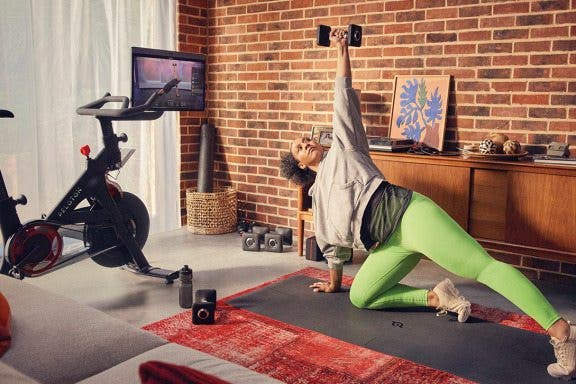
As a new father, staying healthy is more important (and harder) than ever. I no longer have the time or energy to hit the gym every day, so instead, I need to find solutions to stay in shape from home. Thankfully, the smart health gear space has exploded with options to lose weight and get healthy. If you’re looking for solutions for staying active from home, this roundup is for you!
By Rhett Intriago
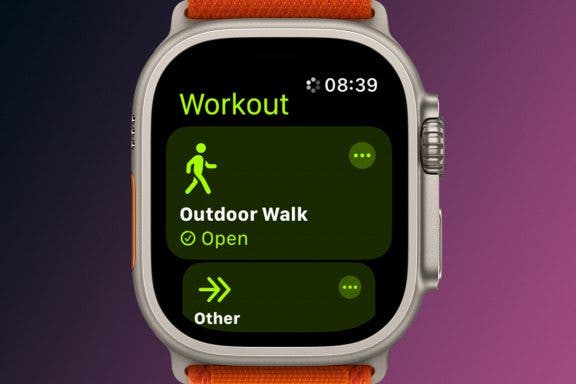
The Apple Watch Workout app can do more than you realize. Not only can you use it to simply start a workout of your choice, you can also set custom goals like time, distance, or calories burned. I’ll teach you how to start a workout on Apple Watch and customize it.
By Amy Spitzfaden Both
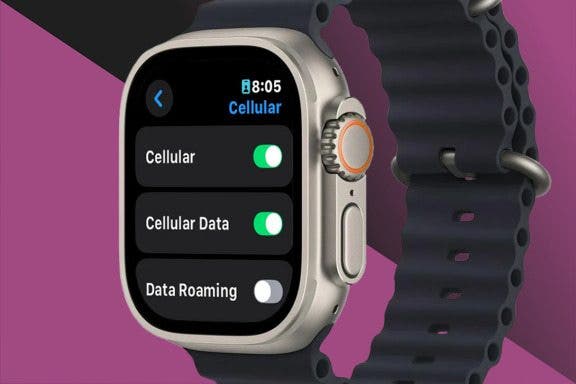
For those newly entering the Apple Watch world, the question of whether to get an Apple Watch with cellular or GPS only can seem like a big one. Luckily, this decision comes down to two basic considerations: whether you'll use the cellular features and if you are willing to pay more for it. We'll cover the ins and outs of each to help you decide between Apple Watch GPS-only and GPS + cellular models.
By Cullen Thomas
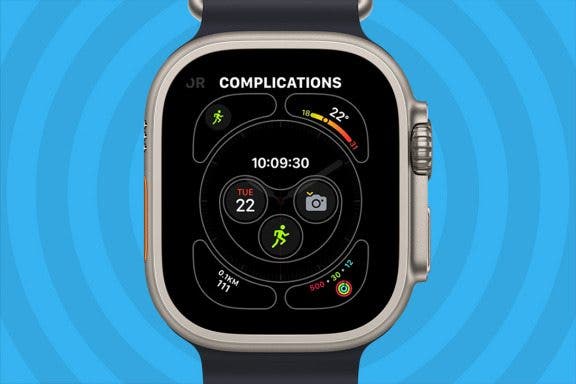
Did you know you can add complications to your Apple Watch face and access your favorite apps with a single tap? If you use an app regularly, a shortcut on your watch screen may come in handy. Here's how to change your Apple Watch complications to include a shortcut to an app on your watch face. We'll use the Workout app as an example.
By Rachel Needell
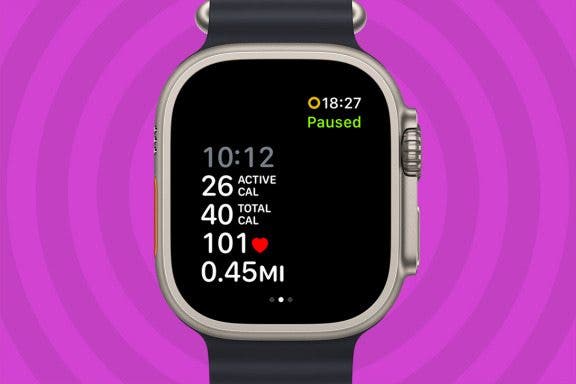
If you need to take a break during your workout without stopping it or interfering with any readings, you should pause it! There are several ways to manually pause your workout and we’ll cover exactly how to do it. Once paused, we’ll teach you how to resume the workout again.
By Leanne Hays
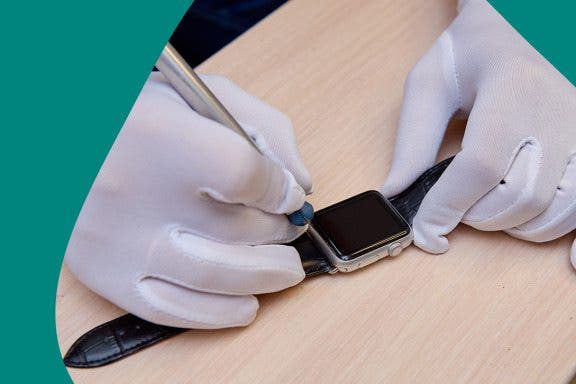
Well, you accidentally broke your Apple Watch screen. Should you replace the screen on your Apple Watch or purchase a new one? Here are all the factors to consider when deciding whether to replace just your screen, or the whole Apple Watch.
By Olena Kagui
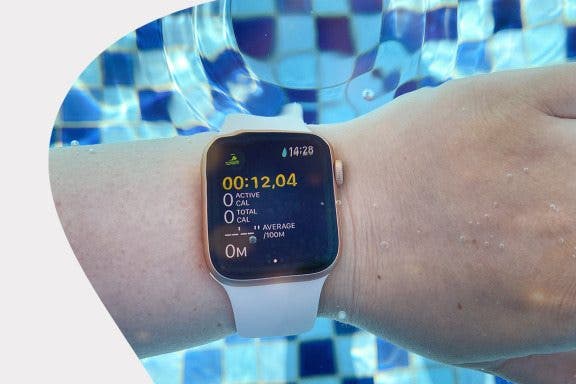
Are Apple Watches waterproof? No, but most are water-resistant! Apple Watch Series 2 and newer models can be used to track your swimming workouts in chlorinated pools and salty oceans. There's even a Water Lock feature that helps expel water from your watch's speakers. I'll teach you everything you need to know about swimming with your Apple Watch.
By Leanne Hays
Your Apple Watch battery won't charge all the way anymore, and you're having to charge more and more often. Should you replace the battery in your Apple Watch, or just buy a new one? Here's what to consider, and how to decide whether to replace your battery, or the whole Apple Watch.
By Rhett Intriago
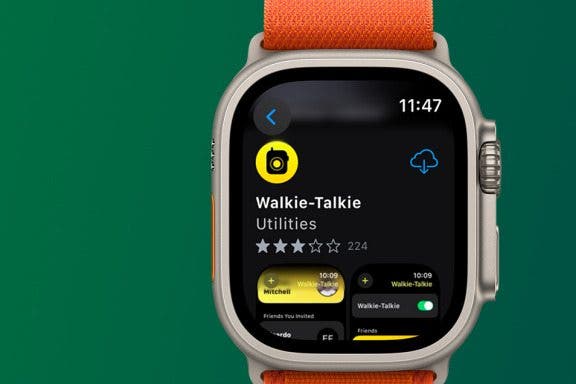
If you're like me, you love using the Apple Watch Walkie-Talkie feature to stay in contact with friends. But it’s a lot less fun when your Apple Watch Walkie-Talkie isn't working and you have difficulty reaching your companions. That’s why I've compiled a list of easy and effective solutions that I’ve used successfully in the past to help if your Walkie-Talkie app is not working.
By Olena Kagui
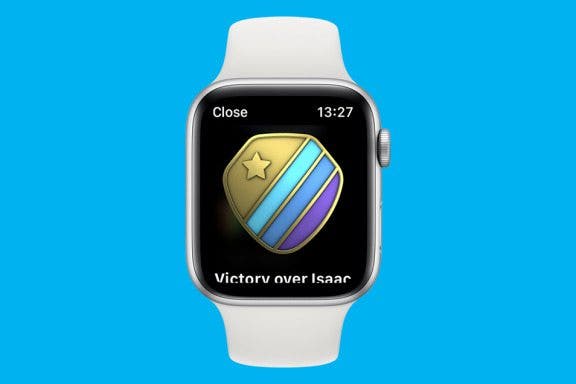
When entering a competition on Apple Watch, the rules and points can be confusing. In this article, we will teach you how to win monthly fitness challenges against your friends and family! These tips will teach you how to win Apple activity competitions.
By Olena Kagui
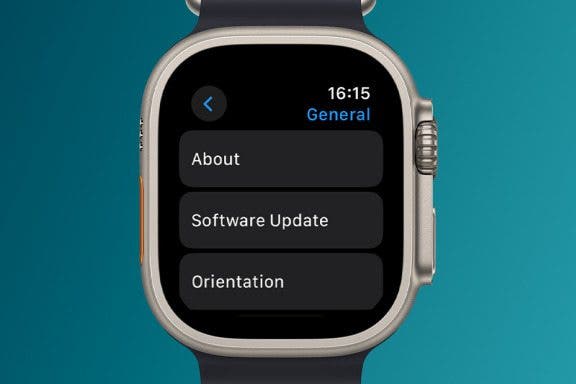
Just like your on iPhone, Apple Watch software needs to be updated regularly for maintenance and bug repair. But what if the Apple Watch update won’t install? The following troubleshooting tips should help you when your Apple Watch won't update.
By Olena Kagui
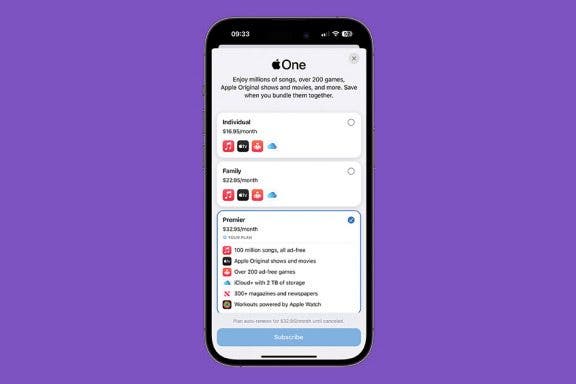
Not a lot of people know that Apple bundles its services into a monthly subscription called Apple One. There are three options, including Apple One Premier, which includes Apple Music, Apple TV+, Apple Arcade, Apple News+, Apple Fitness+, and even 2TB of iCloud+ that can be shared with up to five other people. I'll teach you how to get it!
By Olena Kagui
By Conner Carey
Pairing an Apple Watch the first time is self-explanatory! We'll teach you how to connect your Apple Watch to your new phone or your new Apple Watch to your old phone. If you got both a new Apple Watch and a new iPhone, I recommend setting up the new Apple Watch first and then I set up my new iPhone, but it doesn't make a difference as long as you do one device at a time.
By Olena Kagui
Water, to most electronics, is like kryptonite to Superman. Liquid spills can cause permanent damage; oxidation is notorious for destroying devices. Between different Apple Watch models and unclear terms like "water resistance" and "water ejection," many people are wondering, "is the Apple Watch waterproof?" In this article, we will answer that question and dive into how safe your Apple Watch is in the water.
By Olena Kagui
Knowing how to close apps on Apple Watch is important whether an app is acting up or you just don't want to scroll through so many open apps when you're trying to navigate between them. Here's how to close applications on an Apple Watch quickly, and what to do if that isn't working.
NULL