How to Use "Hey Siri, What Song Is This?" for iPhone & iPad

Jim Karpen has been writing about technology since 1994 and brings decades of experience with Apple products, along with a Ph.D. in literature and writing.
Learn More Jim Karpen has been writing about technology since 1994 and brings decades of experience with Apple products, along with a Ph.D. in literature and writing.
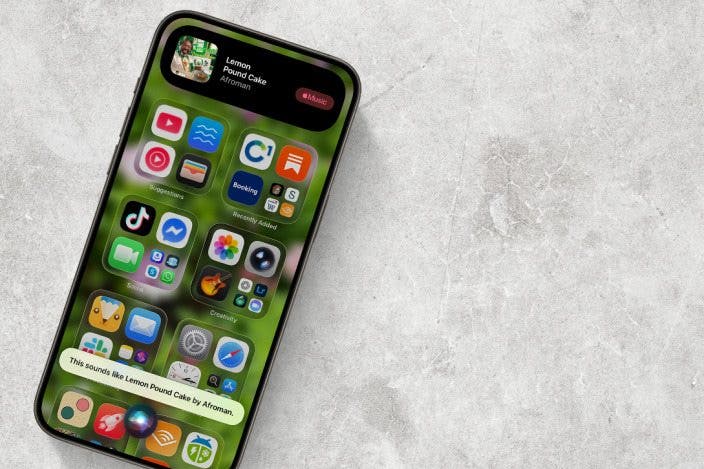
Learn MoreEver listen to the radio and wonder what band recorded it, or the name of the song? Siri can help! In the past, you could ask Siri to identify music playing on your device; now, you can ask Siri to identify any ambient music. And, conveniently, Siri makes it easy to purchase the song or album.
Why You'll Love This Tip
- Use the Shazam music recognition app via Siri to recognize music hands-free.
- Say, "Hey Siri, what song is this?" and get an answer almost every time.
- Purchase the song Siri recognized from Apple Music to add it to your library.
How to Use "Hey Siri, What's This Song?" For iPhone & iPad
System Requirements
This tip was tested on an iPhone 17 Pro running iOS 26.4. Find out how to update to the latest version of iOS.
Be sure Siri is set up before trying these steps, or this tip won't work.
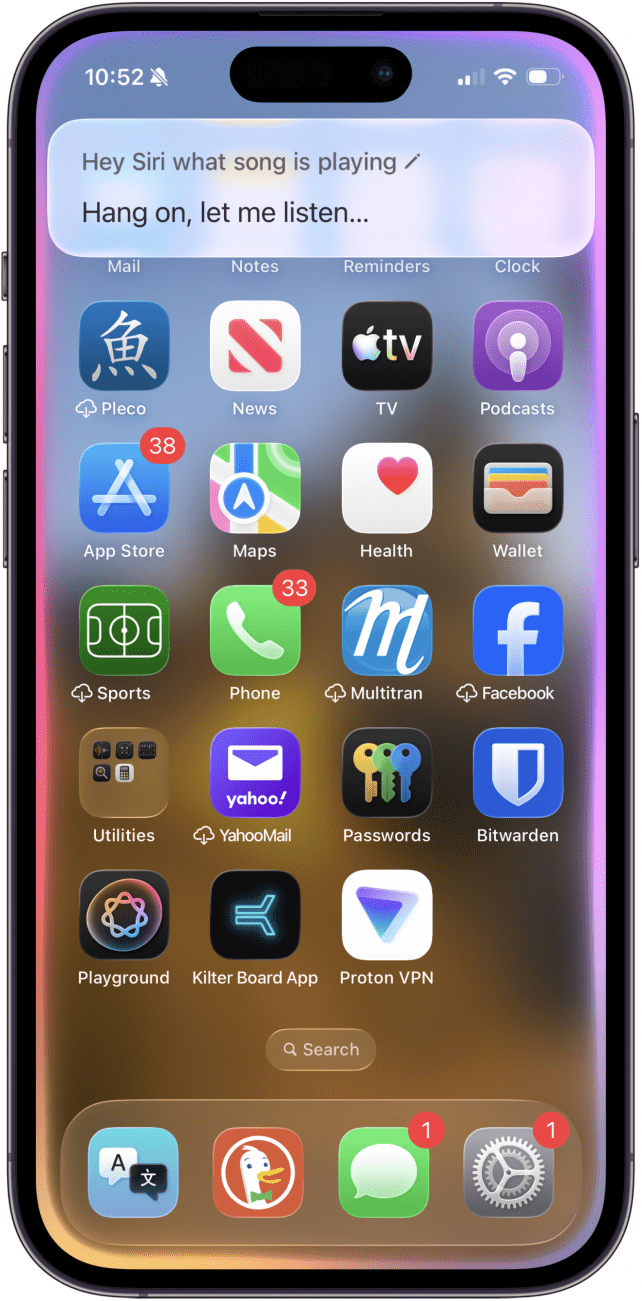
- After you ask Siri what song is playing, you'll see the Rainbow circle indicating Siri is listening, and "Hang on, let me listen..." (or "Listening..." or something similar) at the bottom of the screen.
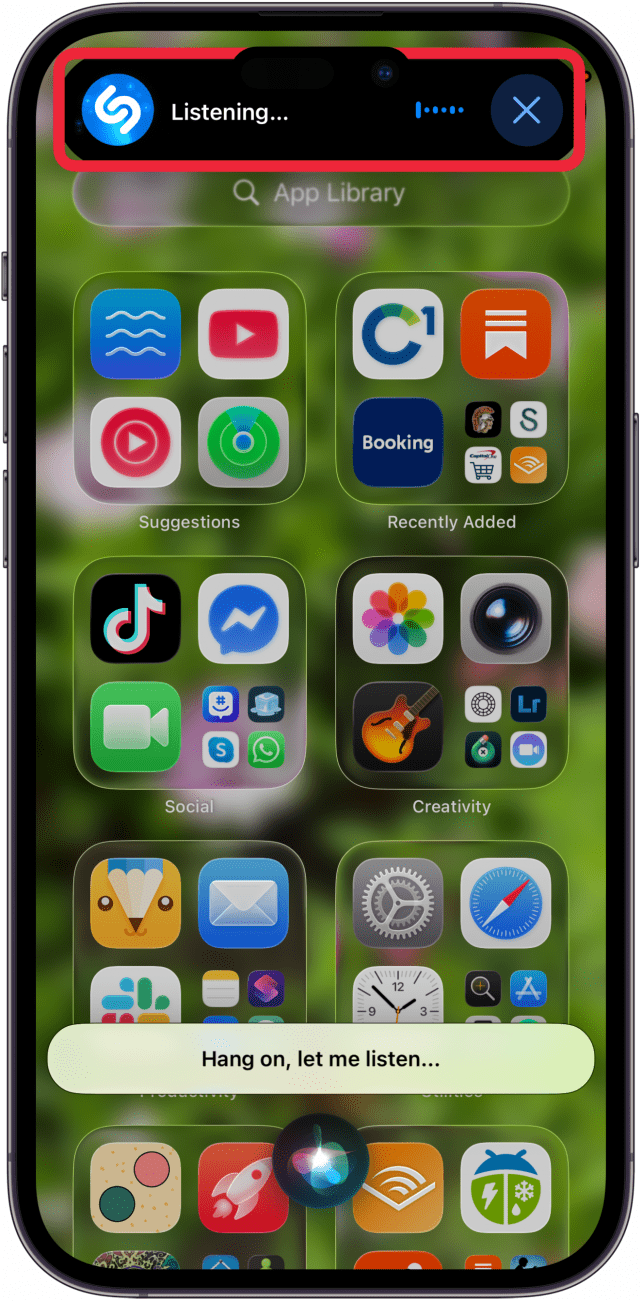
- Next, you'll see the Shazam icon and "Listening... " at the top of the screen.
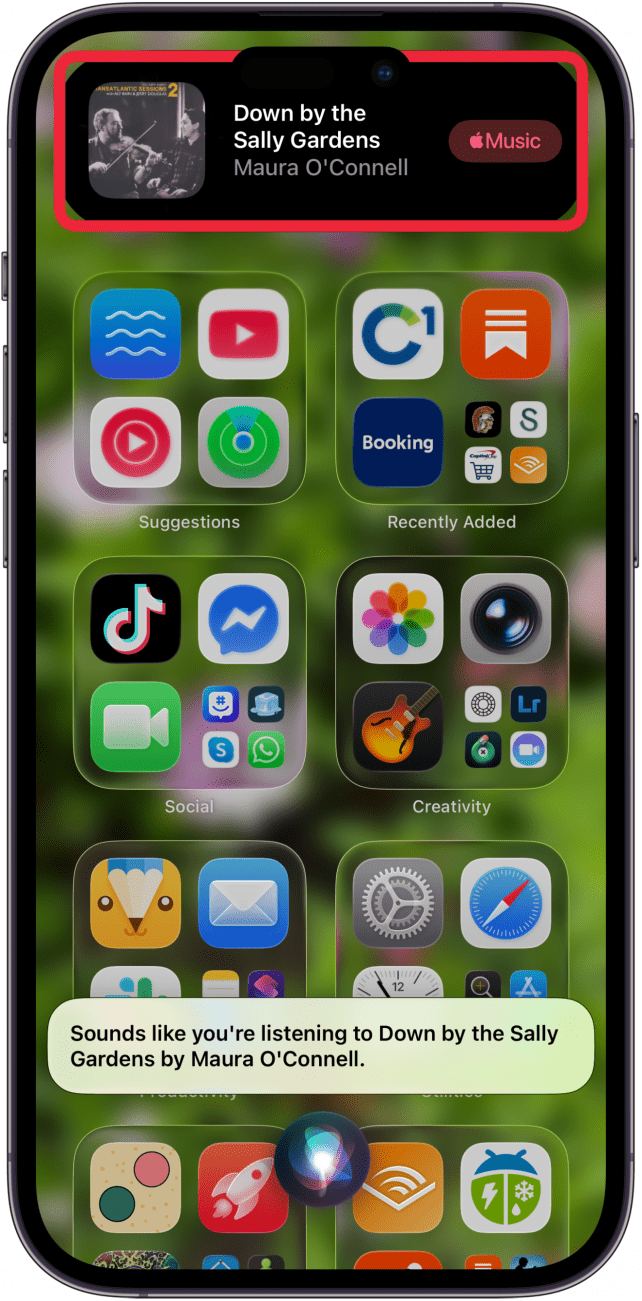
- If Siri was able to recognize your song, you'll see the title, artist(s), and an Apple Music icon at the top of the page. Tap the Apple Music icon to purchase the song.
More On: Identifying Music & Siri
- How to Add Shazam to Control Center
- Use Siri on Apple Watch to Navigate Apps
- Turn On Siri by Raising iPhone to Ear
Top image credit: Chingraph / Shutterstock.com

Every day, we send useful tips with screenshots and step-by-step instructions to over 600,000 subscribers for free. You'll be surprised what your Apple devices can really do.


 Leanne Hays
 Rhett Intriago



 Olena Kagui




 Amy Spitzfaden Both


 Hal Goldstein