How to Control Autocorrect & Predictive Text on iPhone
By Rhett Intriago
By Rhett Intriago
By Amy Spitzfaden Both
Our iPhones are capable of so much, yet many of us only scratch the surface with our daily use. Expanding your iPhone skills doesn’t mean you have to create feature-length movies or become a high-level app developer. You can simply learn hidden features that make your daily tasks easier. So, let’s take a look at the best hidden iPhone tricks to make your iOS use a little easier and a lot more fun.
By Rhett Intriago
The latest version of iOS introduced a feature that automatically transcribes audio messages sent through the Messages app. This certainly comes in handy if you’re unable to listen to an audio message, as you can just read what the message says in the form of a text. But what should you do if your iPhone is running iOS 17 and audio message transcription is not working? Read on to find out how to troubleshoot this issue.
By Sarah Kingsbury
Message previews are handy for allowing you to catch a quick glimpse of texts, but they also allow prying eyes to see private conversations. If you have a friend or coworker who has a bad habit of trying to glance at incoming texts, turning off message previews might give you some peace of mind. Find out how to hide messages on iPhone by disabling previews.
By Ashleigh Page
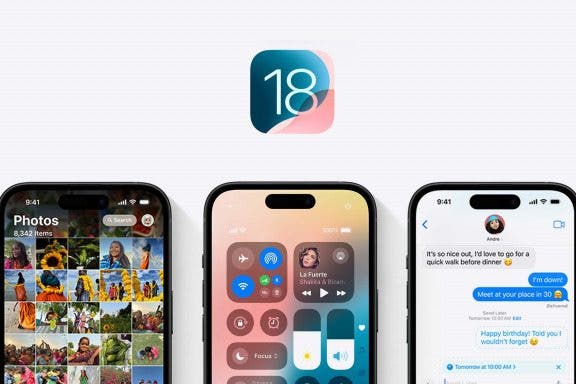
Apple previewed iOS 18 at the June 10 WWDC Keynote, and the latest updates are all themed around customization, convenience, and the integration of Apple's personal intelligence system. With iOS 18, it's now more convenient than ever to communicate, view needed information, and make fun new edits to photos. Let's go over all the new iPhone features we have to look forward to in the fall, including satellite-based texting, the all-new Image Playground featuring AI-generated images, improved customization options, and much more.
By Amy Spitzfaden Both
While SharePlay has been around since iOS 15.1, it was only possible to use in the FaceTime app. With iOS 16 you can now use it in the Messages app too. For those who aren’t familiar, SharePlay can be used for two or more people to watch content from apps such as Neftlix, Spotify, etc., together simultaneously. Here's how to use SharePlay in iMessage.
By Leanne Hays
If you're wondering why your Contact Posters won't update, here's how to fix the Contact Poster glitch! Solve update problems and get the most recent iOS 17 Contact Card for each of your Contacts.
By Hallei Halter
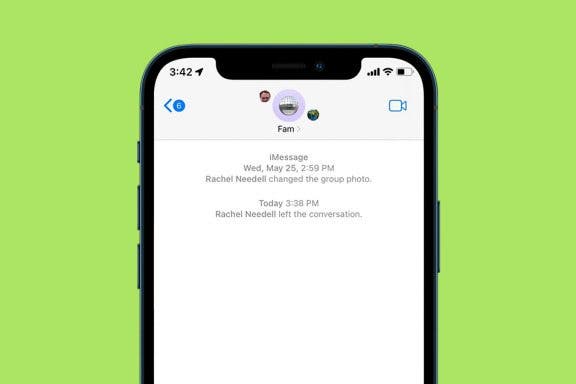
A group text is great for keeping everyone in the loop, but sometimes the text conversation becomes annoying, and the text notifications need to stop! In the steps below, we'll show you how to leave a group chat on iPhone in the Messages app.
By Tamlin Day
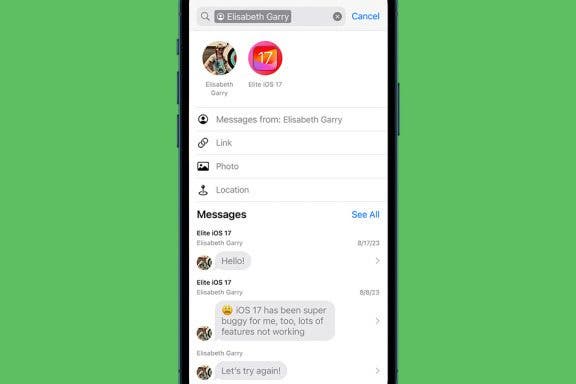
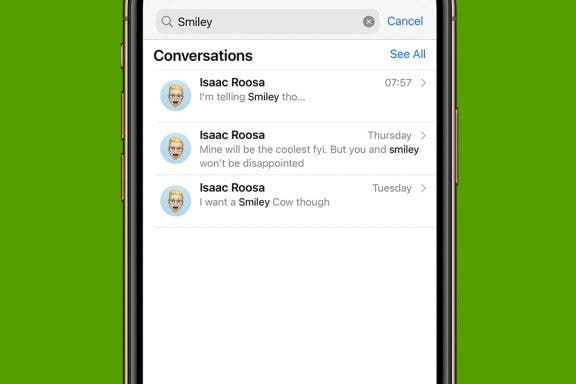
In the past, searching for a specific text in Messages was a headache. Now, Messages in-app search is not only optimized for text but also lets you browse images, screenshots, and links in a gallery view. You can even filter the search results in the latest version of iOS. Here’s how to search text messages on iPhone to find the information you need.
By Rhett Intriago
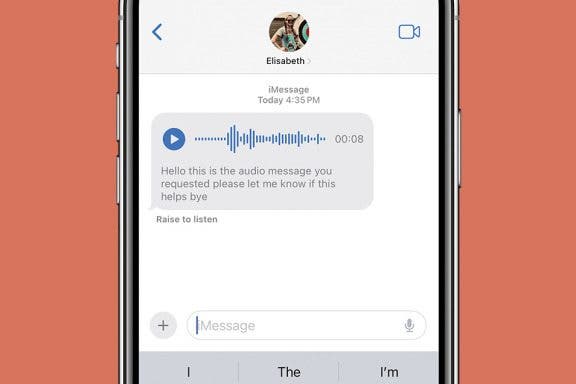
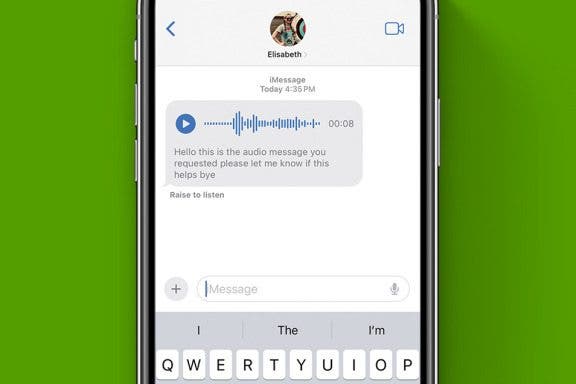
There have been a number of new additions to the Messages app in the latest version of iOS that make it easier to use and navigate. Among those updates, audio messages in the Messages app are now automatically transcribed.
By Conner Carey
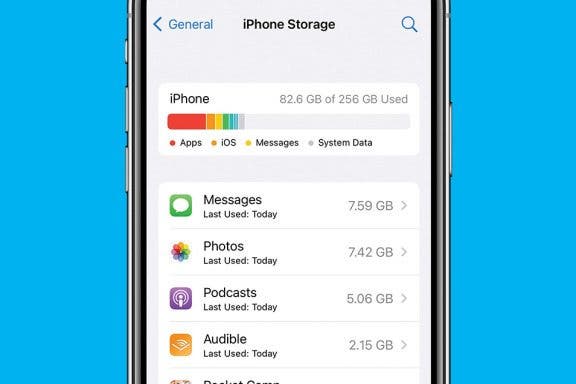
Here's how to check storage on an iPhone or iPad and free up space. We'll go over the fastest and easiest way to optimize storage, clear space on an iPhone, and get more storage!
By Abbey Dufoe
Wondering how to search text messages on an iPhone or iPad to find a specific conversation? We can help! We'll cover how to search through your messages on an iPhone and iPad in the Messages app, search Facebook messages, and search keywords or phrases in your WhatsApp chat.
By Amy Spitzfaden Both
By Hallei Halter
If you're not able to make a phone call, you can send a text! For experienced iPhone users, texting is generally second nature. But other iPhone users are unsure where to get started. This tip is for them. Let's go over how to send a text message on your iPhone.
By Leanne Hays
Sharing lists in the Reminders app includes great features like the ability to add and remove members from a shared list, and even to remind list members to accomplish tasks when they're at the correct location to do so. Once you get the hang of using Reminders to share your lists, you may just wonder what you ever did without this feature!
By Conner Carey
Stickers are always a fun way to communicate via iMessage. Did you know that you can quickly respond to a text in the Messages app with a sticker? Luckily, Apple makes it super easy. Here's how to reply to a text with a sticker!
By Erin MacPherson
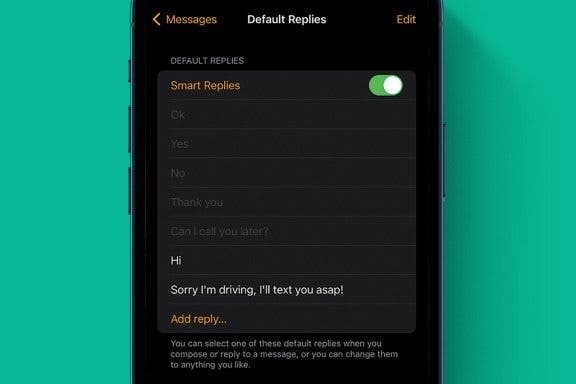
Do you ever wish communication was simpler and more accessible on your Apple Watch? That was the idea behind Apple Watch's Default Replies and Smart Replies, but too often you just can't find the right reply. We’ll show you how to create a custom reply message on your iPhone's Watch app.
By Jim Karpen
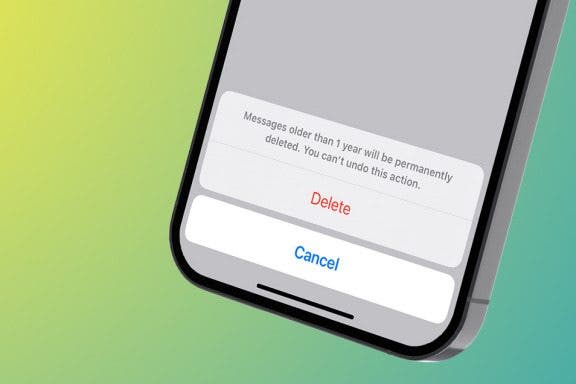
When you know how to delete text messages on the iPhone automatically, you'll have an easier time managing your storage. The stuff on our iPhones and iPads tends to accumulate, using up valuable storage space. This will be especially useful in saving space if your text messages include video and audio messages. Here's how to automatically erase old text messages on iPhone.
By Rachel Needell
One of the best apps on the iPhone is the Voice Memos app. As a writer, it's an invaluable productivity app that allows me to record my ideas immediately when they come. If I'm working on a project with a friend, sending a voice memo can be a great way to share ideas. Sharing a voice memo is slightly different than sending a voice message in the Messages app. We'll cover how to share a voice memo from the Voice Memos app below!
By Rhett Intriago
One of the great features of Safari is that when someone sends you a link, you can access it right from the new tab screen. Not only that but also, when you open a link that someone sent you, Safari will tell you who the sender is. Find out how to easily see Shared with You links and quickly reply to links that have been sent to you.
NULL