How to Check Voicemails from Blocked Numbers on an iPhone
By Leanne Hays
By Leanne Hays
By Devala Rees
By Olena Kagui
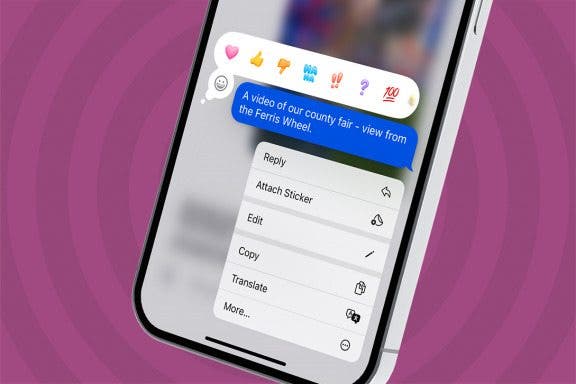
Experiencing regret after sending a text message and need to know how to edit in iMessage? We'll show you how to edit an iMessage so you can fix spelling errors or change an awkward wink emoji with something more appropriate!
By Hallei Halter
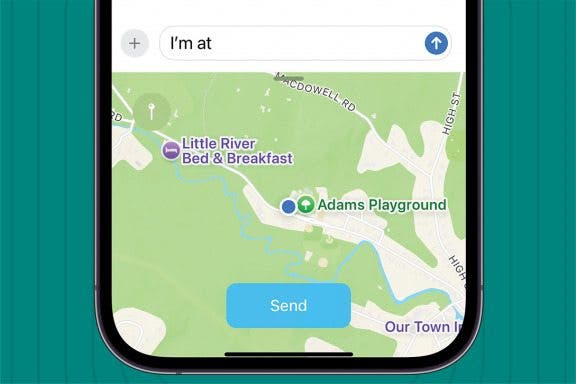
There are a couple of ways to share your location from an iPhone, but this might be the quickest! Here's how to share your location from your iPhone or iPad in a text message using predictive text.
By Abbey Dufoe
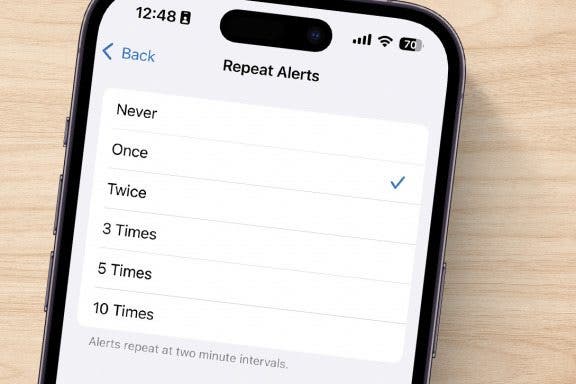
You may have noticed that your Message alerts sound twice: once when you get the message and again two minutes later, if you haven't opened it yet. If this isn’t your cup of tea, there’s an easy way to change it. Let's go over how to turn off the two-minute text reminder on your iPhone!
By Erin MacPherson
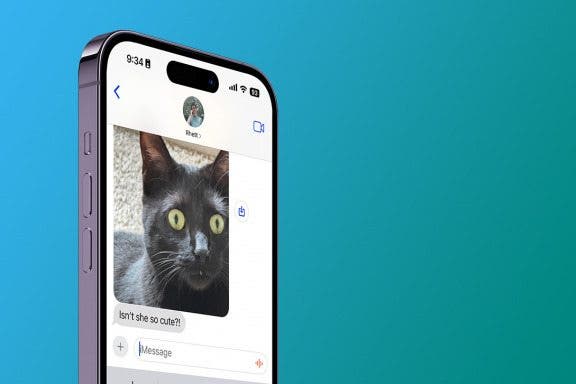
So how do you save a picture from a text message on the iPhone? Saving photos from the Messages app used to be fairly tedious. Now you can download and save photos with the tap of a single button! We'll show you the quickest way to save photos from text messages, plus review where items are saved once downloaded.
By Devala Rees
By Leanne Hays
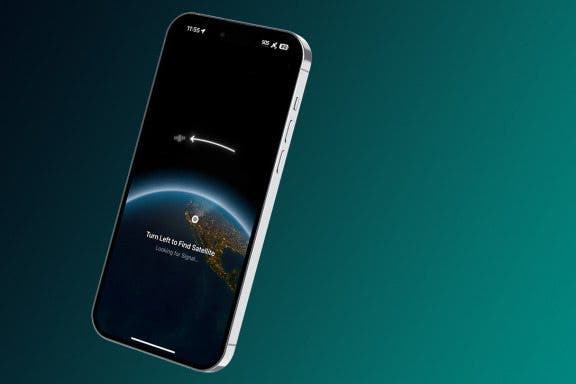
Apple now allows iPhone users with an iPhone 14 or later, updated to iOS 18, to connect to send messages via satellite when there is no Wi-Fi or cellular coverage available. Here's how to use satellite on your iPhone to send messages!
By Leanne Hays
If you want to know how to secure messages on your iPhone, the good news is that you can make sure your messages are private in a few easy steps. We'll cover best practices and features you need to have enabled to best secure your texts.
By Rhett Intriago
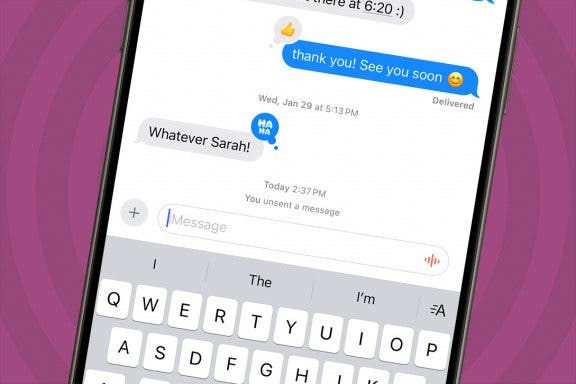
Everyone, at some point in their texting career, sends a message that they quickly regret. Luckily, most messaging clients now have an option to quickly unsend a message within a certain amount of time. Starting with iOS 16, Apple added this convenient option to iMessage, but many are wondering if someone can see an unsent message on iPhone.
By Leanne Hays
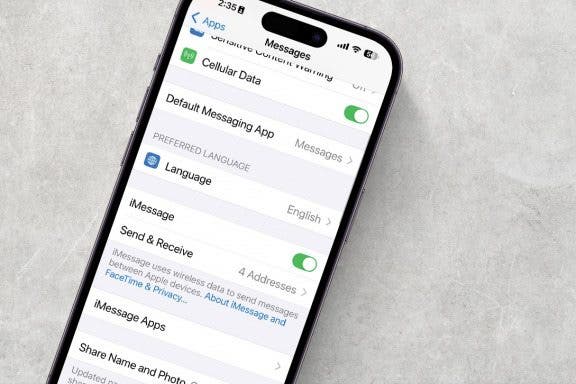
Is your iPad, Mac, or iPhone signed out of iMessage randomly, or does iMessage keep turning off on its own? Here's how to fix this annoying problem, so you can use iMessage reliably on all your devices again!
By Rhett Intriago
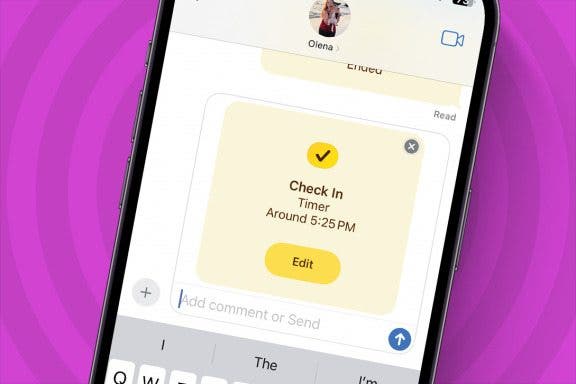
One of the coolest features in iOS is called Check In. This iMessage feature allows friends to temporarily see your location and automatically notifies them that you have made it to a specific location safely. Read on to find out how to use Check In on iPhone.
By Leanne Hays
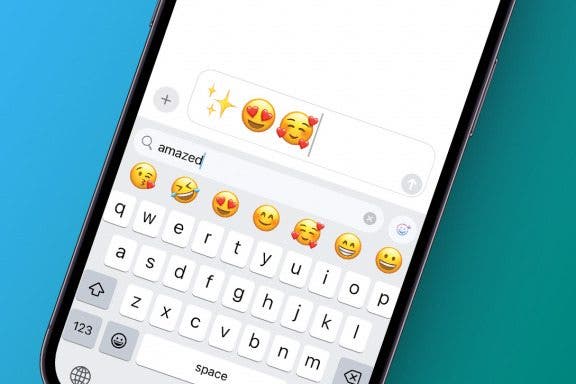
Emojis are a great way to add a little flair to messages and other text you type. Finding emojis has never been easier with a convenient emoji search bar built right into the default iOS keyboard. Let's learn how to use this emoji finder to quickly locate the emoji you want on your emoji keyboard.
By Sarah Kingsbury
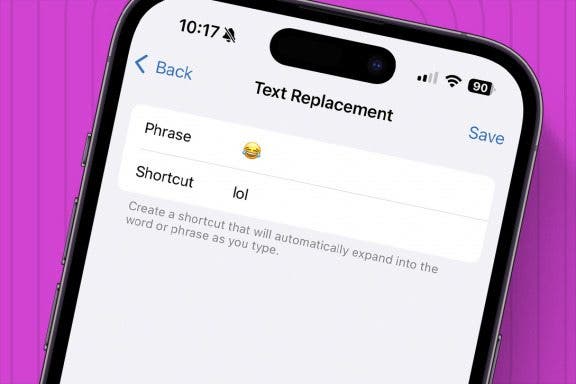
Previously, we covered creating keyboard shortcuts to help you quickly type commonly used phrases. Did you know you can also create shortcuts for emoji characters (those cute emoticons that go way beyond your average smiley face)? This is handy if you use a lot of emoji characters and don't want to switch back and forth between keyboards all the time.
By Ashleigh Page
These days, learning how to type faster and more accurately is really about learning to how to type smarter. We'll show you how to make use of simple iPhone keyboard settings and shortcuts to write the text you want to send with fewer taps on your keyboard. Let's get started!
By Violet Cooper
You can easily forward texts from the Messages app, including photos. Here’s how to forward a text message on iPhone.
By Leanne Hays
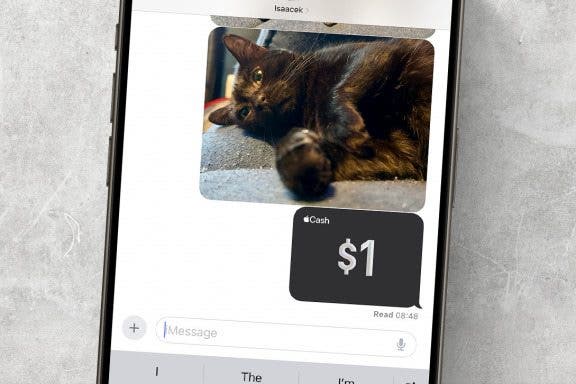
Do you know how to send money with Apple Pay the fastest way? You can use Apple Cash and send it via the Messages app. In this article we will teach you how to Apple Pay someone securely and quickly by ‘texting’ them money that they can use as soon as they accept it.
By Olena Kagui
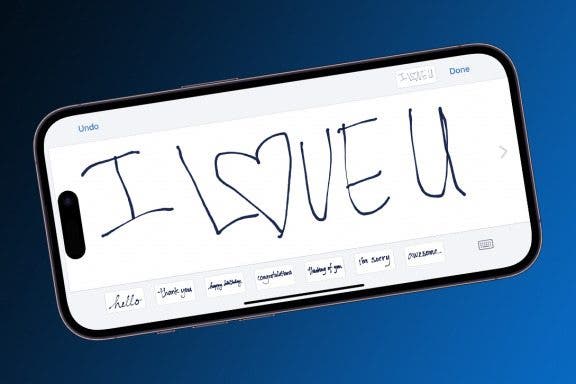
Did you know that you can send iMessage drawings to add a more personal touch to your text? Handwritten iPhone Messages can be sent via the Messages app to other Apple users. I’ll teach you how to draw on iPhones 16 and earlier models to share personalized messages with your loved ones.
By Rhett Intriago
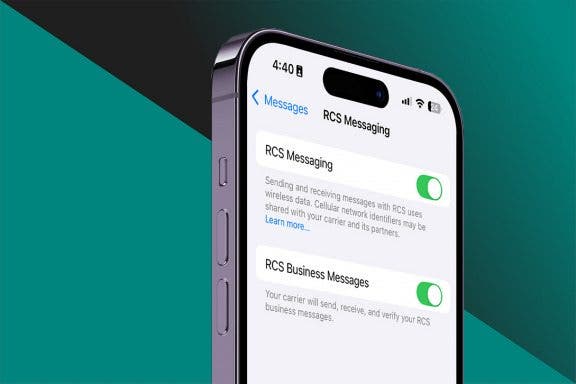
RCS messaging is a communication standard that is used for sending text messages. Android devices have been using RCS messaging for years, while the iPhone was forced to use SMS messaging. With iOS 18, Apple has brought RCS messaging to the iPhone. Let’s go over what you need to know about RCS messaging!
By Rhett Intriago
Texting is a breeze on iOS, thanks to the the quick reply feature in iMessage. If you’re wondering how to reply to a message on iPhone as quickly as possible, this shortcut is sure to come in handy.
NULL