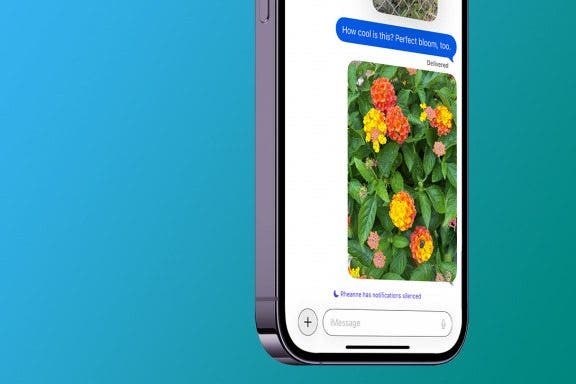
What better way to ring in the New Year or celebrate a holiday than by sending fireworks on your iPhone? With the Messages app, you can send iMessage effects along with your text. These iPhone texting effects include balloons, confetti, and fireworks. Below, we'll cover how to send fireworks on iPhone.
Messages
How to Get Custom Text Tones for iPhone
By Olena Kagui
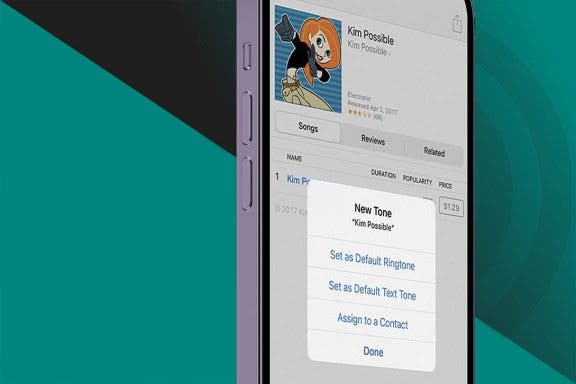
Have you ever been sure you just received a text, only to find that it was the person next to you? Having the same ringtone and text tone as your friends can get frustrating. A great way to distinguish your iPhone is to change your text message ringtone. We will teach you how to do that and set different text tones for your favorite contacts.
How to Customize Who Sees Your Focus Status in Messages
By Devala Rees
Message Blocking Is Active: What It Means & How to Fix It
By Rhett Intriago
It can be frustrating to try to send a text only to receive a message back telling you that message blocking is active. The message simply reads, "Free Msg: Unable to send message - Message blocking is active," and provides no context or further information on how to turn off message blocking. Let's go over the "message blocking is active" meaning and how you can turn it off.
How to Respond to Calls with iPhone Automatic Reply Texts
By Rachel Needell
We all love chatting on the phone with friends and family, but sometimes you just can't talk at that moment. Instead of declining calls and then going to the Messages app to type out a message, you can set up what's called Respond with Text in the Phone app. This will allow you to set up a custom text response that you can send directly from the incoming call screen of your iPhone.
How to Send Messages via Satellite on Your iPhone
By Leanne Hays
Apple now allows iPhone users with an iPhone 14 or later, updated to iOS 18, to connect to send messages via satellite when there is no Wi-Fi or cellular coverage available. Here's how to use satellite on your iPhone to send messages!
How to Show Only Unread iMessages on iPhone
By Kenya Smith
It's a common thing to be bombarded with unread text messages in the Messages app on your iPhone. When unread messages mix with messages you've already read, finding important text messages can be a hassle. Luckily, there's an easy way to view only unread messages. Here's how to find unread text messages on iPhone.
How to Secure Messages on Your iPhone & iPad
By Leanne Hays
If you want to know how to secure messages on your iPhone, the good news is that you can make sure your messages are private in a few easy steps. We'll cover best practices and features you need to have enabled to best secure your texts.
How to Enable iMessage on an iPhone, iPad & Mac
By Conner Carey
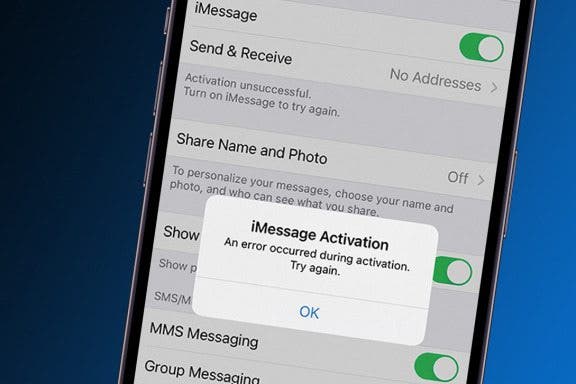
Do you want to know how to enable iMessage on your iPhone, iPad, or Mac computer? Are you wondering what iMessage is, and what is the difference between it and an RCS/SMS (text message)? In this comprehensive guide, we'll cover how to set up iMessage on iPhone and answer your burning Messages app questions.
How to See Unsent Messages on iPhone
By Rhett Intriago
Everyone, at some point in their texting career, sends a message that they quickly regret. Luckily, most messaging clients now have an option to quickly unsend a message within a certain amount of time. Starting with iOS 16, Apple added this convenient option to iMessage, but many are wondering if someone can see an unsent message on iPhone.
Why Does My iMessage Keep Turning Off & How to Fix It (2025)
By Leanne Hays
Is your iPad, Mac, or iPhone signed out of iMessage randomly, or does iMessage keep turning off on its own? Here's how to fix this annoying problem, so you can use iMessage reliably on all your devices again!
Let Your Family Know When You Get Home Safely
By Rhett Intriago
One of the coolest features in iOS is called Check In. This iMessage feature allows friends to temporarily see your location and automatically notifies them that you have made it to a specific location safely. Read on to find out how to use Check In on iPhone.
How to Search Emojis on Your iPhone & iPad
By Leanne Hays
Emojis are a great way to add a little flair to messages and other text you type. Finding emojis has never been easier with a convenient emoji search bar built right into the default iOS keyboard. Let's learn how to use this emoji finder to quickly locate the emoji you want on your emoji keyboard.
Create a Keyboard Shortcut for Emojis
By Sarah Kingsbury
Previously, we covered creating keyboard shortcuts to help you quickly type commonly used phrases. Did you know you can also create shortcuts for emoji characters (those cute emoticons that go way beyond your average smiley face)? This is handy if you use a lot of emoji characters and don't want to switch back and forth between keyboards all the time.
8 iPhone Typing Tricks for Speedy Messaging
By Ashleigh Page
These days, learning how to type faster and more accurately is really about learning to how to type smarter. We'll show you how to make use of simple iPhone keyboard settings and shortcuts to write the text you want to send with fewer taps on your keyboard. Let's get started!
How to Forward a Text on iPhone
By Violet Cooper
You can easily forward texts from the Messages app, including photos. Here’s how to forward a text message on iPhone.
How to Add Emojis to a Text Without Opening the Emoji Keyboard
By Hallei Halter
When you type a message in an app that uses your iPhone keyboard, like Messages or Notes, your phone will suggest iOS emoji that you can tap to add to your text. Here's how to get emojis on iPhone without the keyboard.
Apple Cash: How to Send Money through Apple Pay in Messages
By Leanne Hays
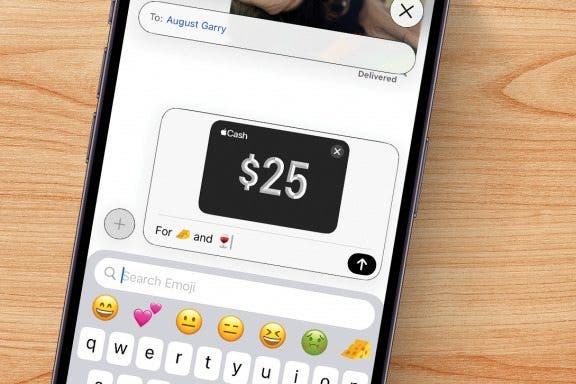
Do you know how to send money with Apple Pay the fastest way? You can use Apple Cash and send it via the Messages app. In this article we will teach you how to Apple Pay someone securely and quickly by ‘texting’ them money that they can use as soon as they accept it.
How to Mute a Group Text on iPhone
By Sarah Kingsbury
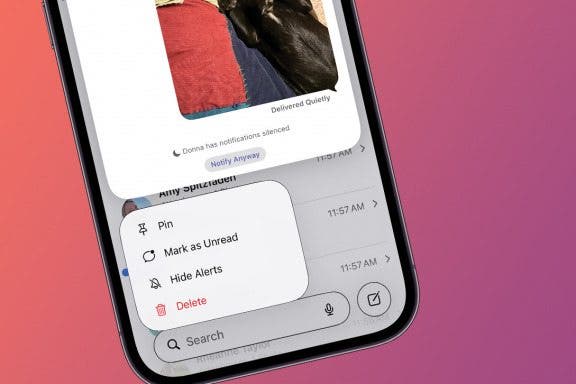
You don't have to leave a group text on an iPhone just because you want it to stop buzzing with new message notifications! Instead, you can silence alerts and read the text messages later. Here’s how to mute messages on iPhone without leaving the conversation.
Turn Off Link Thumbnails in Messages on iPhone
By Rhett Intriago
Link previews in Messages are thumbnails that show a site's chosen banner in a text message, along with the link. This can be useful for identifying what the link contains before you open it. However, it can also be a bit of an annoyance if you prefer to keep your messages less cluttered. So how do you send a link on the iPhone without a preview? Let's find out how to hide a link preview in iMessage.