Home
chevron-right icon
Apps
chevron-right icon
All Articles
Apps
Become an Apple device expert
Daily one-minute tips sent straight to your inbox.
Subscribe For Free
All Articles
Apps
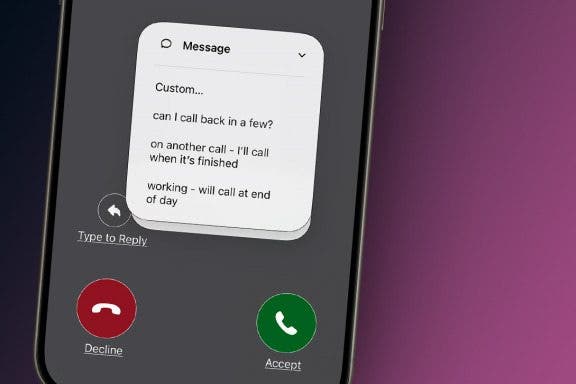
How to Respond to Calls with an Automatic Text Response
Rachel Needell
•
Jun 15, 2026
Apps
How to Stop Emails from Going to Archive on iPhone
Hallei Halter
•
Jun 15, 2026
Apps
How to Add Phone Numbers to Contacts from Mail
Sarah Kingsbury
•
Jun 15, 2026
Apps
The Quickest Way to Save a Website to the Notes App
Conner Carey
•
Jun 09, 2026
Apps
Update All Apps on iPhone in Seconds
Conner Carey
•
Jun 08, 2026
Apps
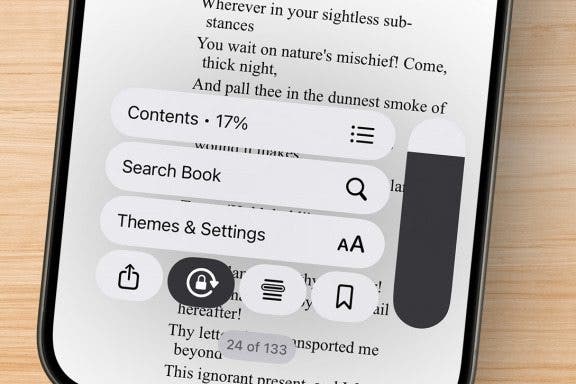
Scroll Through Your Books on iPhone & iPad
Sarah Kingsbury
•
Jun 08, 2026
Apps
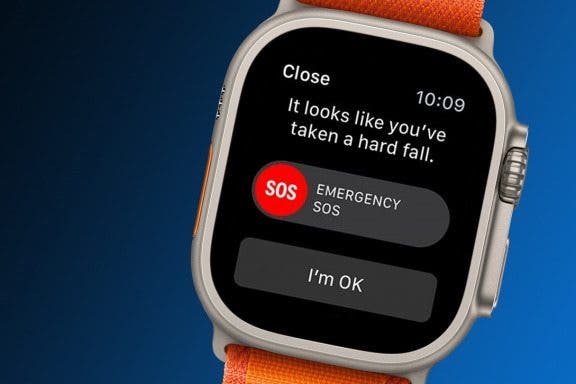
How to Set Up Apple Watch Fall Detection
Hallei Halter
•
Jun 03, 2026
Apps
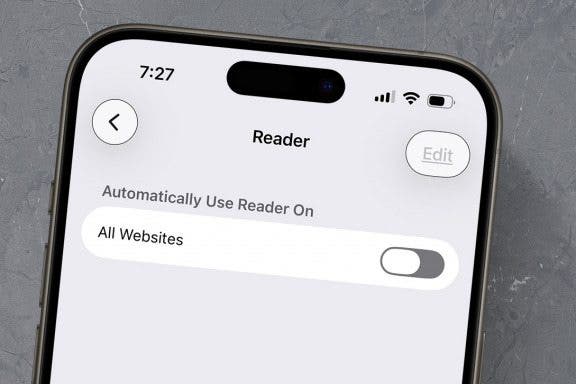
How to Enable Reader Mode in Safari for All Webpages
Erin MacPherson
•
Jun 02, 2026
Apps
How to Add a Photo to a Contact on iPhone & iPad
Hallei Halter
•
Jun 02, 2026
Apps
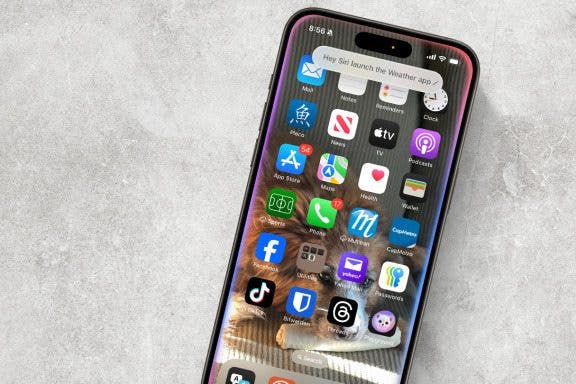
How to Use Siri to Find & Launch Apps
Jim Karpen
•
May 26, 2026
Advertisement
Apps
How to Change Calendar Color on iPhone
Rhett Intriago
•
May 19, 2026
Apps
Push or Fetch: Save iPhone Battery by Changing This Setting
Conner Carey
•
May 19, 2026
Apps
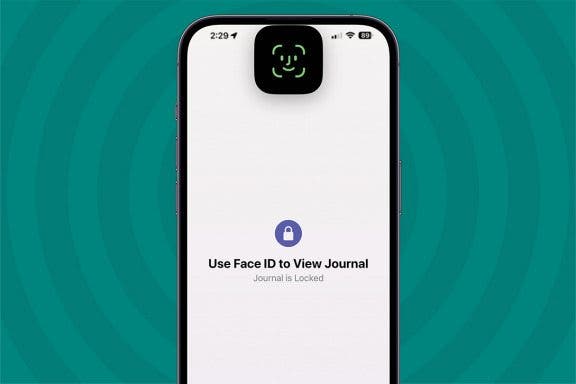
How to Add Face ID to Apps on iPhone
Conner Carey
•
May 19, 2026
Apps
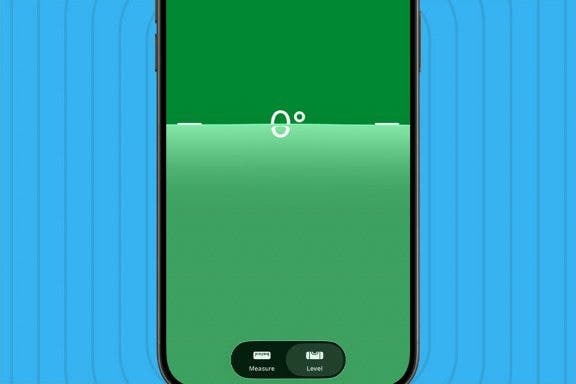
How to Use the iPhone Level in the Measure App
Leanne Hays
•
May 14, 2026
Apps
How to Stop Sharing Location on iPhone
Rhett Intriago
•
May 13, 2026
Apps
How to Pin a Contact on Your iPhone & iPad
Leanne Hays
•
May 12, 2026
Apps
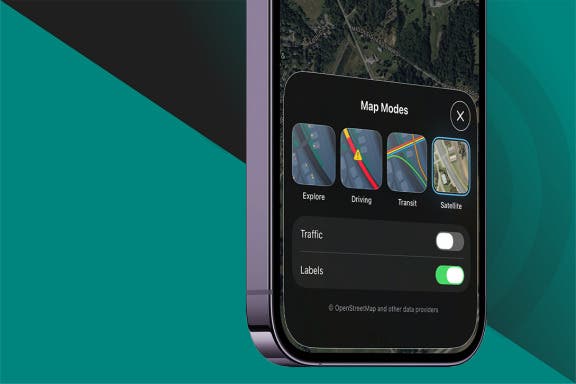
How to Switch to Satellite View in Apple Maps
Leanne Hays
•
May 12, 2026
Apps
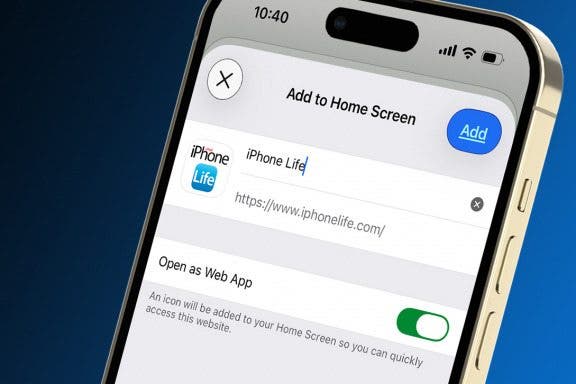
How to Add a Website to Your Home Screen on iPhone & iPad
Sarah Kingsbury
•
May 07, 2026
Apps
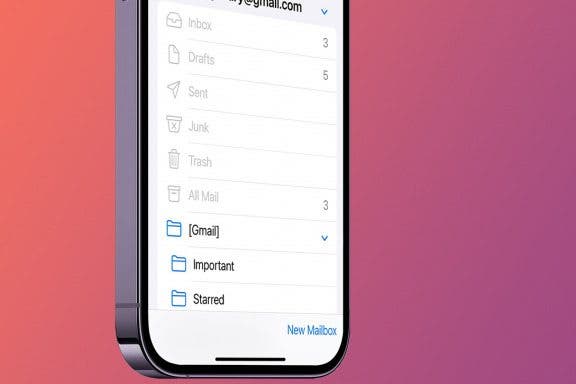
How to Add a Mailbox to iPhone & iPad
Tamlin Day
•
May 06, 2026
Apps
How to Create a FaceTime Link & Send a FaceTime Calendar Invite
August Garry
•
May 06, 2026
arrow-left icon
1
2
3
4
5
...
92
arrow-right icon


 Rachel Needell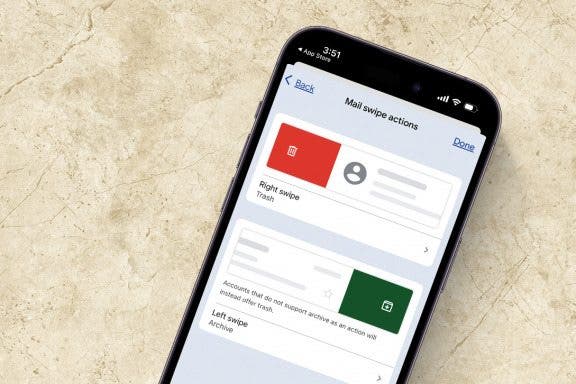
 Hallei Halter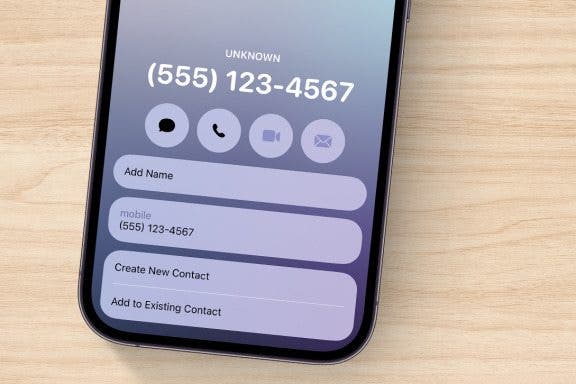
 Sarah Kingsbury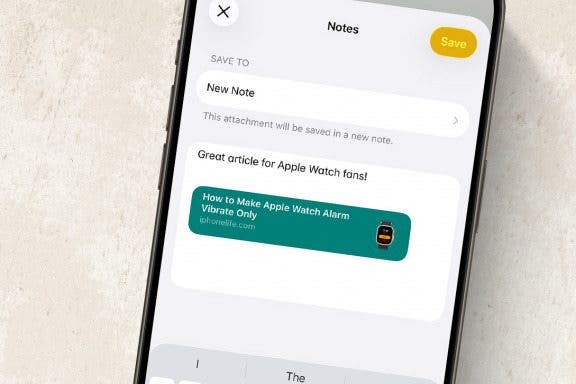
 Conner Carey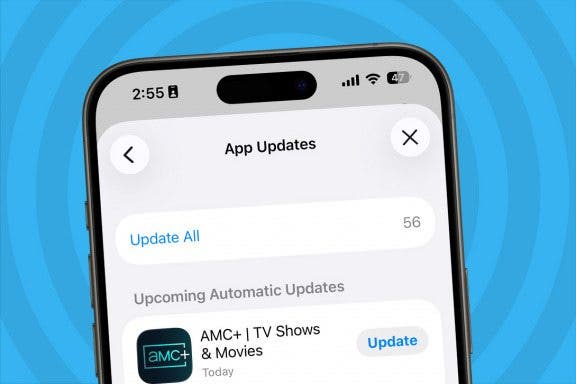
 Erin MacPherson
 Jim Karpen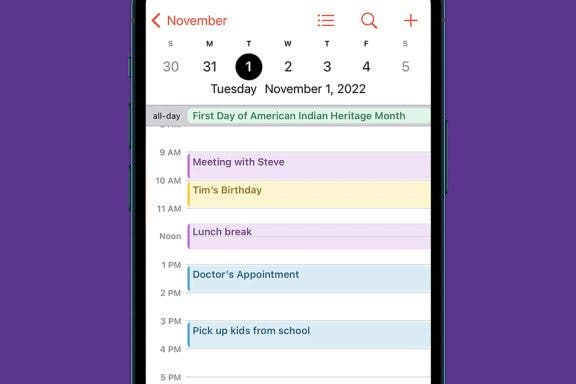
 Rhett Intriago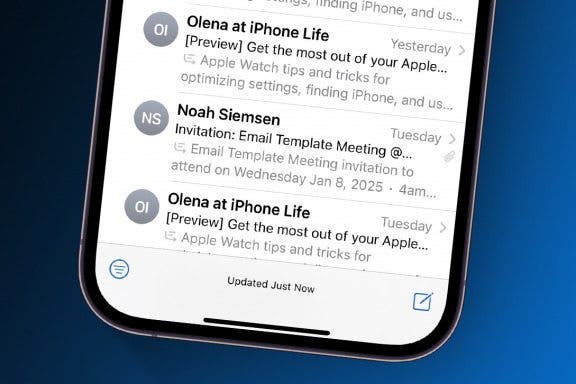
 Leanne Hays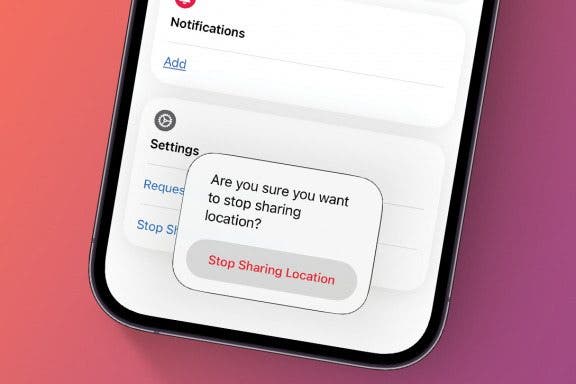
 Tamlin Day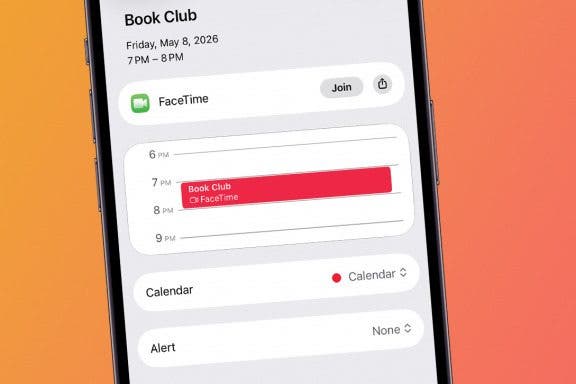
 August Garry