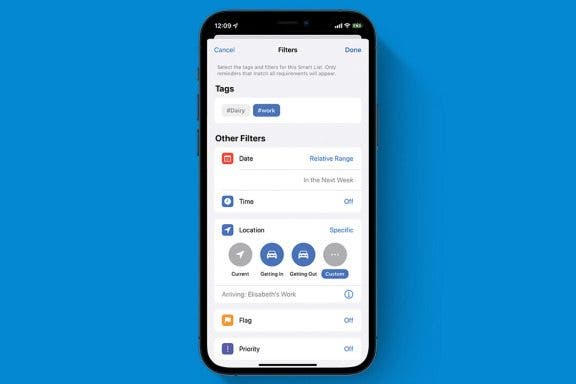
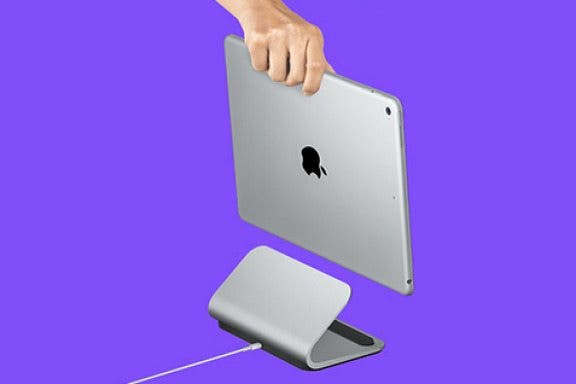
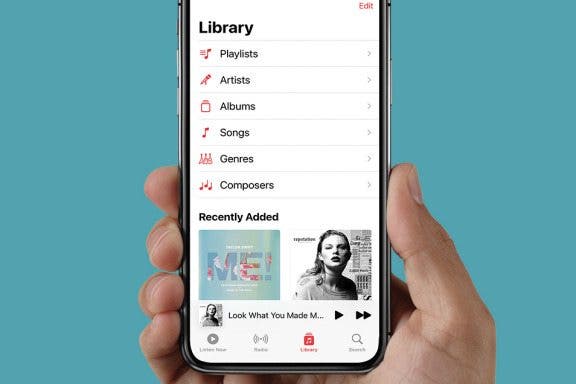
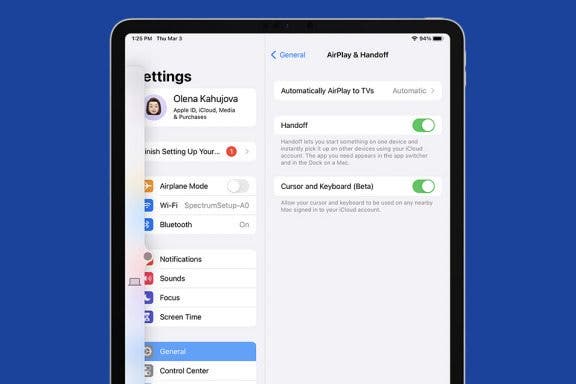
Siri understands natural language, so on the one hand you might think that a guide to Siri might not be needed. But on the other hand, you may not be aware of the wide range of things that Siri can do. Plus, it helps to make requests in particular ways. I'm guessing that if you're like me, you're not using Siri to the fullest extent. And if you're like me, you'll find iMore's ultimate guide to using Siri a real boon. The guide covers every possible facet of using Siri, from asking for information to completing tasks to launching apps. The guide begins with several sections on setting up and configuring Siri. It then has sections on how to make calls and send email and text messages to your contacts using Siri. Other sections cover setting alarms and timers, setting reminders, updating tasks and to-do lists, creating and updating calendar appointments, checking stocks, creating and updating notes, checking the weather, playing and controlling music, searching a variety of search engines, finding movie information, looking up sports scores and information, finding restaurants and making reservations, launching apps, and shopping for Apple products.
Apple's Airplay technology has reset the expectation bar for ubiquitous, wireless multimedia streaming. However, finding accessories that embrace and enhance the Airplay experience is a challenge. One company, AQ Audio, has entered the market with a wireless speaker that promises easy setup and great audio. Did they deliver on this promise? Read on to find out.
Every weekend we will be raffling off tons of great apps and accessories for FREE. Here's how it works: Every Friday we will announce the prizes being given away through iPhoneLife.com, Facebook, Twitter and Google+. To enter the giveaway, go toiPhoneLife.com/giveaways. On Monday morning we will randomly select the winners. If you win an app, we will email you the promo code to redeem the app for free. If you win an accessory, send us your address then we will mail it to you.
I've seen a number of lists of apps recommended for those lucky individuals who got a new iPhone or iPad from Santa, but CNET's listing strikes me as being the most useful. They include a number of free apps that are my favorites and that I use every day. Let's take a look at some of their recommended apps.
Flipboard — This is likely the most popular aggregator of news and content ever developed for iOS devices. Its interface is gorgeous and intuitive, and very easy to customize to your interests. Many people find it to be their favorite window onto Facebook or news or entertainment or sports, or whatever your interest is.
Google Maps — When Apple dumped Google Maps in favor of its own maps solution, many were disappointed that Apple's effort was missing some of their favorite features, such as transit directions and Google Street View. Fortunately, Google eventually came out with a full-featured version of their app for iOS devices that has almost all the functionality of their highly popular maps app for Android devices.
As we head toward the New Year, rumors are floating around of forthcoming goodies from Apple. Many people think, and Apple has hinted as much, that wearable computing will be among the Next Big Things from Apple. It would be great to see Apple do something like Google Glass, which are essentially glasses with all the capabilities of a high-powered smartphone. Today's Apple rumor is that an iWatch is in development.
Thanks to everyone who entered the iPhone Life Weekly Weekend Giveaway! 290 people entered this week! We have selected the winners of this giveaway. We gave away 10 apps!
Christmas has come and gone, and the first hints are coming in that the iPad was the dominant tablet this holiday season. According to Barron's, a market analyst who called Best Buy and Staples stores found that the iPad was the most popular device among tablet buyers. Amazon's Kindle Fire and the Samsung Galaxy tab also had some sales, but apparently there wasn't much demand for Microsoft's Surface tablet. Even more interesting is a clever search of Twitter posts for the 24-hour period over Christmas.
Happy Holidays everyone, from all of us here at iPhone Life! Hopefully everyone had a safe and abundant holiday celebration. I know many of you are now very happy owners of the latest iDevices, and whether you just got an iPhone, an iPad or an iPad mini, this little "Buyer's Guide" is filled with handy links with lots of concise and useful information to help you accessorize and personalize your new toys.
A lot of you are going to find a new iPad under the tree tomorrow, and before you put it through its paces, you might want to encase that expensive gadget in a safe case.
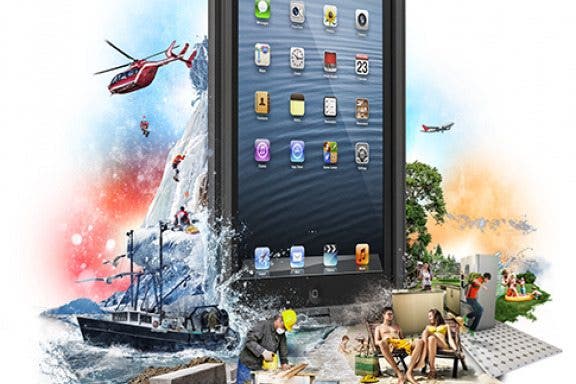
The nüüd case from LifeProof offers something no other rugged case does. Of course it's rugged, but it is also waterproof... So far, so good. But LifeProof does something no other case maker has tried. The achieve waterproof protection yet leave the glass screen exposed! The dock and the audio jack are sealed and protected, of course.
Happy holidays to all our iPhone Life readers. Here are two videos featuring Christmas-themed magic tricks using the iPad. It's amazing what these guys are able to do.
What's bigger than an iPhone, smaller than a MacBook, and the most anticipated Apple product since the original iPhone? On January 27, at a special invitation only event at the San Francisco's Yerba Buena Center for the Arts, Steve Jobs announced Apple's new "magical, revolutionary product" -- the iPad. Meant to fill the gap between the laptop and phone, Jobs said it was "way better" than either. Let's take a look at it.
Thin, lightweight, and powerful
The iPad shares many hardware features with the iPhone, including an accelerometer, an orientation sensor to switch from portrait to landscape mode, solid-state memory, and the same 30-pin doc connector. Connectivity is also virtually the same, with wireless 802.11n WiFi and Bluetooth 2.1 EDR included on all models.
iPad runs iPhone apps!
The iPad will run a version of iPhone OS, and the new device can run virtually any app developed for the iPhone or iPod touch. Aps developed for the iPhone can run on the iPad in native resolution but is large enough to touch type on.
The larger screen not only makes familiar iPhone apps like Calendar, Mail, and Safari look stunning, it also provides screen real estate for more complex elements in the UI. For example, Calendar display a split-sreen view that describes the day's appointments on the left and shows you a color map of used time slots on the right. The split-screen view in Contacts displays you contacts list on the left and the full information for the contact you've selected on the right.
An ebook reader and more
Although not build into the iPad, Apple will offer a free app called iBooks, which will allow you to download and read books from it's new virtual bookstore. The new iBooks store will be accessed from and as easy to use as iTunes.
The ultimate media device?
The iPad is not the world's first tablet PC or the first eBook reader. Toshiba, Lenovo, Acer, and others sell Windows-based tablets, and Amazon has had considerable success with it's Kindle. But Apple thinks the iPad will reinvent the category by offering a vastly superior multi-touch interface an easy access to a wide-variety of apps and media via iTunes. Aple hopes to make the iPad the ultimate media device by leveraging it's existing assets which include over 100 million paying iTunes customers, established relationships with music and video content providers, and over 100,000 iPhone OS app developers.