How to Manage Your Insider Subscription
You can update your account information, change your password, manage your email preferences, find out when your subscription expires, update your billing information, and cancel your subscription on the My Account page.
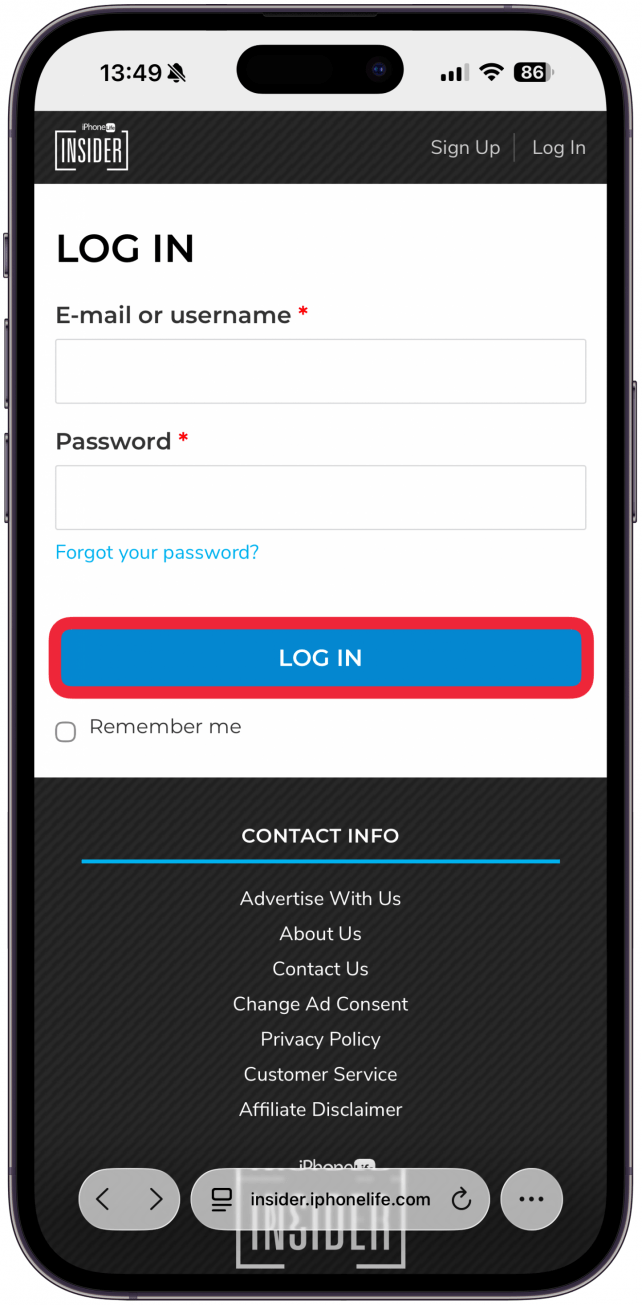
- Log in to your Insider account.
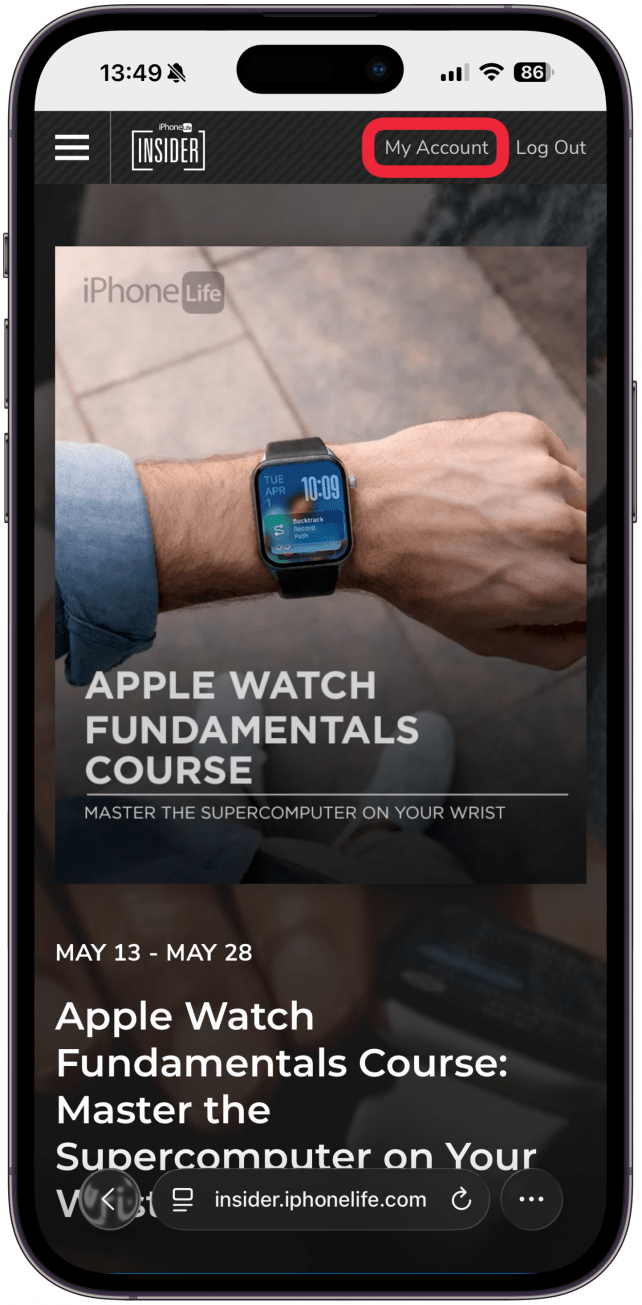
- Click or tap My Account in the upper-right corner.
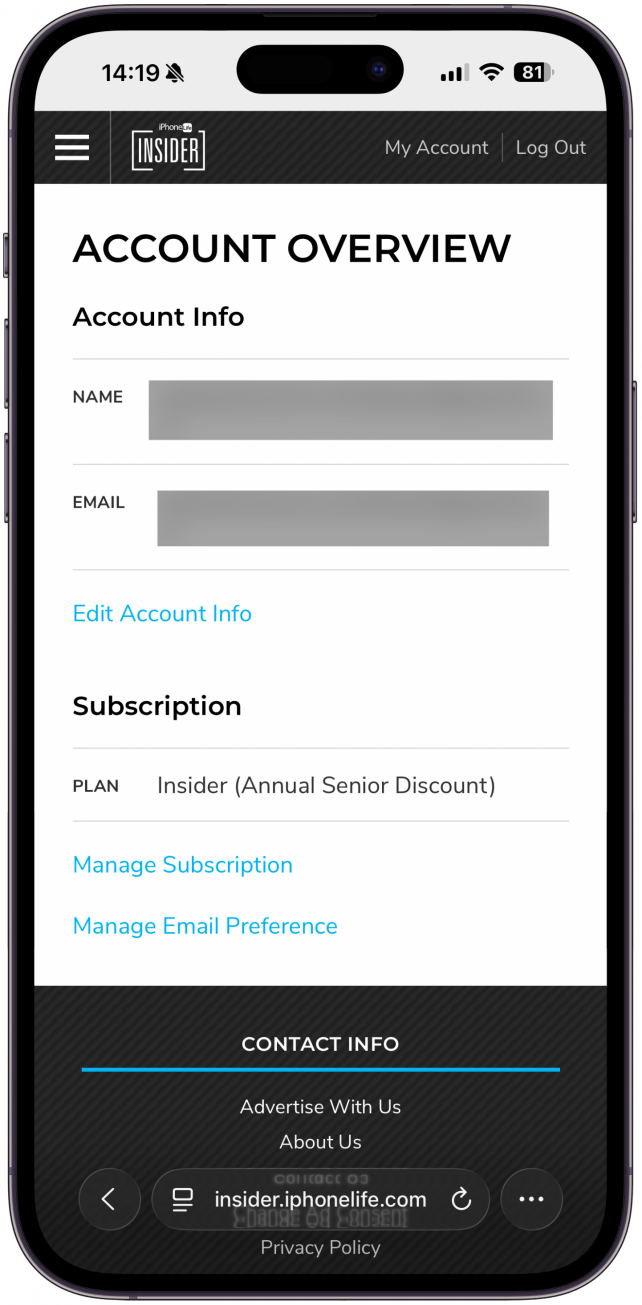
- This will take you to the Account Overview Page.
How to Update Your User Name & Email Address
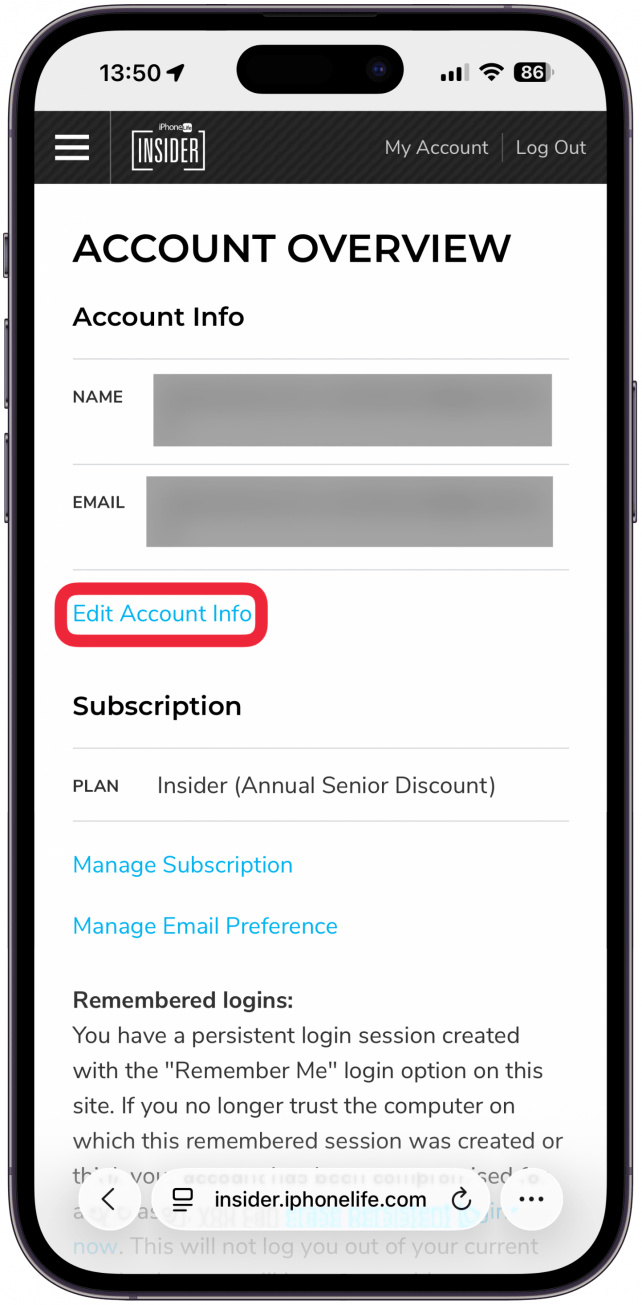
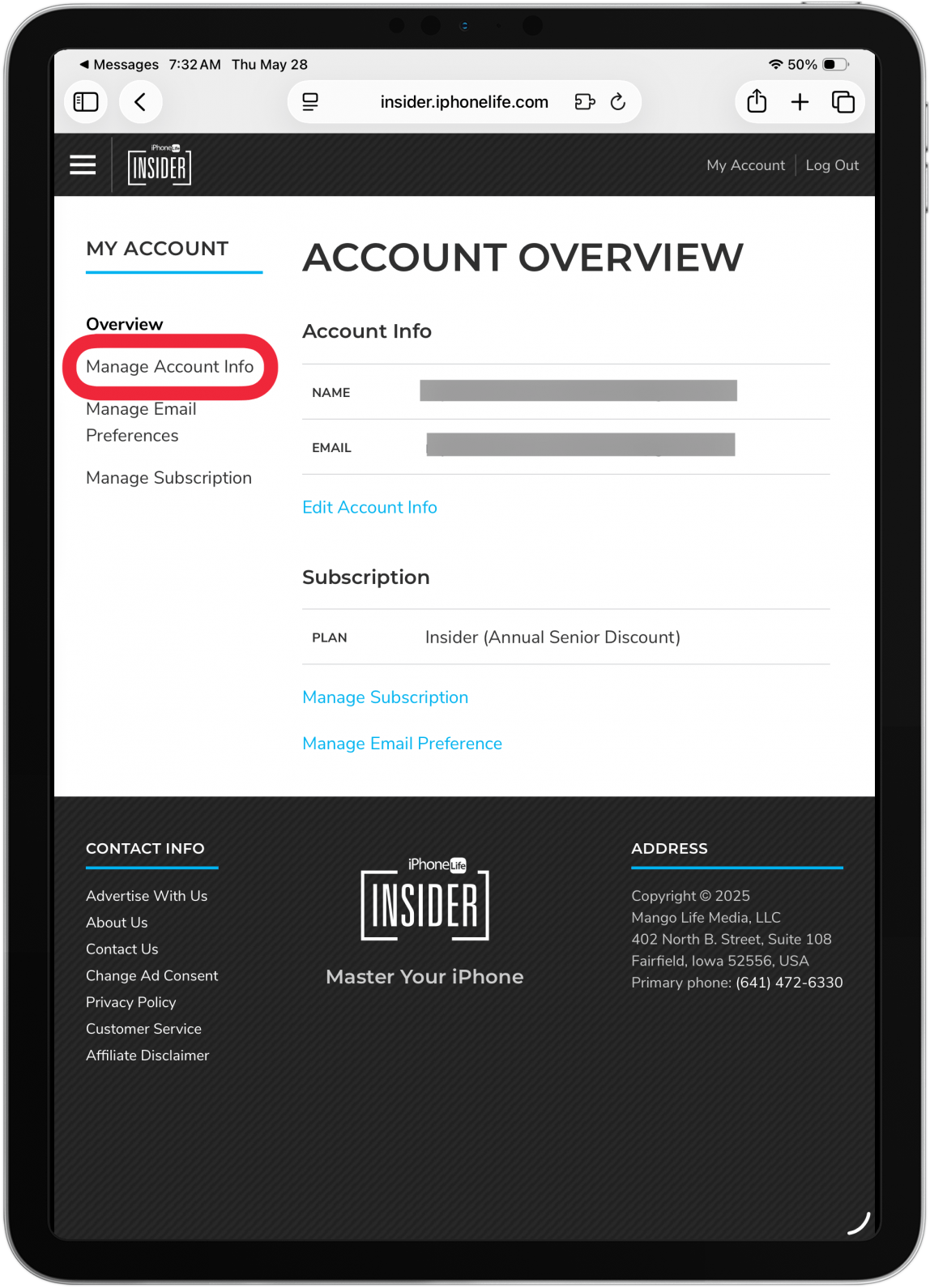
- From the Account Overview page, tap or click Edit Account Info.
- On an iPad or Mac you can also click Manage Account Info in the sidebar on the left.
- Enter your new user name or email address.
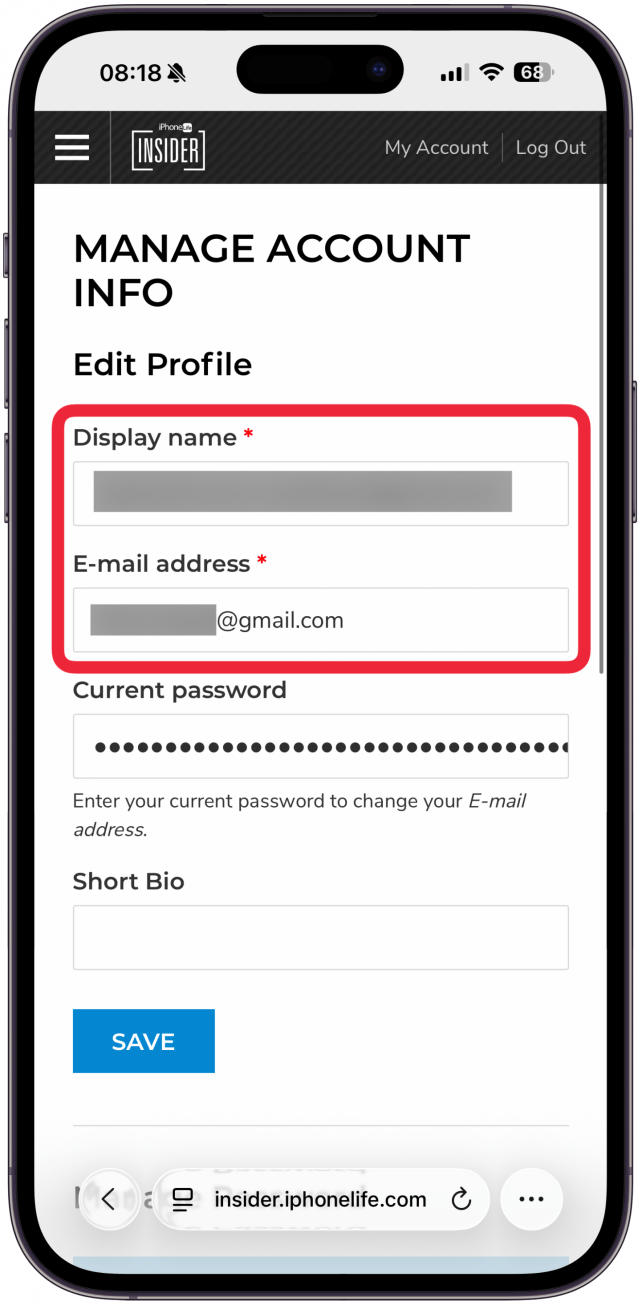
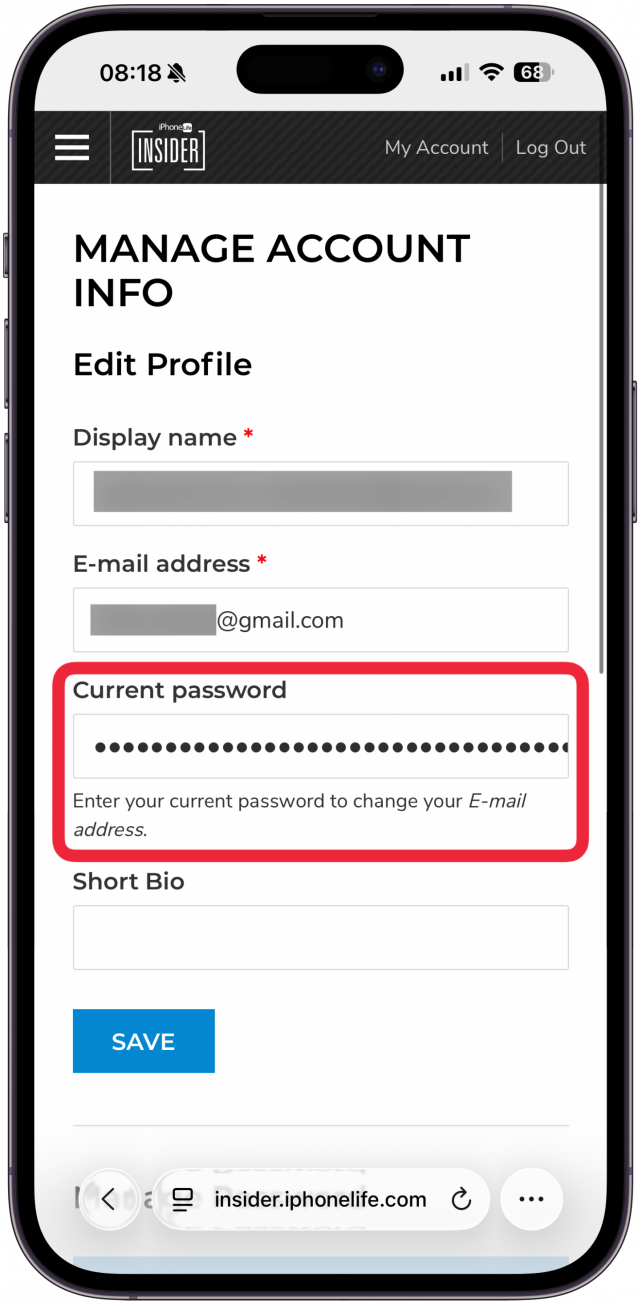
- If you are updating your email address, you will need to enter your password.
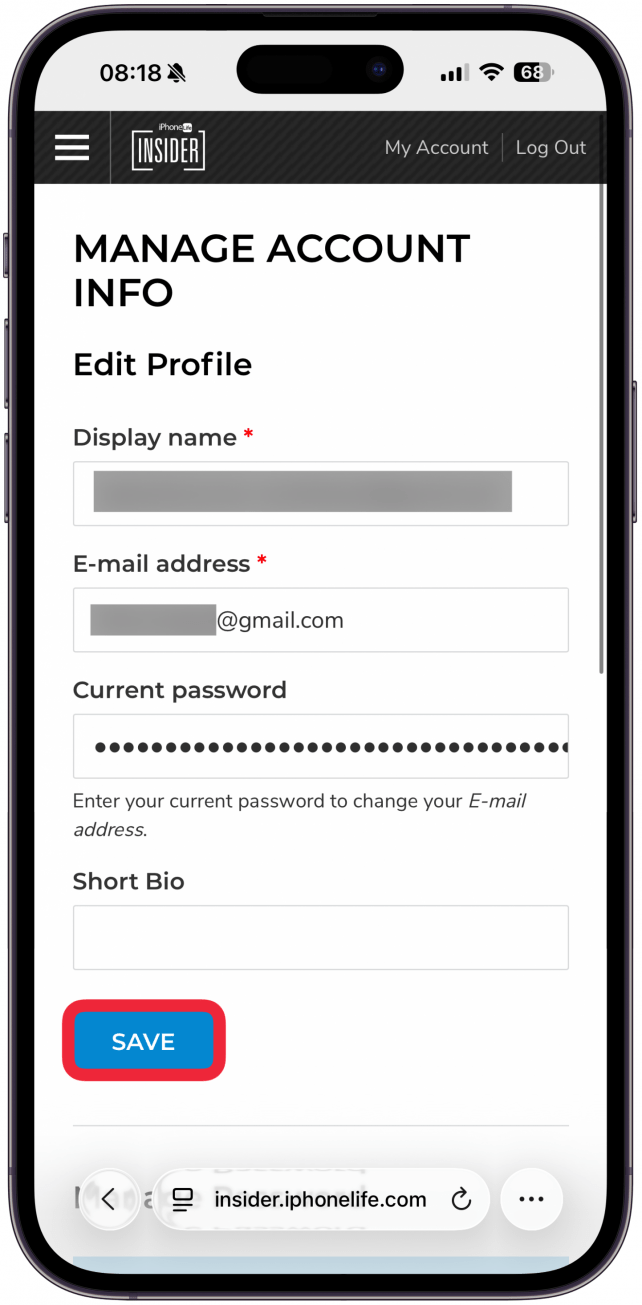
- Click or tap Save.
How to Reset Your Password
- From the Account Overview page, tap or click Edit Account Info.
- On an iPad or Mac you can also click Manage Account Info.
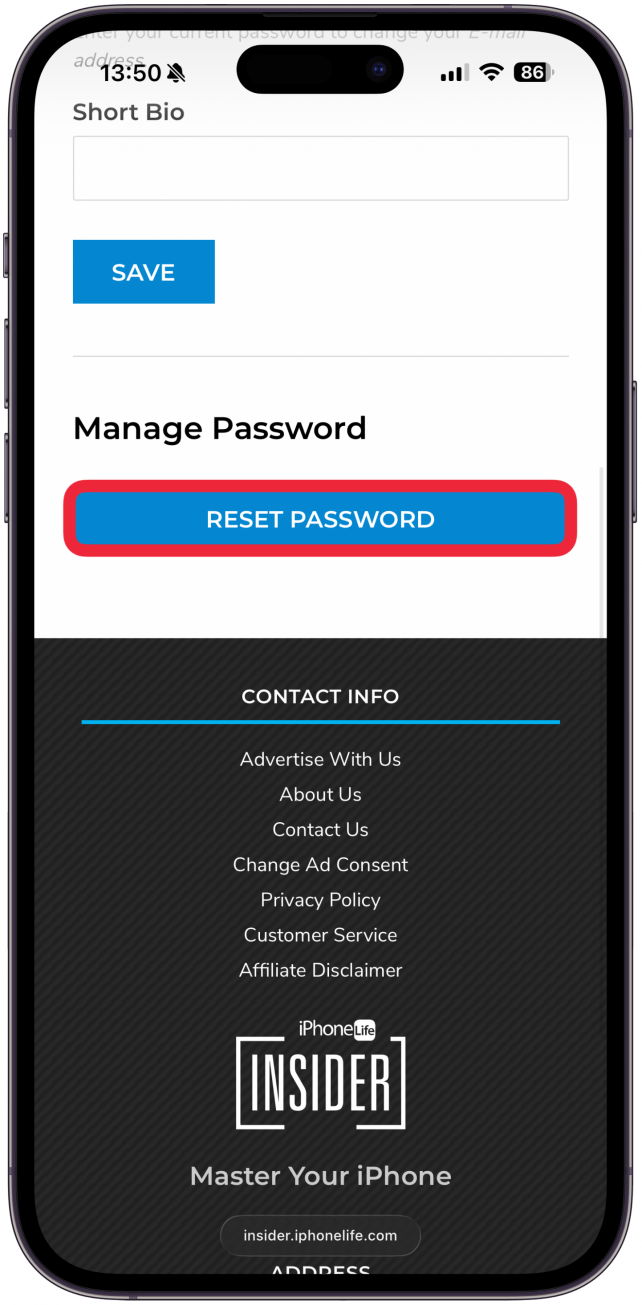
- Scroll down and tap or click Reset Password.
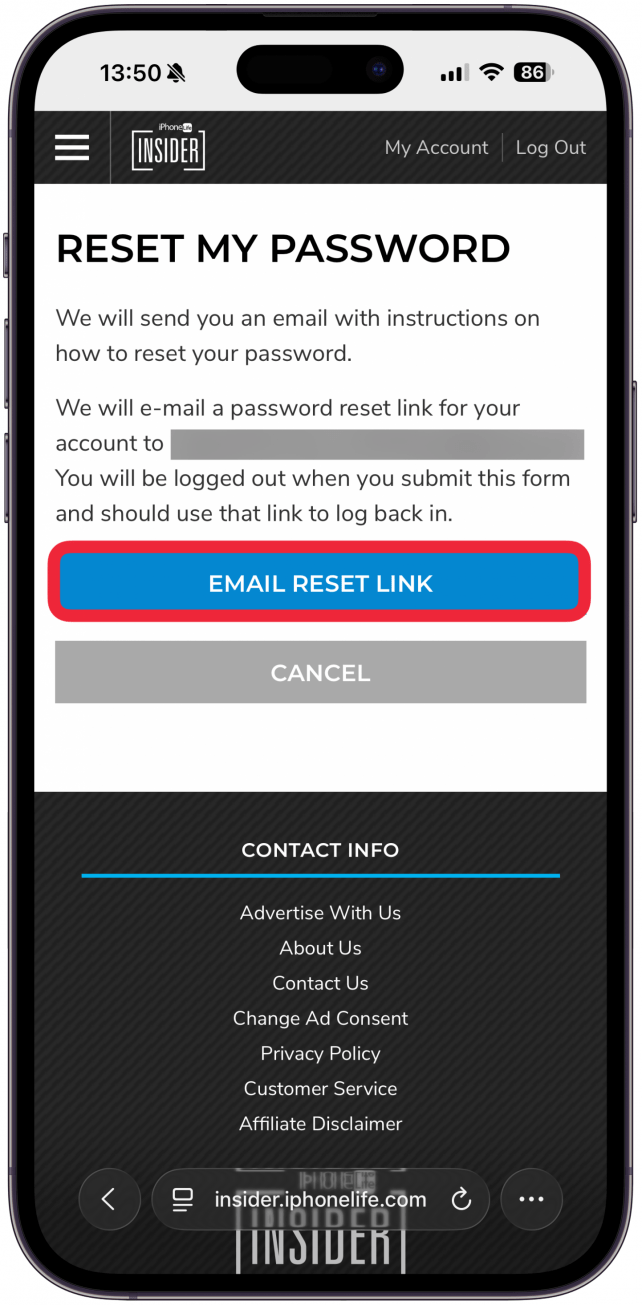
- Tap or click Email Reset Link.
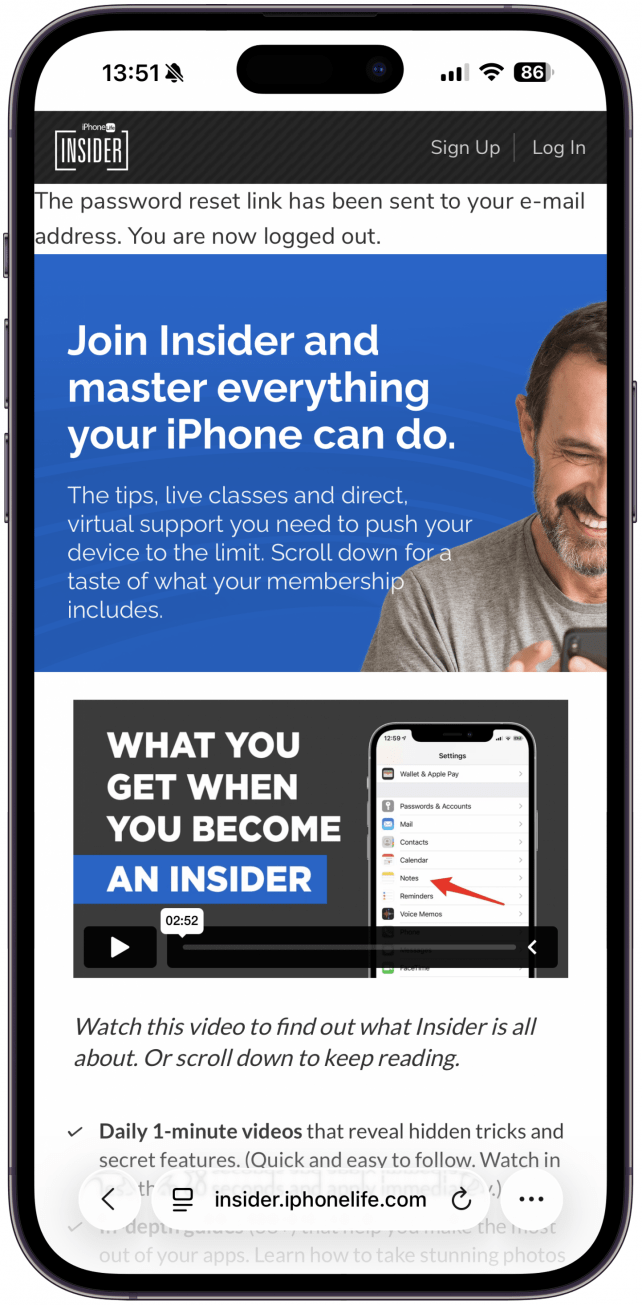
- You will be logged out of your Insider account.
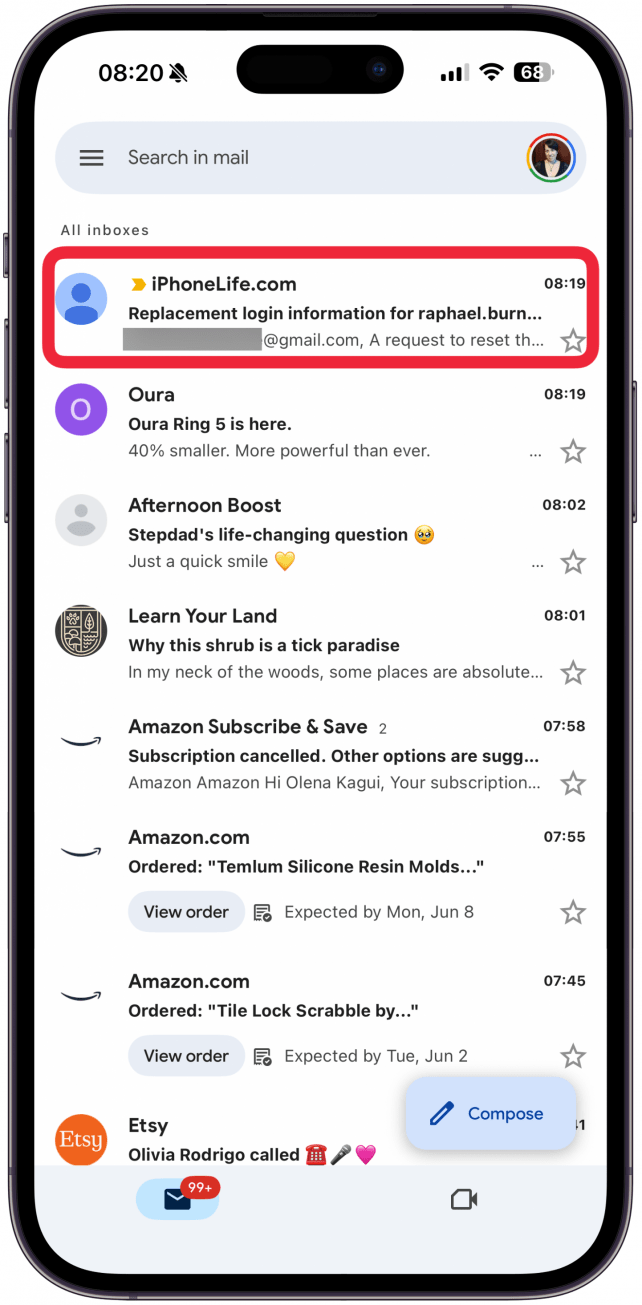
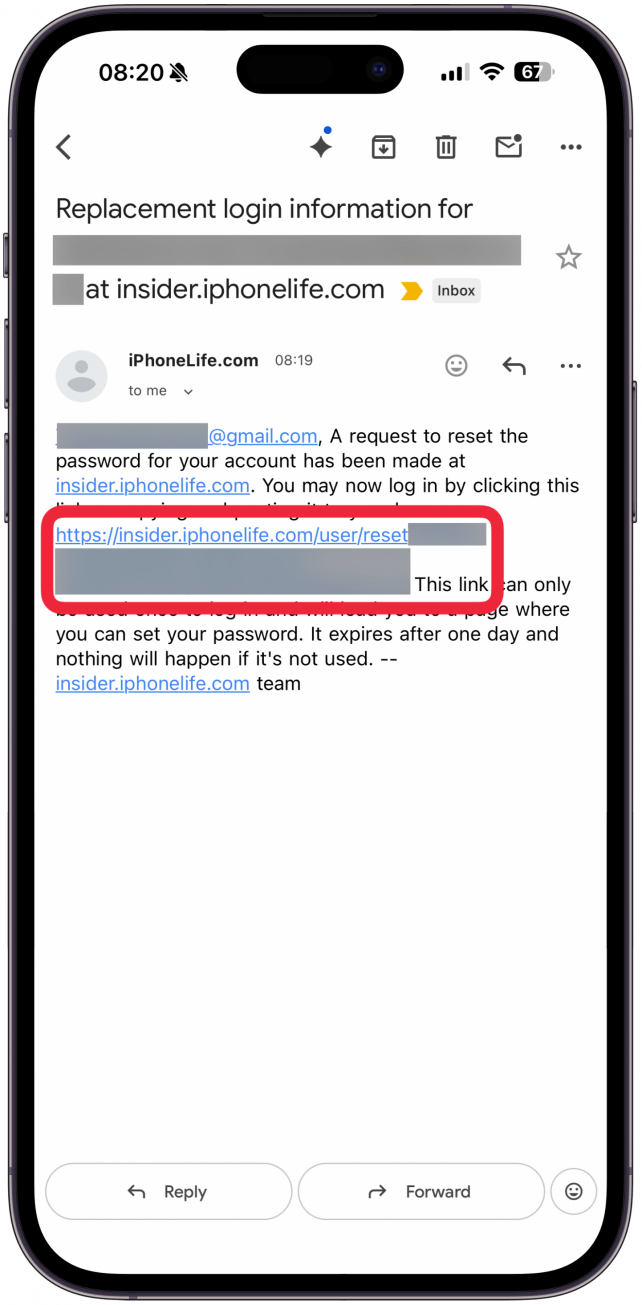
- Go to your inbox and open the password reset email from iPhone Life Insider.
- Tap or click the reset link.
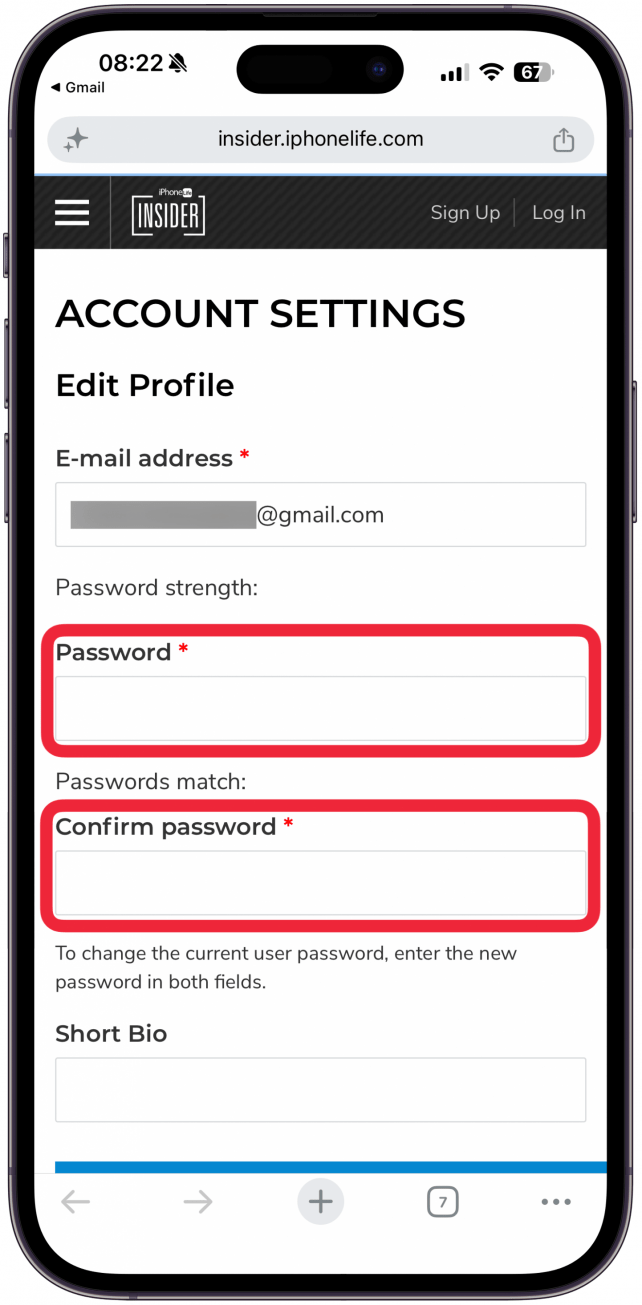
- Enter your new password, then enter it againt to confirm it.
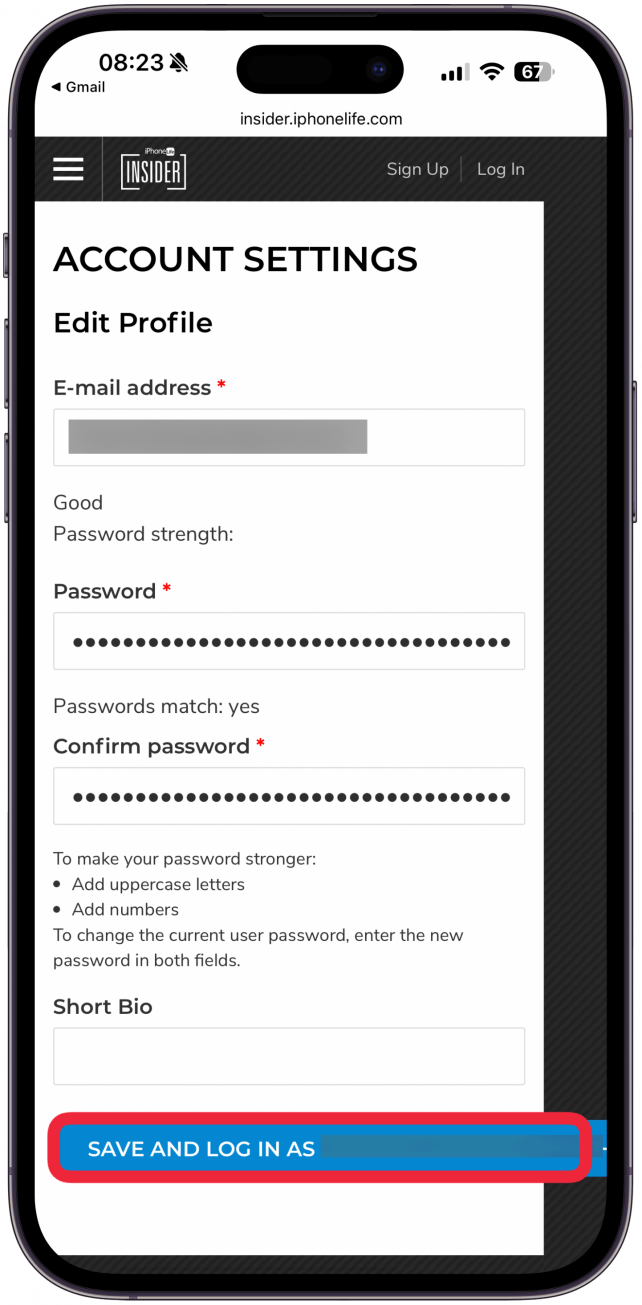
- Tap SAVE AND LOG IN A (Your Username).
How to Manage Your Email Preferences
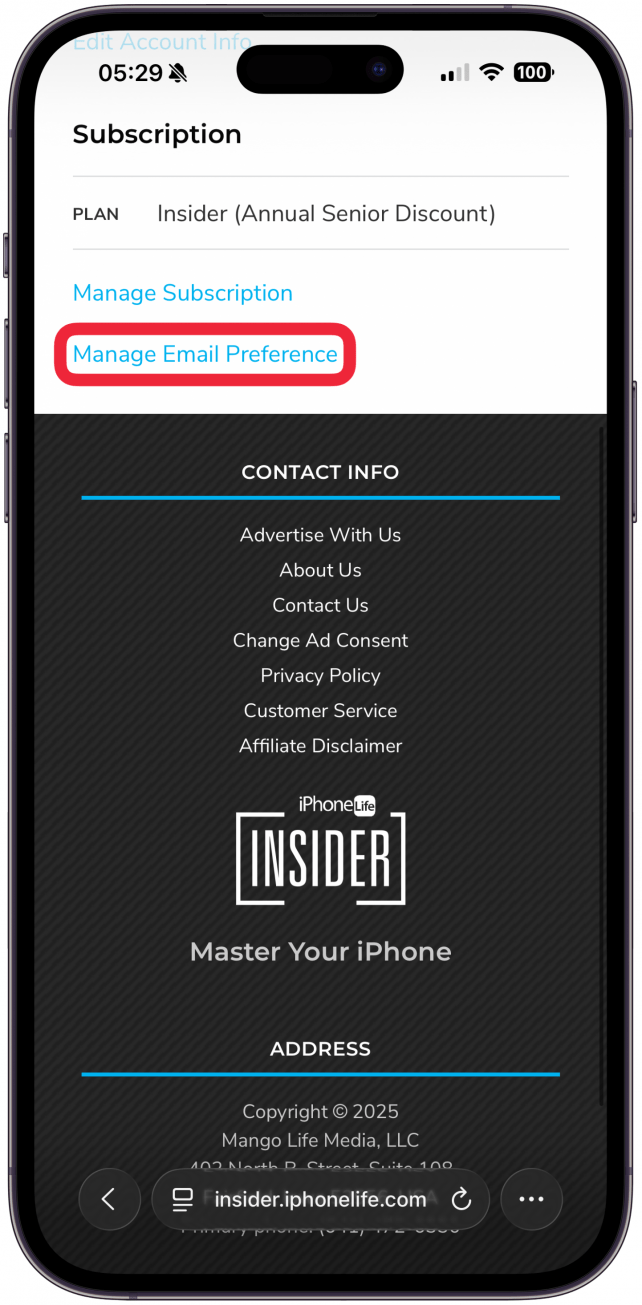
- From the Account Overview page, tap or click Manage Email Preference.
- Select the emails you wish to receive.
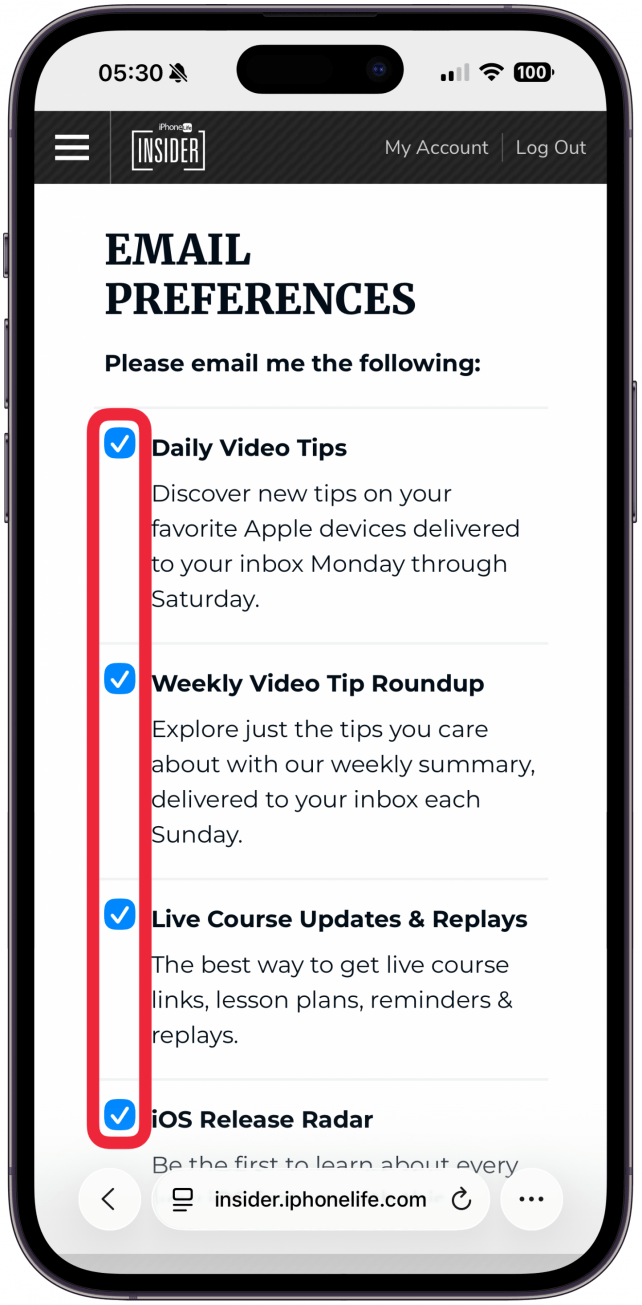
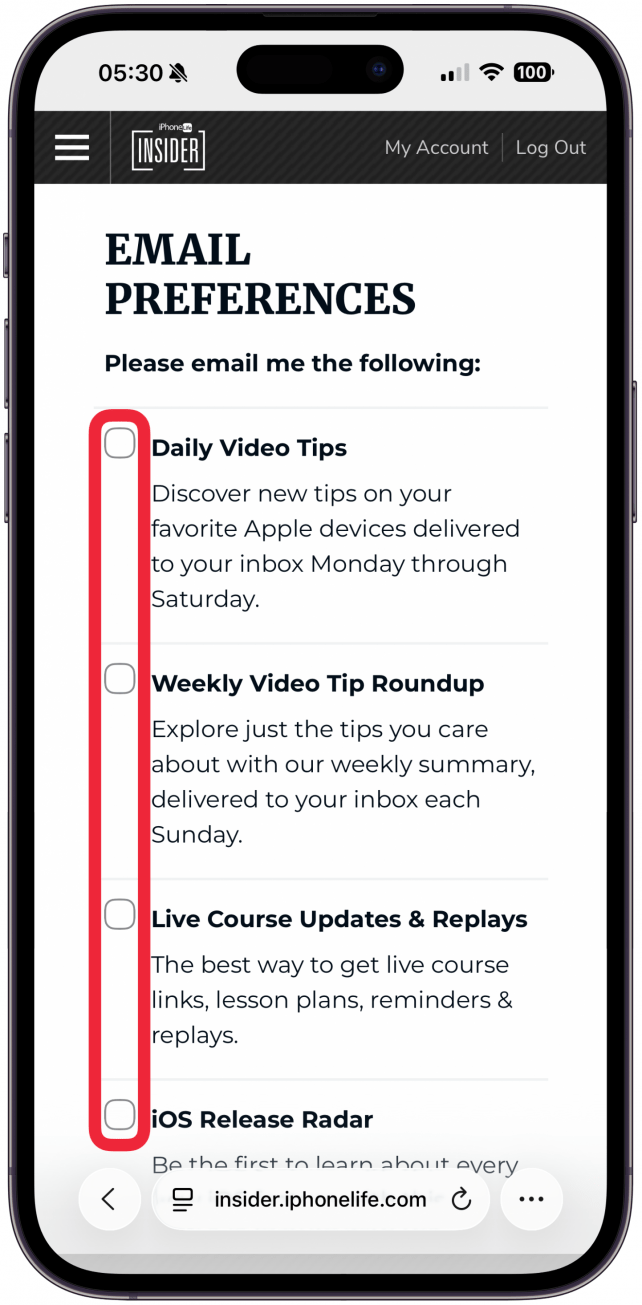
- Deselect the emails you wish to opt out of
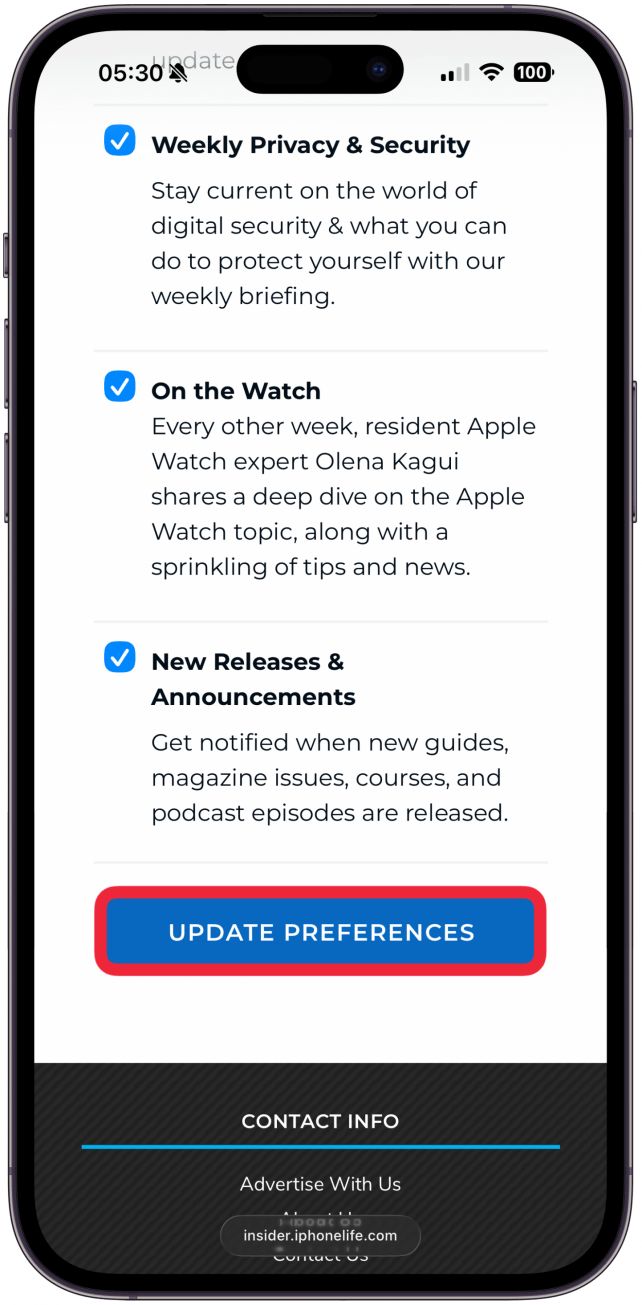
- Tap or click Update Preferences to save your changes.
- Visit our article on managing your Insider email preferences for more information and to learn how to make sure the emails you want aren’t getting caught in your spam filters.
How View Your Insider Subscription Details
- From the Account Overview page, tap or click Manage Subscription.
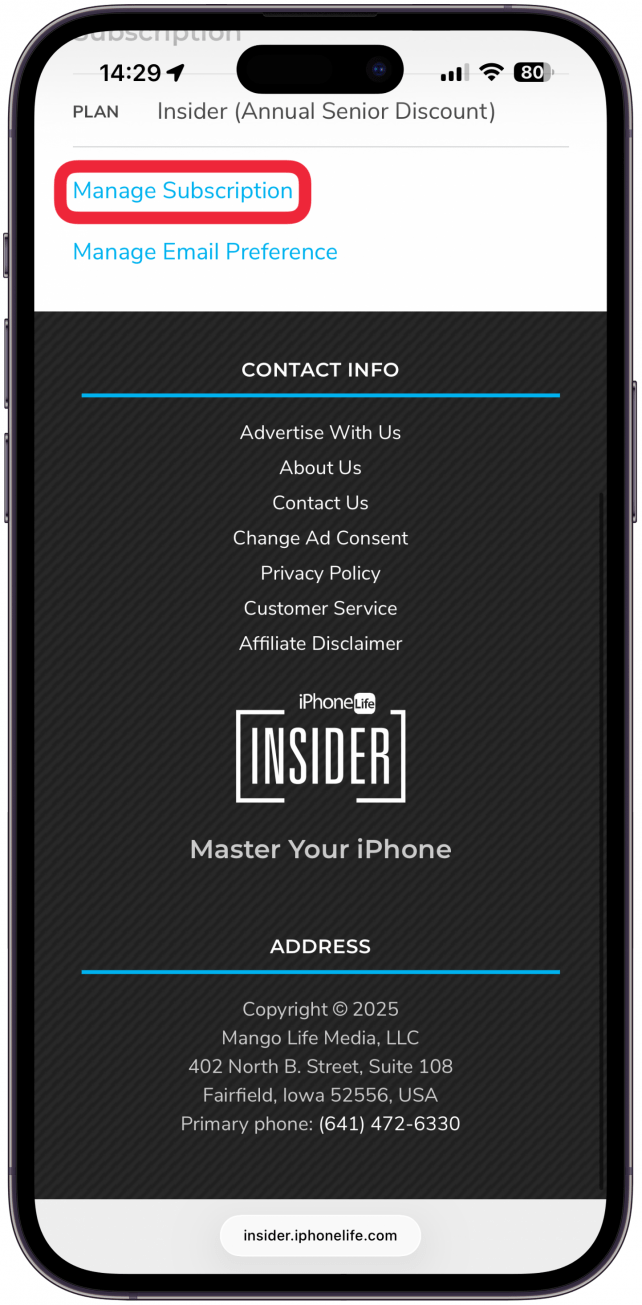
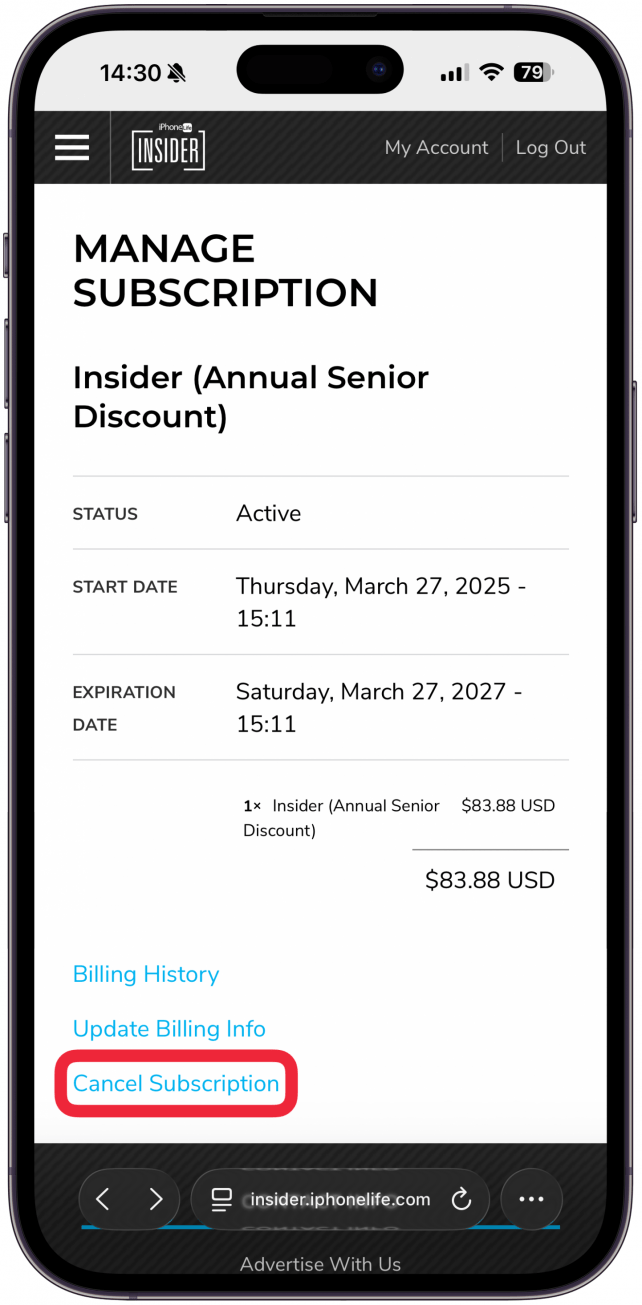
- Here you will see your account status, subscription start date, subscription expiration date, and subscription cost.
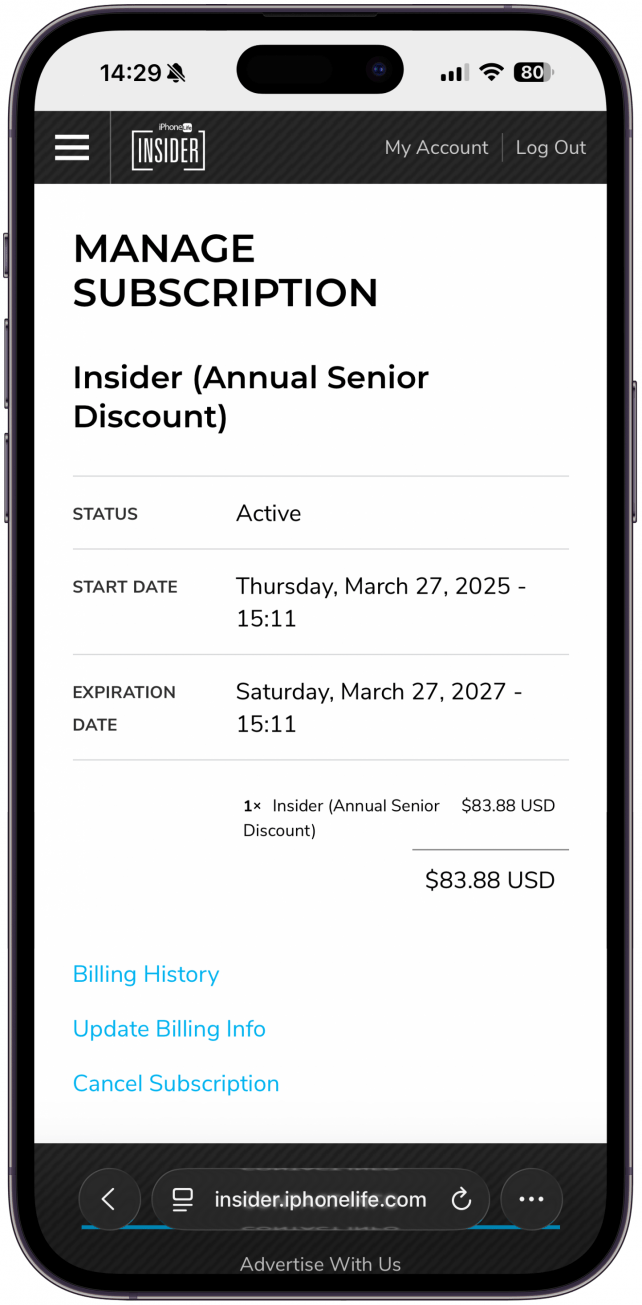
- You can also view your billing history, update your billing information, and cancel your subscription from this page.
How to Update Your Billing Information
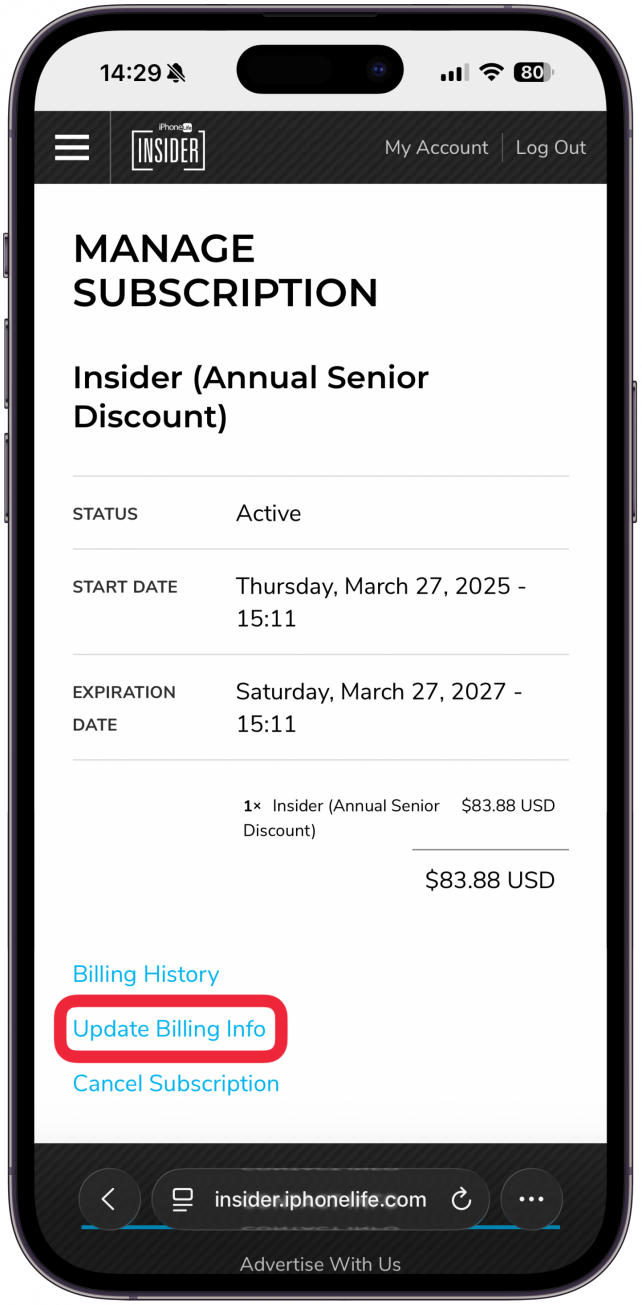
- From the Manage Subscription page, tap Update Billing Info.
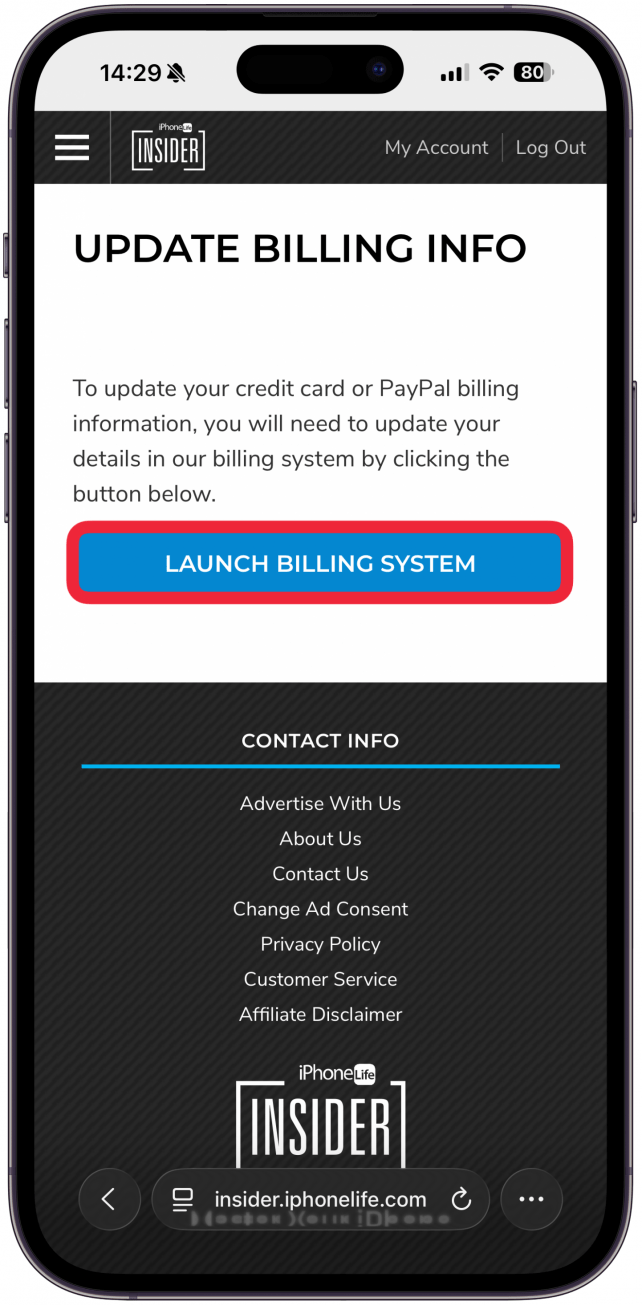
- Tap Launch Billing System to be taken to a secure page.
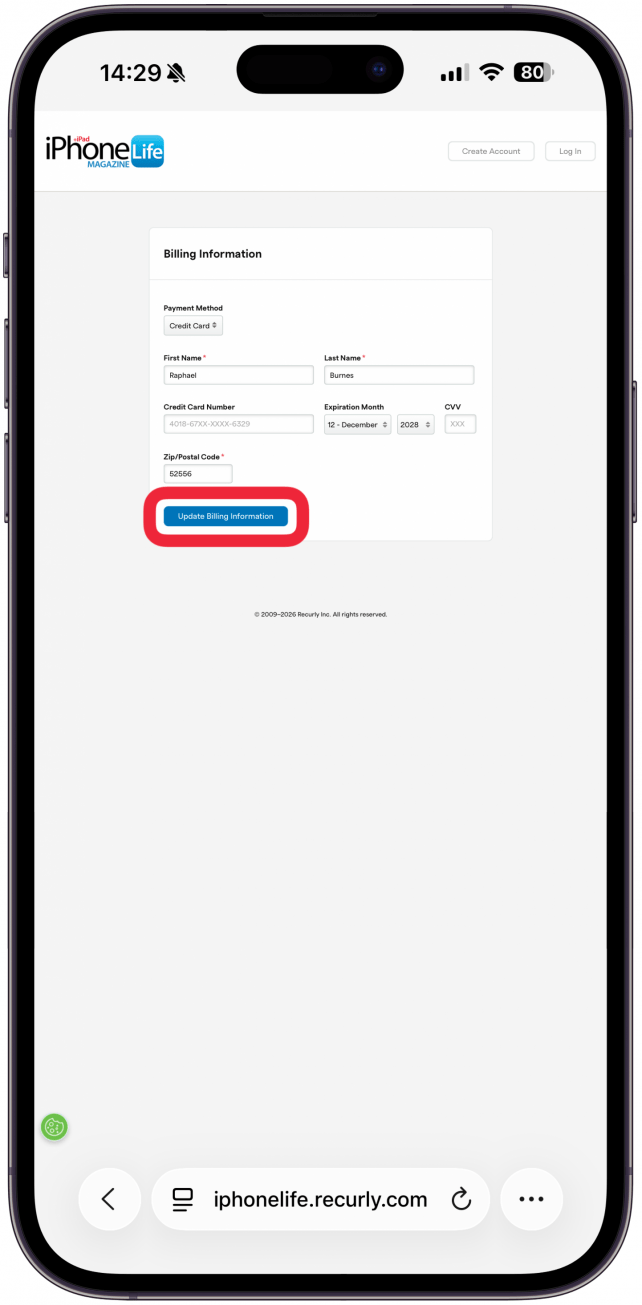
- Enter your updated credit card information and double check that it is correct.
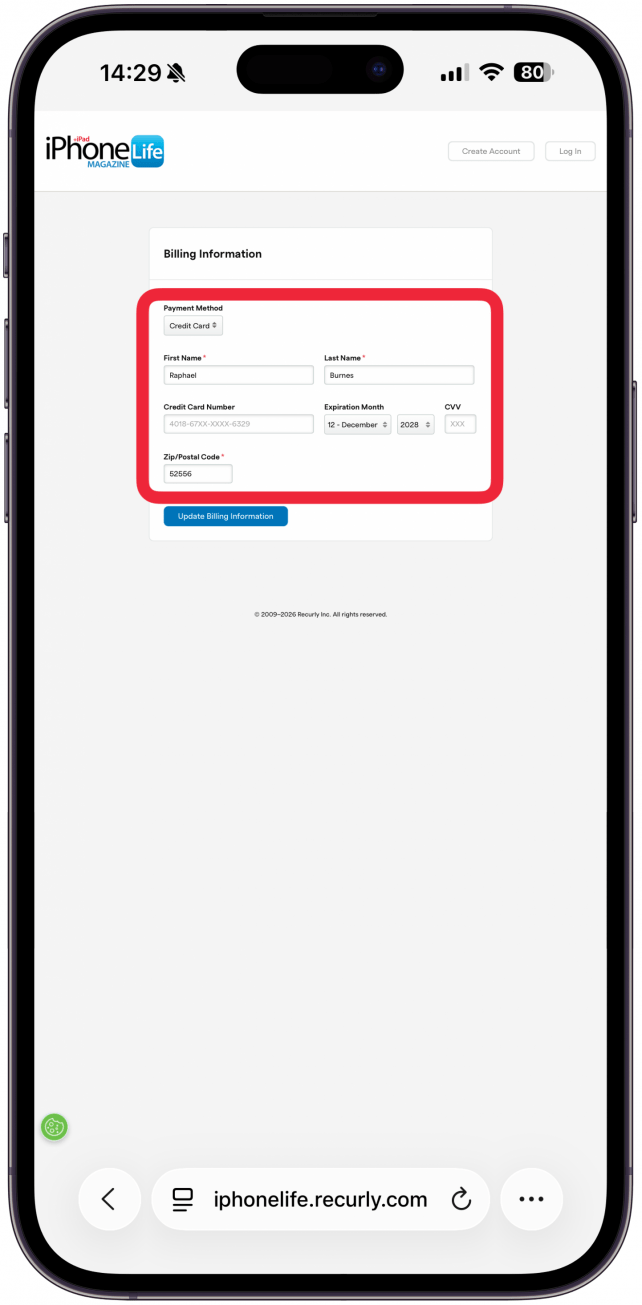
- Tap or click Update Billing Information to save your changes.
How to Cancel Your Subscription
- From the Manage Subscription page, tap Cancel Subscription.
- Tap Cancel at Renewal.
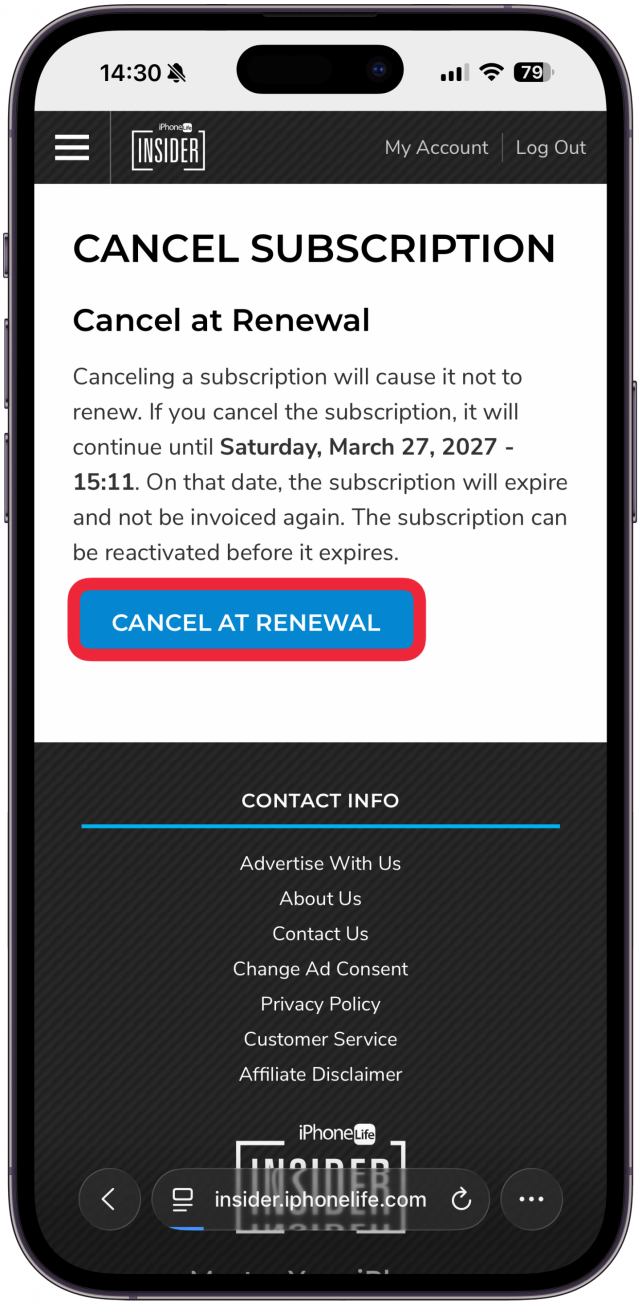
- Your subscription will continue until the expiration date and will not renew.
- You can reactivate your subscription anytime before it expires.
If you need more help logging in or managing your password, email help@iphonelife.com.