How to Log in to Your Insider Account
How to Log In to Your Insider Account & Manage Your Password
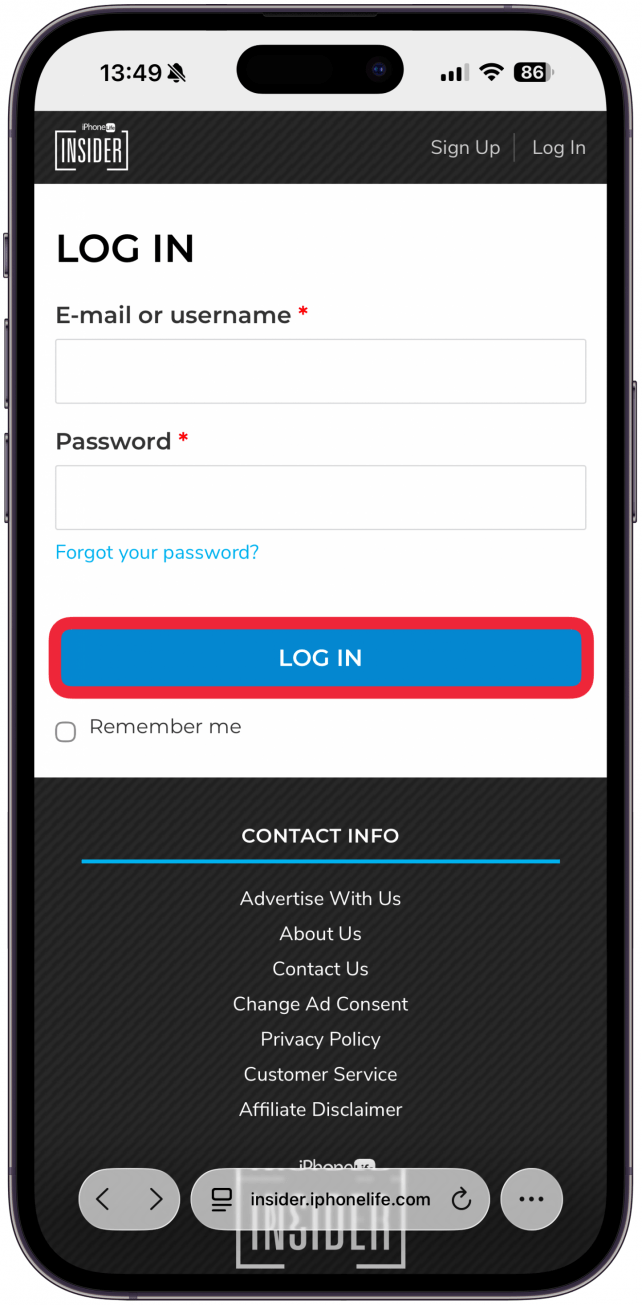
- Open a web browser and go to https://insider.iphonelife.com.
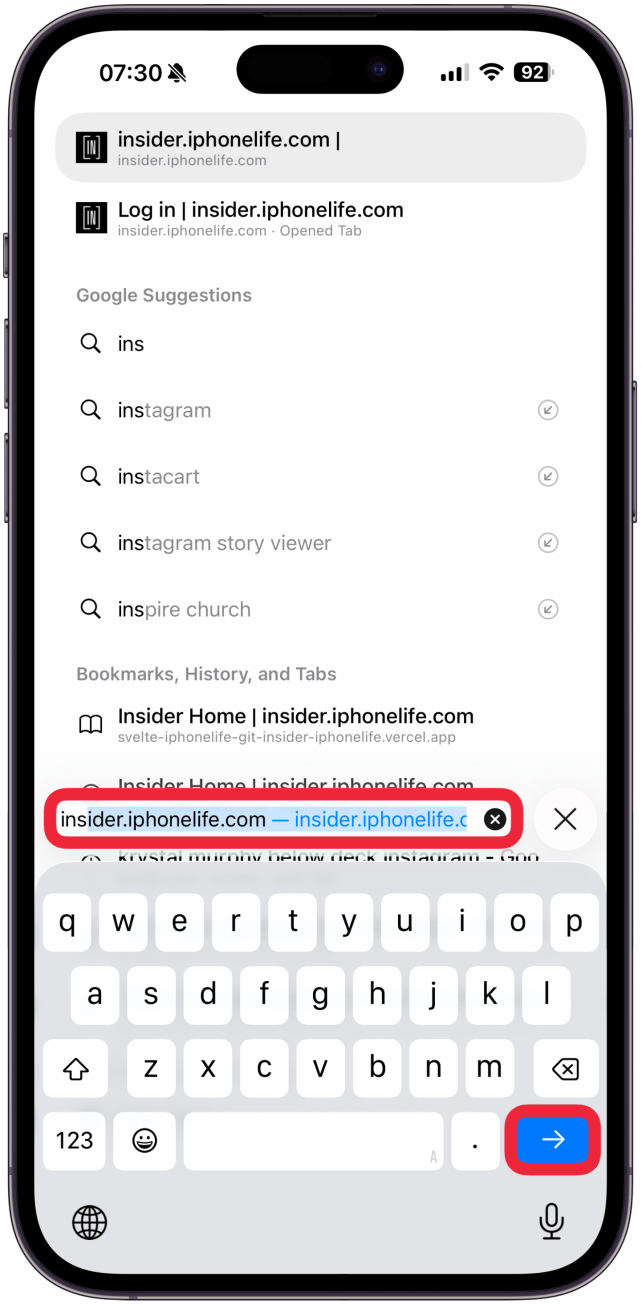
- Enter your username or the email address associated with your account.
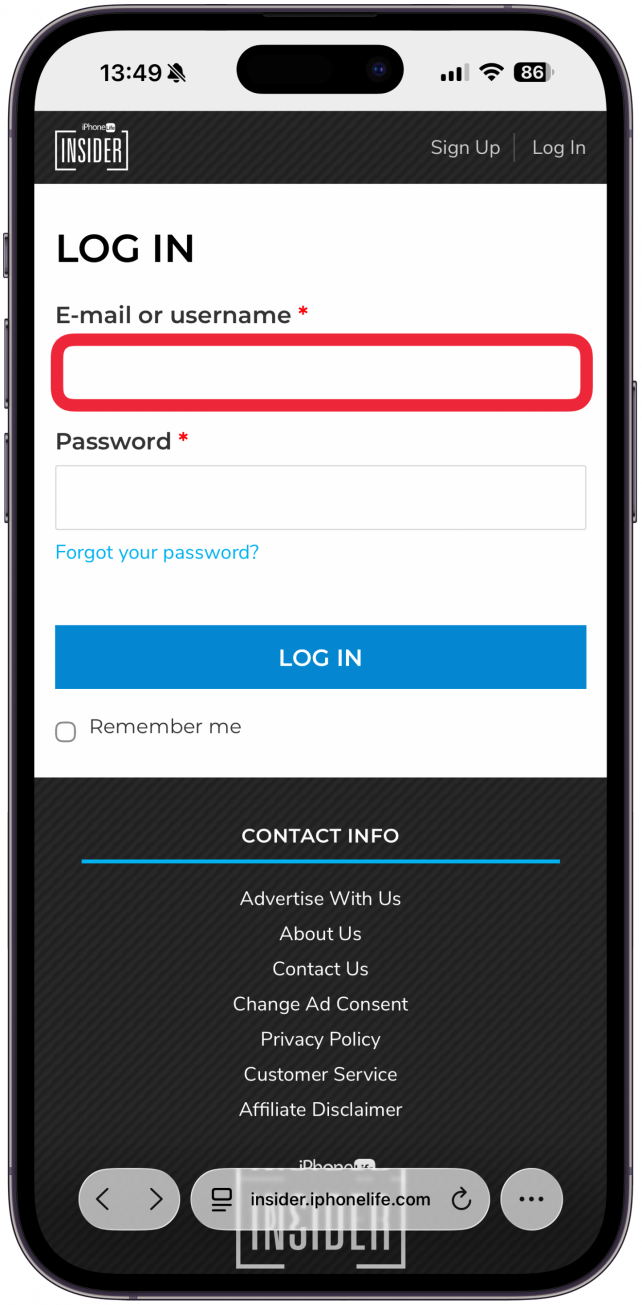
- Enter your password.
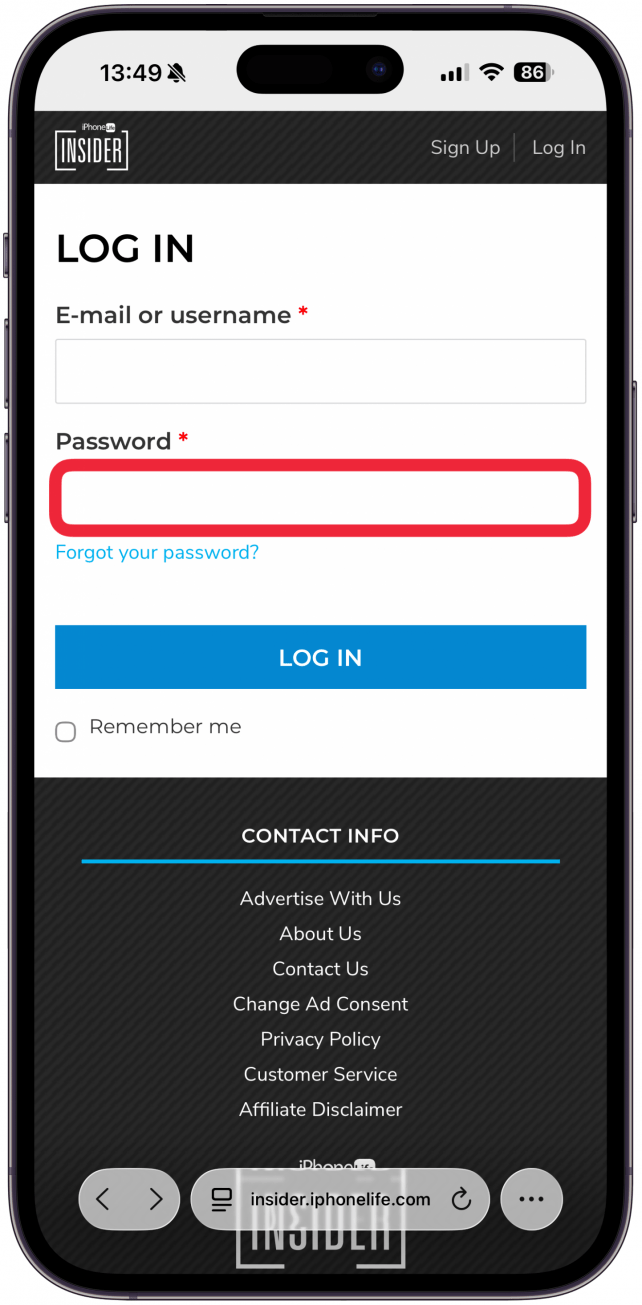
- Tap or click Remember me.
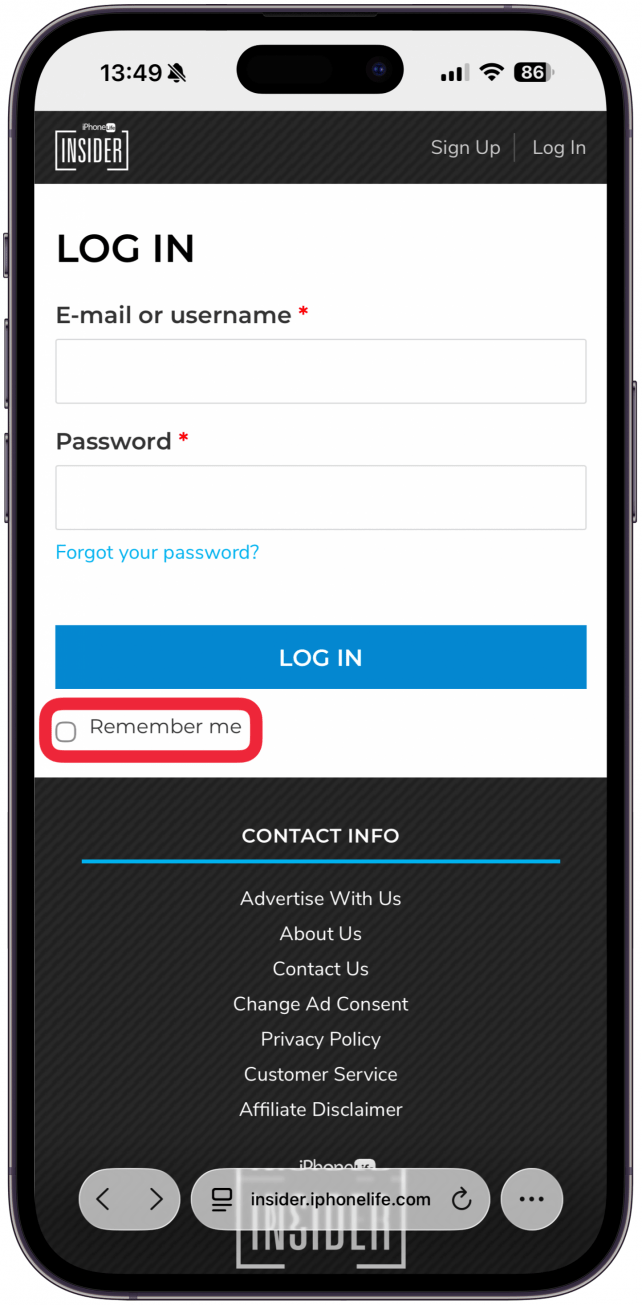
- Tap of click Log In.
How to Reset Your Password (If You Already Know Your Current Password)
- Log in to your Insider account.
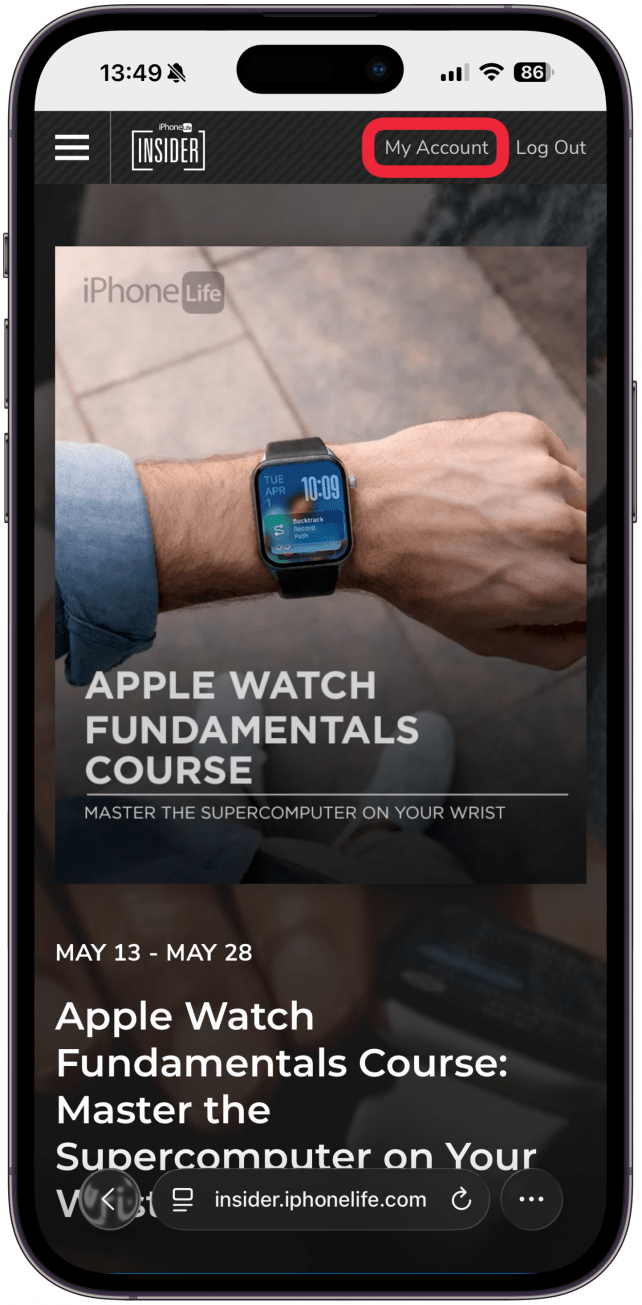
- Click or tap My Account in the upper-right corner.
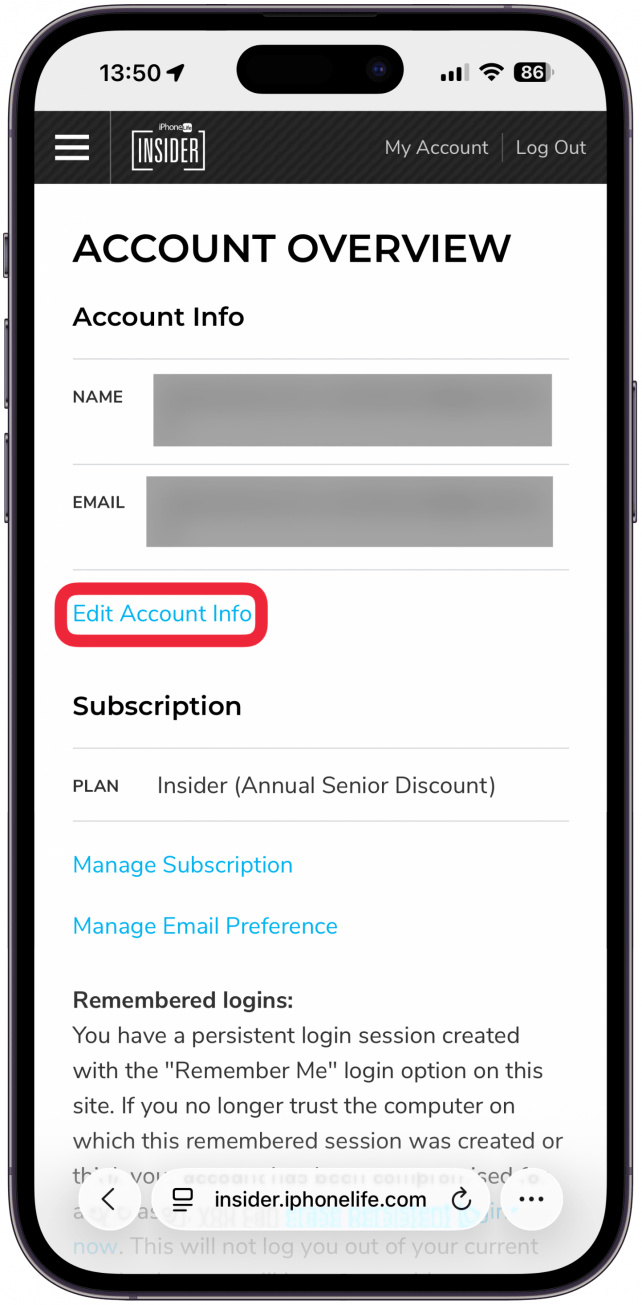
- This will take you to the Account Overview Page. From the Account Overview page, tap or click Edit Account info.
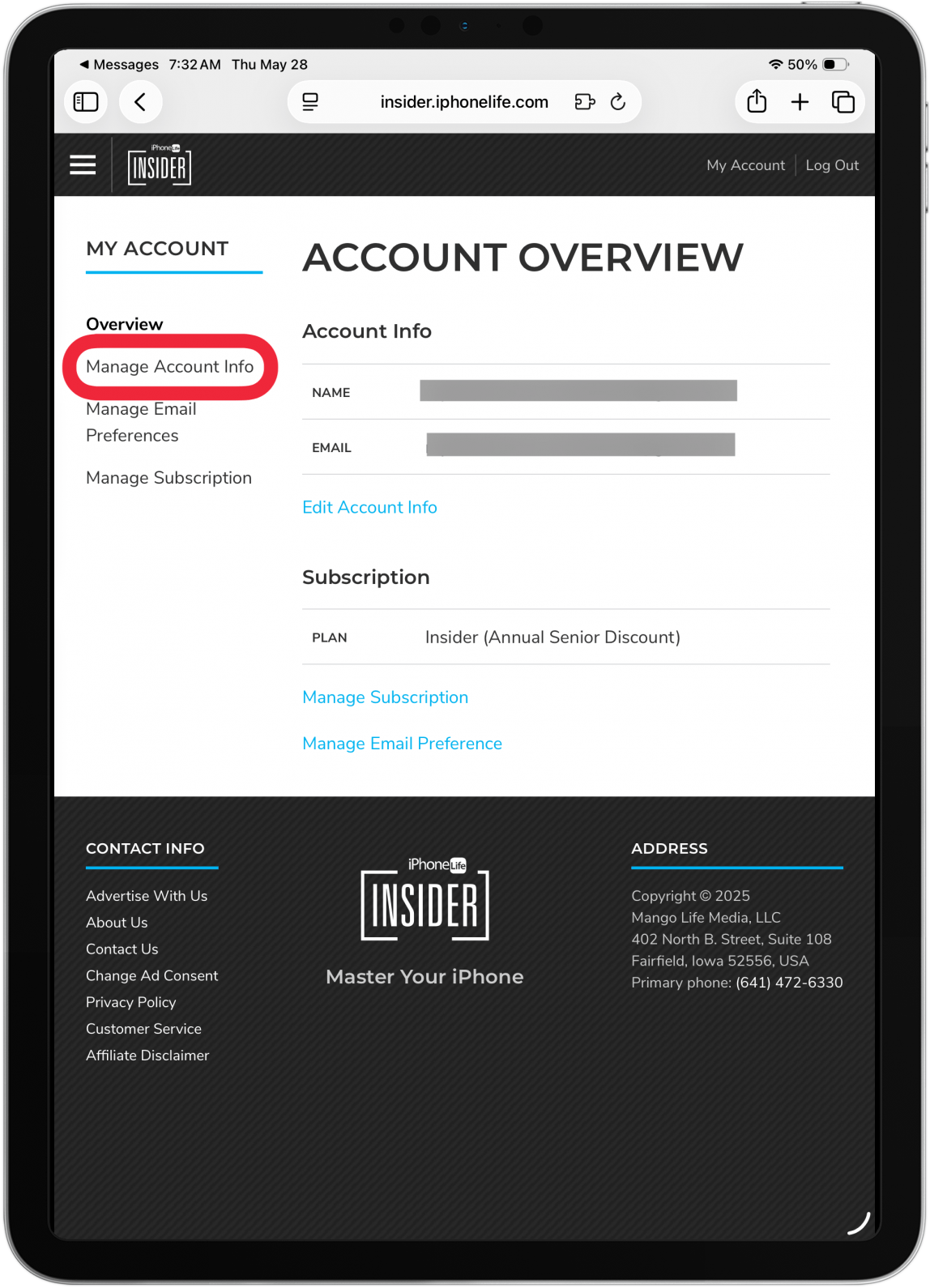
- On an iPad or Mac you can also click Manage Account Info.
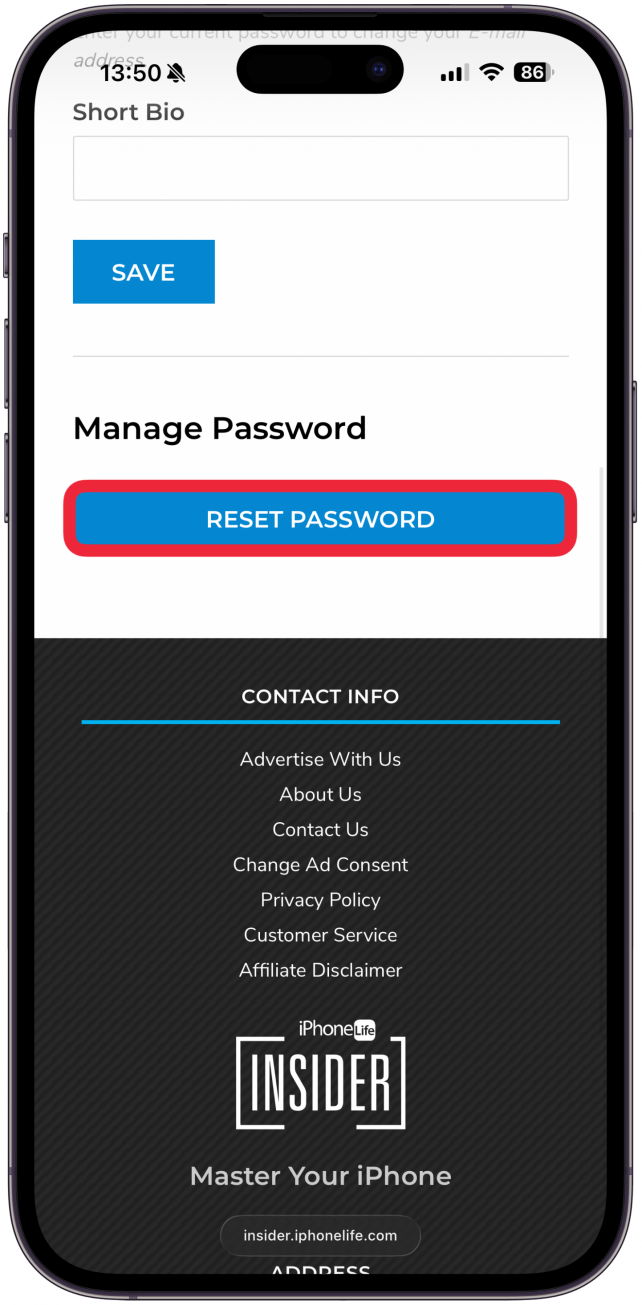
- Scroll down and tap or click Reset Password.
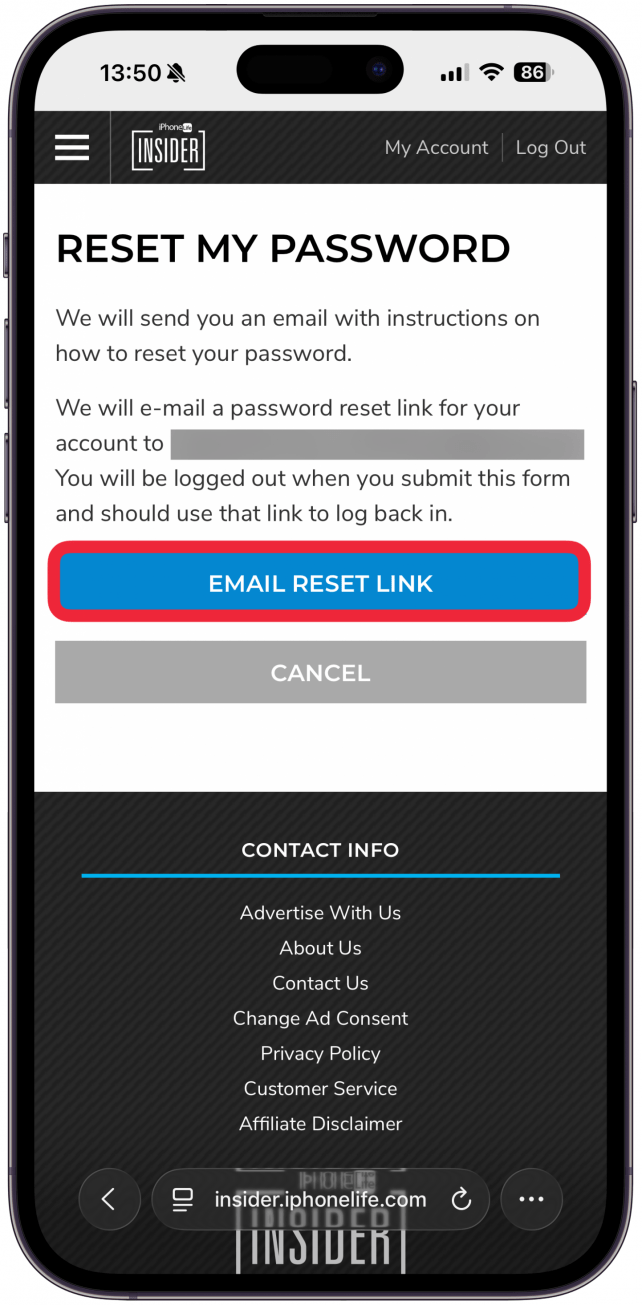
- Tap or click Email Reset Link.
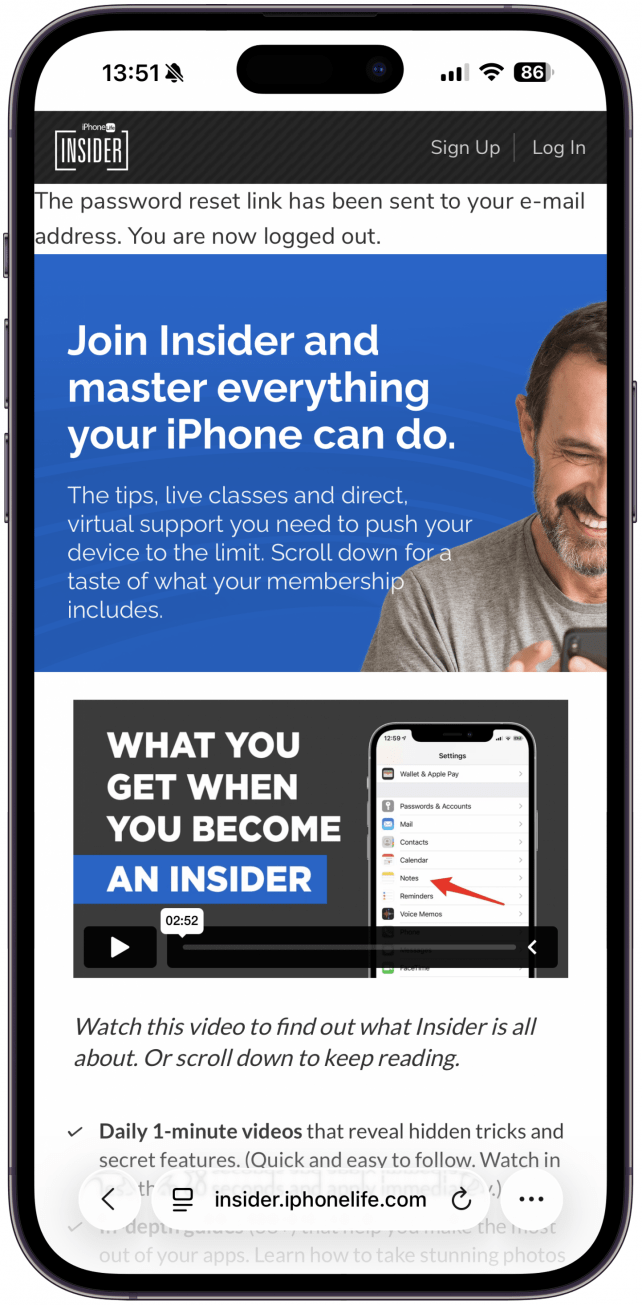
- You will be logged out of your Insider account.
- Go to your inbox and open the password reset email from iPhone Life Insider.
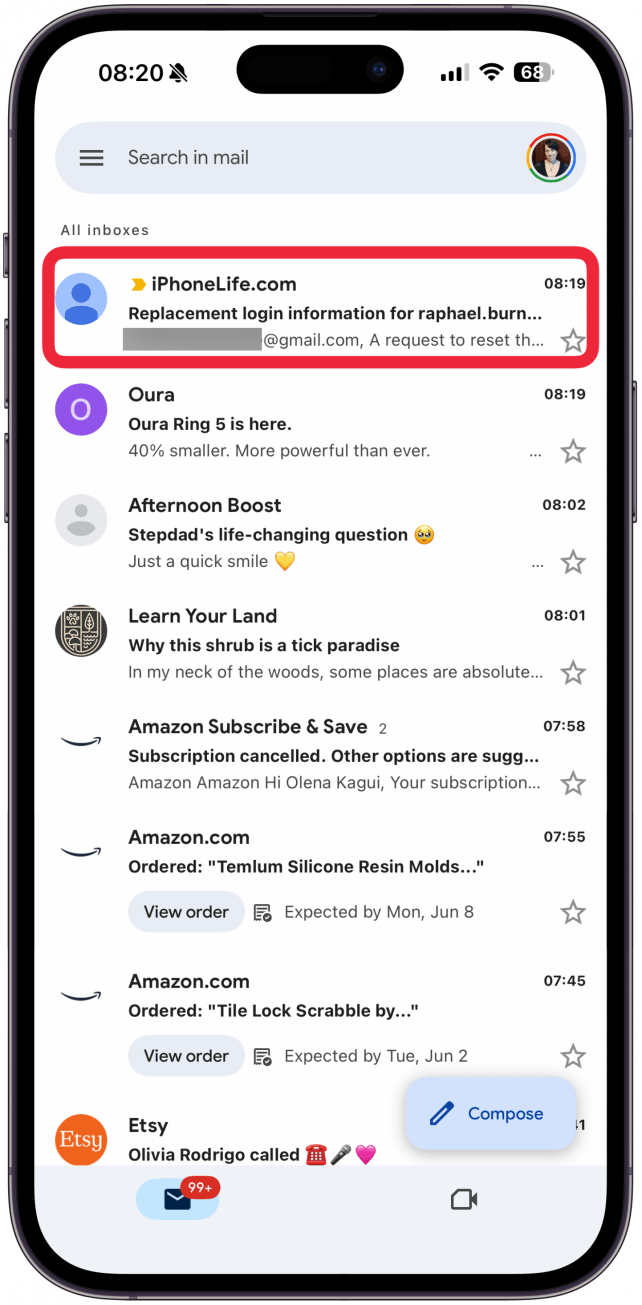
- Tap or click the password reset link.
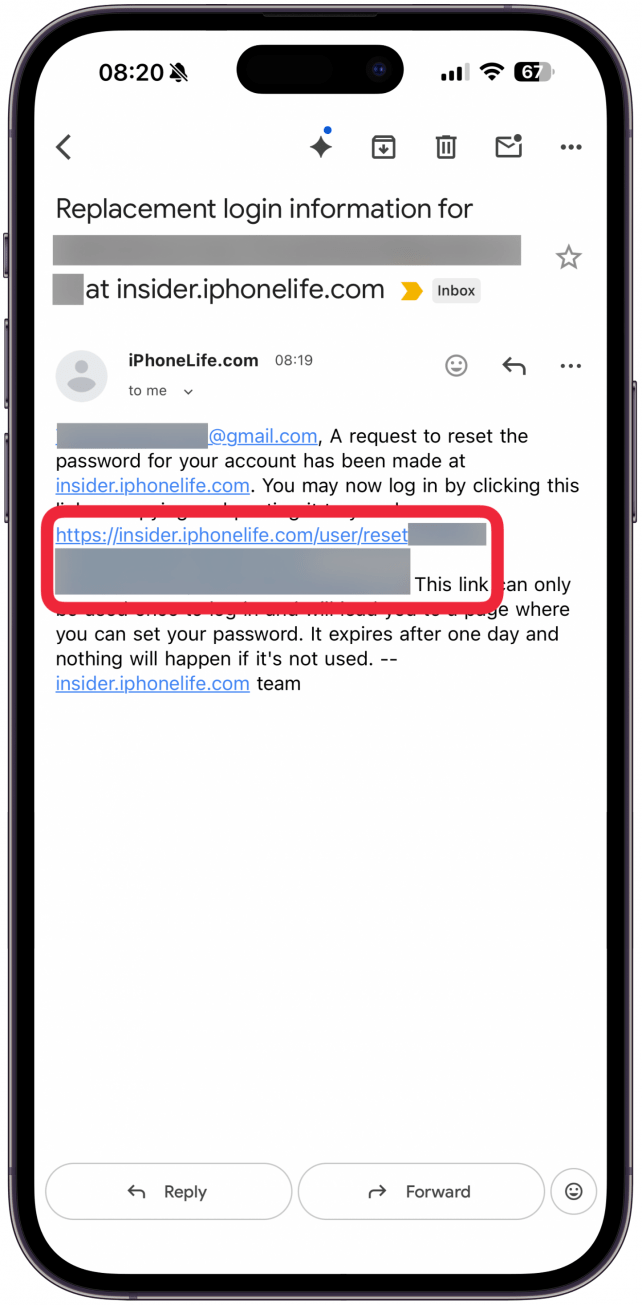
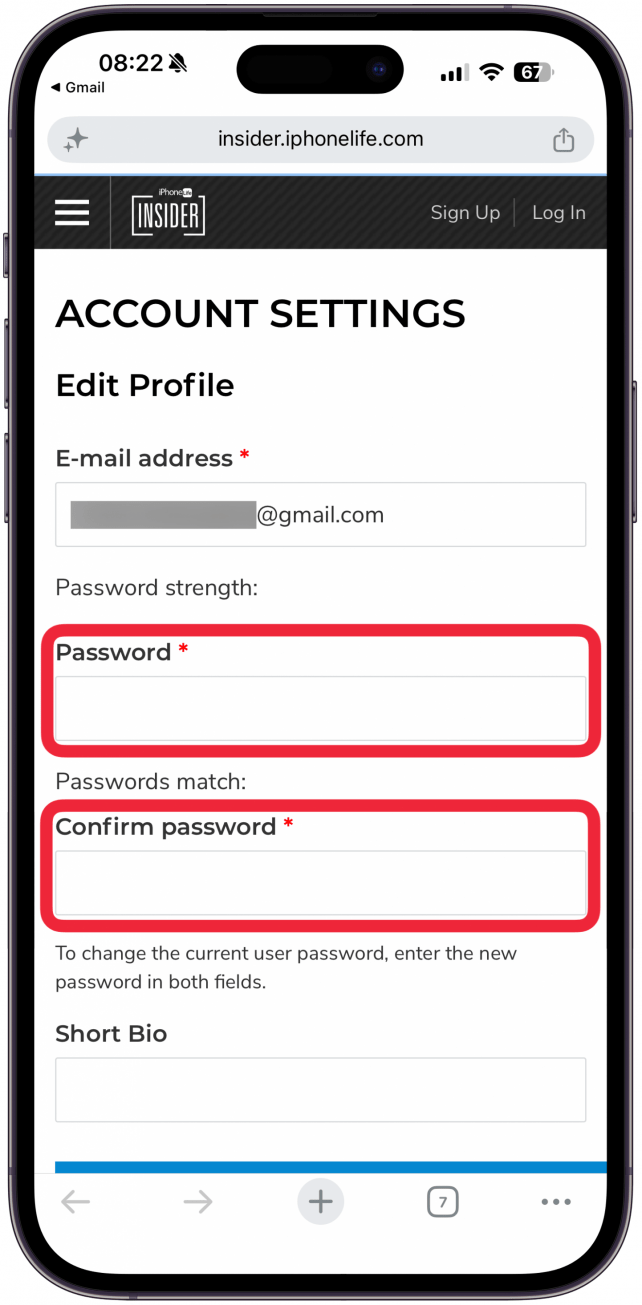
- Enter your new password, then enter it againt to confirm it.
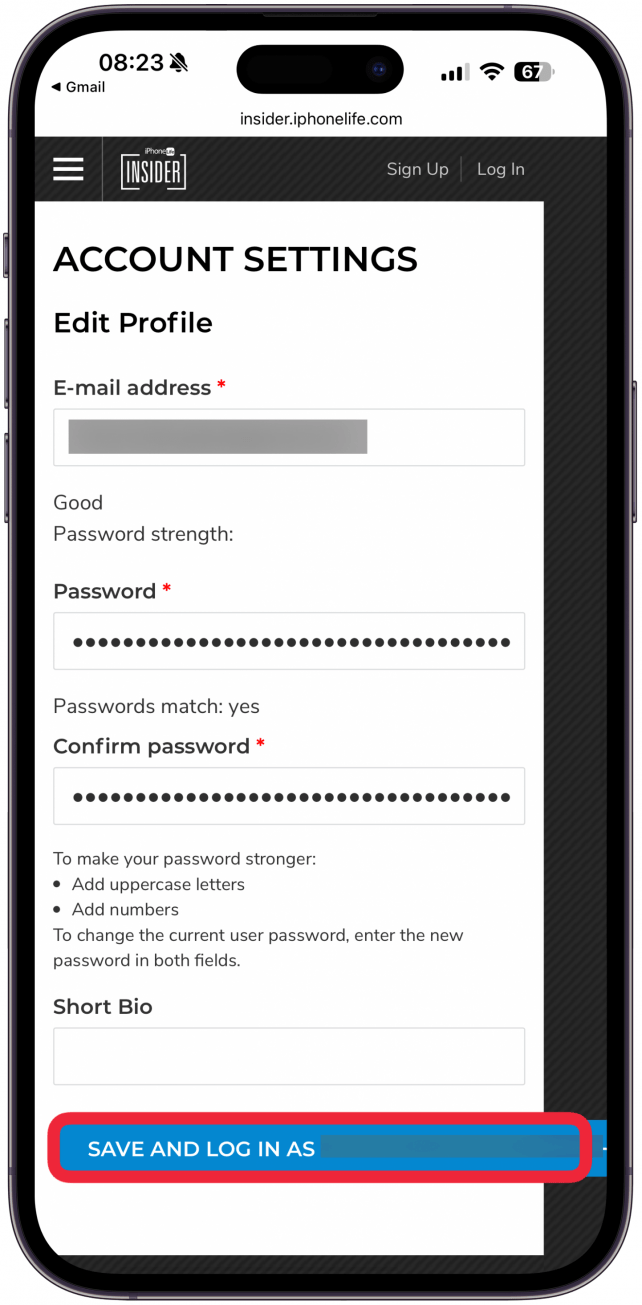
- Tap SAVE AND LOG IN A (Your Username).
- Go to https://insider.iphonelife.com/user/login and log in with your new password.
What to Do If You Forget Your Insider Account Password
- Open a web browser and go to https://insider.iphonelife.com/user/login.
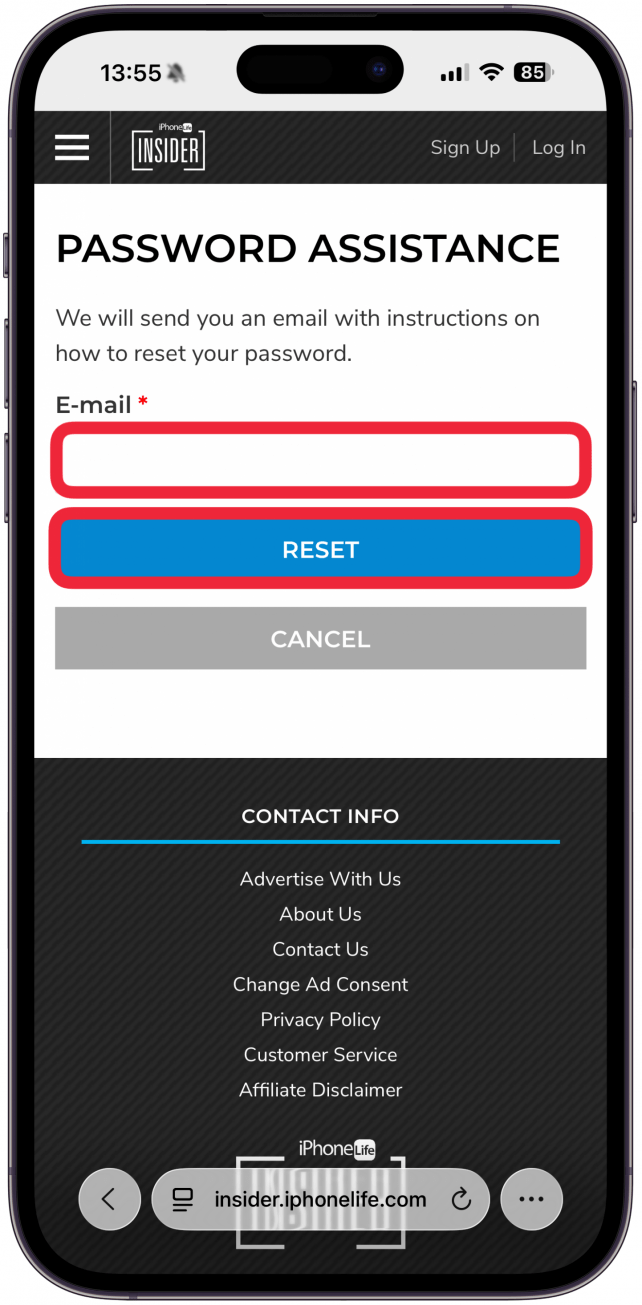
- Tap or click Forgot your password?.
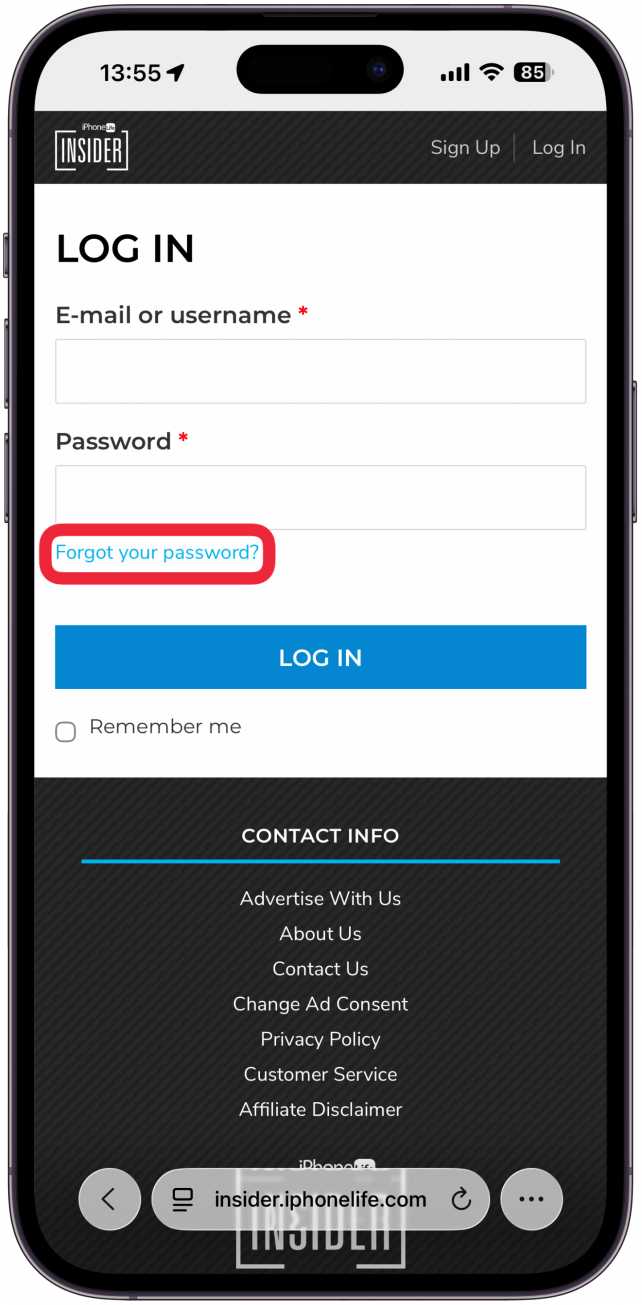
- Enter your email and tap or click Reset.
- Go to your inbox and open the email from webmaster@iphonelife.com.
- Tap or click the password reset link.
- Enter your new password, then enter it againt to confirm it.
- Tap SAVE AND LOG IN A (Your Username).
- Go to https://insider.iphonelife.com/user/login and log in with your new password.
If you need more help logging in or managing your password, email help@iphonelife.com.