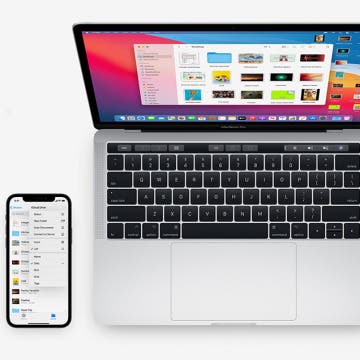
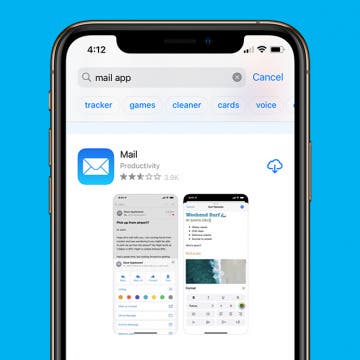
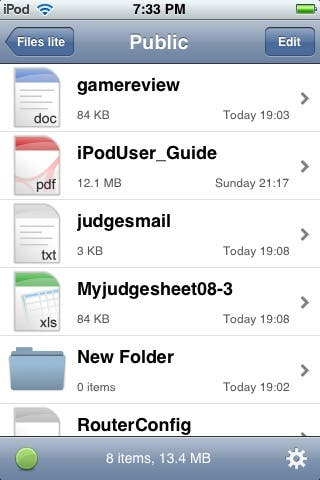
 If you want to transfer files from machine to machine on your network (without using a USB drive), there is a very simple application available in the iTunes App store called "Files lite". Look under the Productivity category to find it. It is an ingenious and free (if somewhat limited) way to turn your iPhone or Touch into a network attached storage device, as well as expand the ability to share files.
"Files" is essentially a stripped-down web server that includes the HTTP extensions for WebDAV (Web-based Distributed Authoring and Versioning). WebDAV allows users to log into and remotely manage files on web servers. Microsoft first supported WebDAV clients in Windows 98 with a feature called web folders. Basically, a client could connect to a WebDAV collection as an extension of Windows Explorer. Later versions allow you to mount web folders much like a network drive, and used a redirector to more closely work at the file system level. To connect requires you to enter the URL of the collection in Windows Explorer like thus:
http://host/folder

Some issues with the later MS version of WebDAV client might require you to use the following variations:
- Explicitly specify a port number in the URL e.g. http://host:80/path/
- Use a fully qualified domain name: NET USE Z: http://drive.example.org/drive
- Specify the user in the URL http://user@host.tld/path/.
In the case of Files with Windows Vista, I have found the most reliable way is to simply enter the address and port number as thus in Windows Explorer address bar:
\\IP Address:port
Navigating from Windows Explorer...
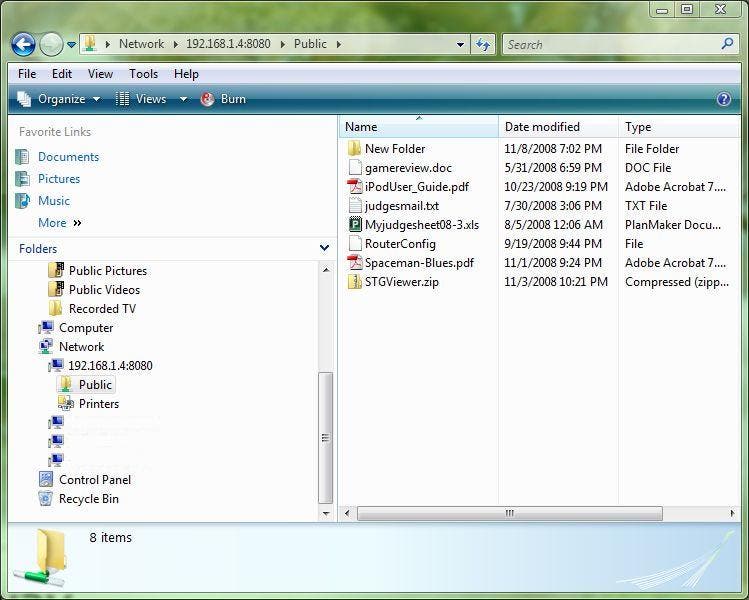
After connecting to the top level, you can then navigate into the Public folder (where you can add files, etc.). I did have some issues getting it to connect, so you may have to do some tinkering. As pointed out before, the Windows client has always been somewhat buggy. I have not tested other clients, like Samba in Linux, but any client that supports WebDAV should be able to connect.
Running Files on your iPhone/Touch...
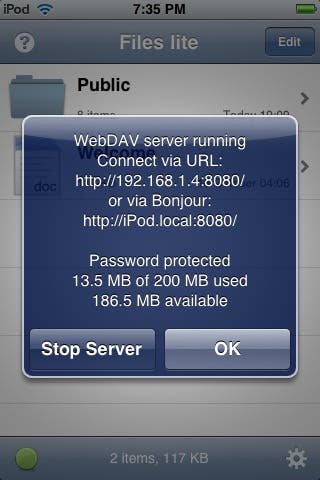
After installing Files to your iPod Touch or iPhone, run the app, and turn on the file server (little green button in lower left corner). Then as described above, on your Windows computer, navigate to the correct path in Explorer. You can also use a Web Browser, but you will only be able to view or download files. Using the explorer file browser in Windows will allow you to copy and paste files to your iPod/iPhone much like any network attached drive/folder. You can also create new folders, etc.
Files Settings...
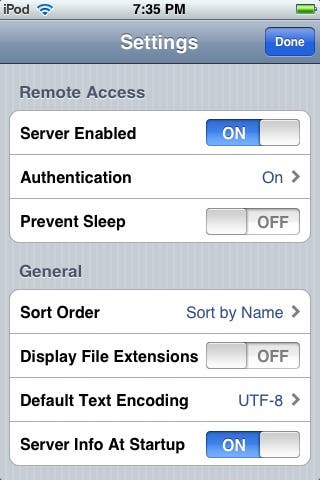
A non-secured web server is perhaps not the best thing to have running on your iPhone/iPod so you probably don't want to run this on a continual basis, but you can at least turn on the option to use authentication. This will make it harder for just anyone to come snooping into your files. Select the lower-right gear icon to access server settings and turn on authentication. You can quickly turn on/off the server by selecting the lower-left button again. When it is running, it will indicate a green status.
Viewing Files...
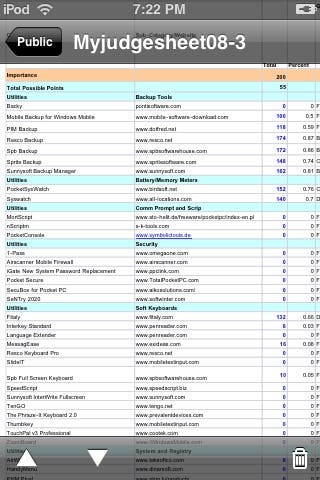
You can also view files of known types (at least known to iPhone or Touch): Word, Excel, Powerpoint, PDFs, images, video and audio files. The lite version has a 200MB limit to the amount of files you can transfer. The full version lifts the limit completely, and allows importing of pictures to your photos application. I would like to see the full version support moving all file types in both directions (i.e. from the OS to Files, and vice versa), but I have a nasty feeling that's the kind of functionality Apple might want to suppress. If you could move files easily to your device without using the app store...well, nevermind. Check out Files lite and maybe buy the full version. I think you'll find it's very handy. I used it to move my iPod PDF user manual onto my iPod, since it doesn't have any decent on-board help.